
- Thread starter
- Banned
- #1
But hey, at least I’ll get stupid knight rider crap next month right?

Sponsored
I will survive. I have a Tesla I can hop in lol

This may explain a few things, I'll ask at my next session. I did think 4Chan was an odd name for a therapists office now you come to mention it.Internet ≠ your therapist.
@portdirect Guess you’ve never driven a Tesla. It’s continuously placing semis (erm, lorries), bikes, people, and more in random places. Not sure about the dance moves though.That's nothing, the other day I was parked at home and Rivian software caused a lorry to appear and twerk my R1T. We are both in counseling now, but I think we'll get through it.
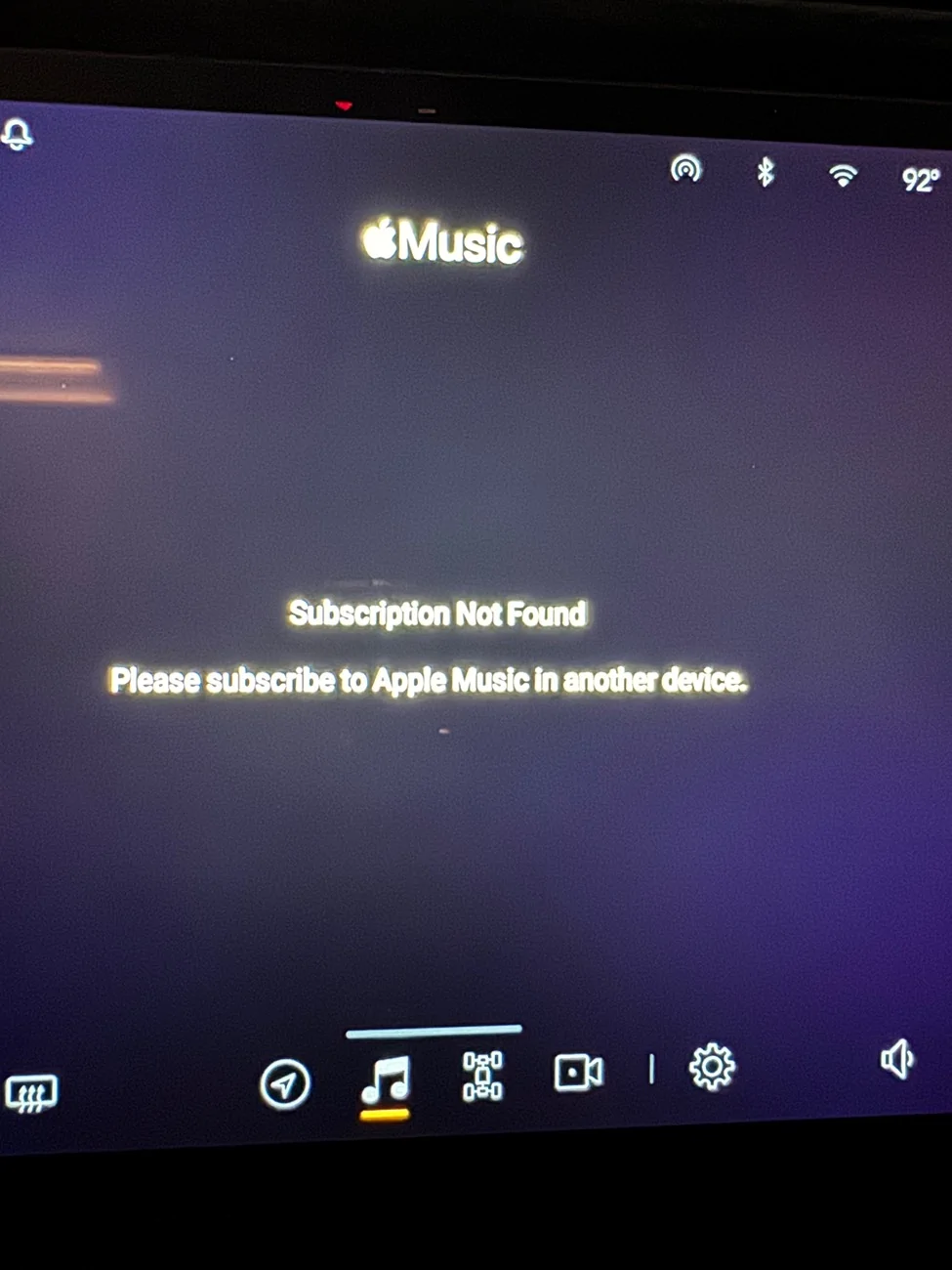
I just found an old post with this same workaround. Thank you sir. It indeed did work!Just to help help out the OP: I did find a fix for your specific problem.
No guarantees, but it worked for me. Best of luck.
- Log out of Apple Music (if you aren't already out)
- Try to log back in, but DO NOT scan the QR code. Instead tap the blue "Log in as another user" message just above the QR code.
- Log in as your original account (NOT "another user")


My driver display does something similar from time to time but it’s 4-5 human figures, stumbling around and quickly reversing directions, all converging on my garage like a zombie apocalypse. Will have to snap a pic next time.That's nothing, the other day I was parked at home and Rivian software caused a lorry to appear and twerk my R1T. We are both in counseling now, but I think we'll get through it.
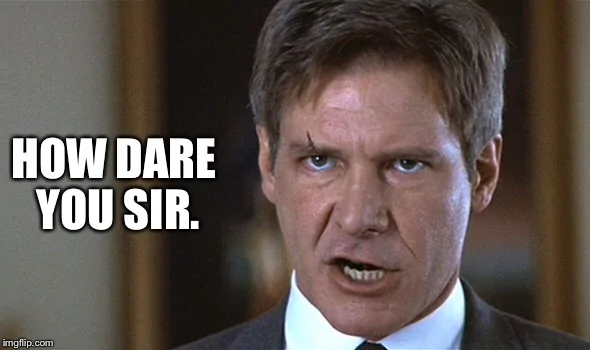
I have - they both suffer the same hallucinatory quirks to be sure. But back to the spirit of this thread - how dare you imply that all software (regardless of deity like CEO) has issues. How very dare you.@portdirect Guess you’ve never driven a Tesla. It’s continuously placing semis (erm, lorries), bikes, people, and more in random places. Not sure about the dance moves though.
That's what Rivian Support had me do and it worked.Just to help help out the OP: I did find a fix for your specific problem.
No guarantees, but it worked for me. Best of luck.
- Log out of Apple Music (if you aren't already out)
- Try to log back in, but DO NOT scan the QR code. Instead tap the blue "Log in as another user" message just above the QR code.
- Log in as your original account (NOT "another user")


