

waitingonanr1s
Well-Known Member
- Thread starter
- #1
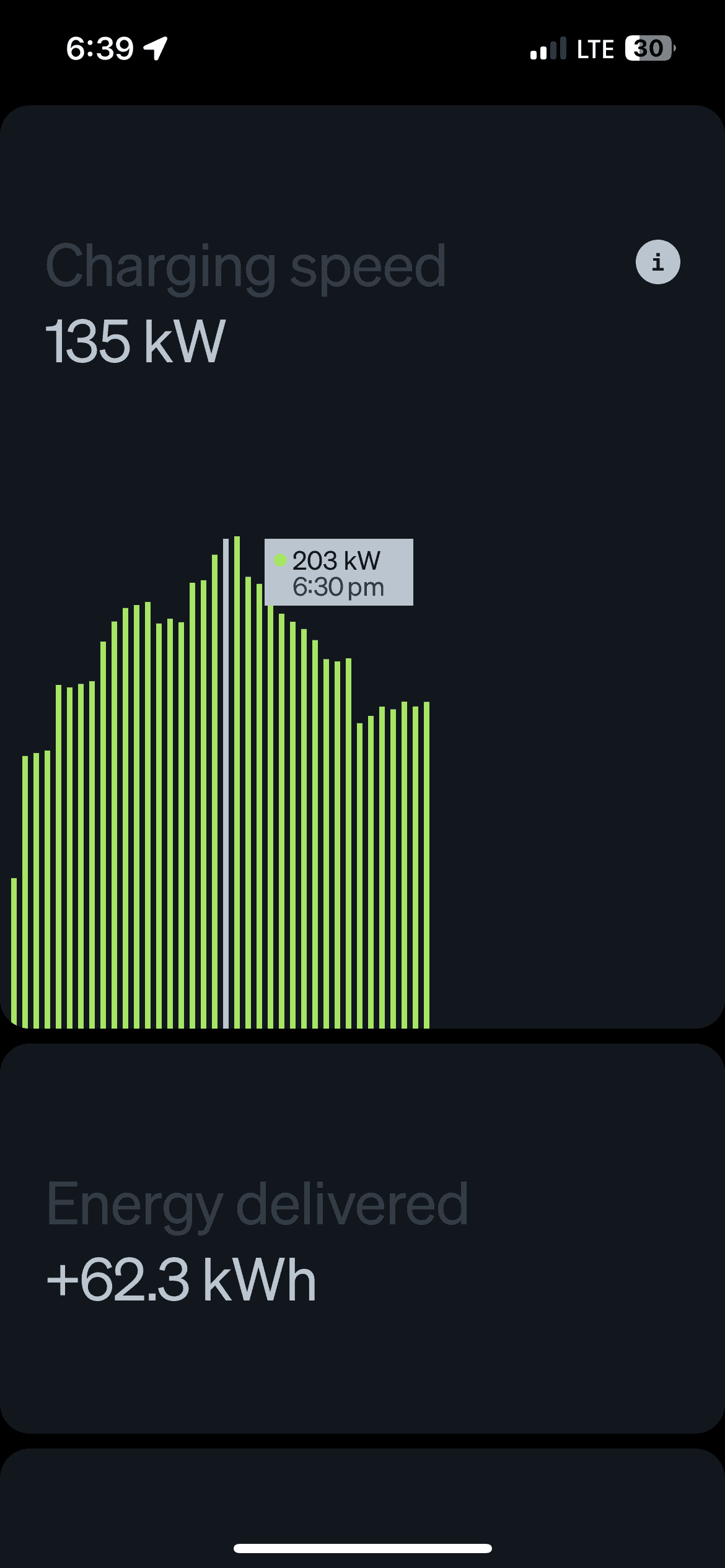
I’ve always liked the bar graph in the app that shows the charging speed over the session but found it frustrating you could only see the current speed.
Maybe others already knew, but today I learned if you press and hold you can see the speed and timestamp for each bar. It made my day!

Maybe others already knew, but today I learned if you press and hold you can see the speed and timestamp for each bar. It made my day!
Sponsored


