kozak79
Well-Known Member
- Joined
- Nov 11, 2022
- Threads
- 84
- Messages
- 751
- Reaction score
- 1,385
- Location
- New Jersey
- Website
- www.youtube.com
- Vehicles
- R1T
- Occupation
- Visual Effects
- Thread starter
- #1
To get external storage to work in your Rivian, you need a FAT32 formatted drive. I recommend SD cards specifically designed for dashcams, they are designed for constant re-writes and can operate at high temperatures. Use small external drives with caution, they contain NVME SSDs, which operate at high temperatures and can easily get to 150F when writing. Not a good combination when locked in a hot car.
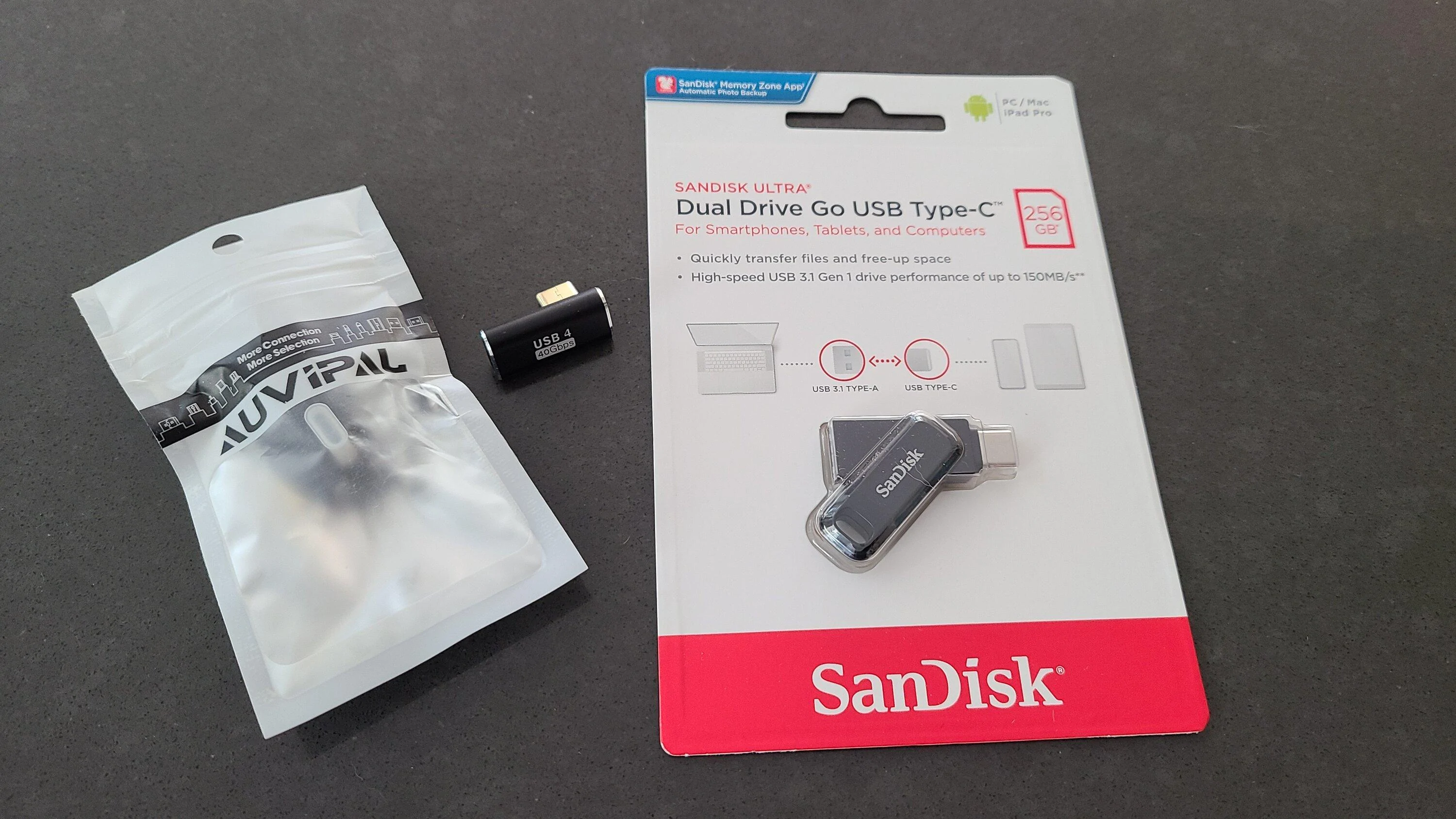
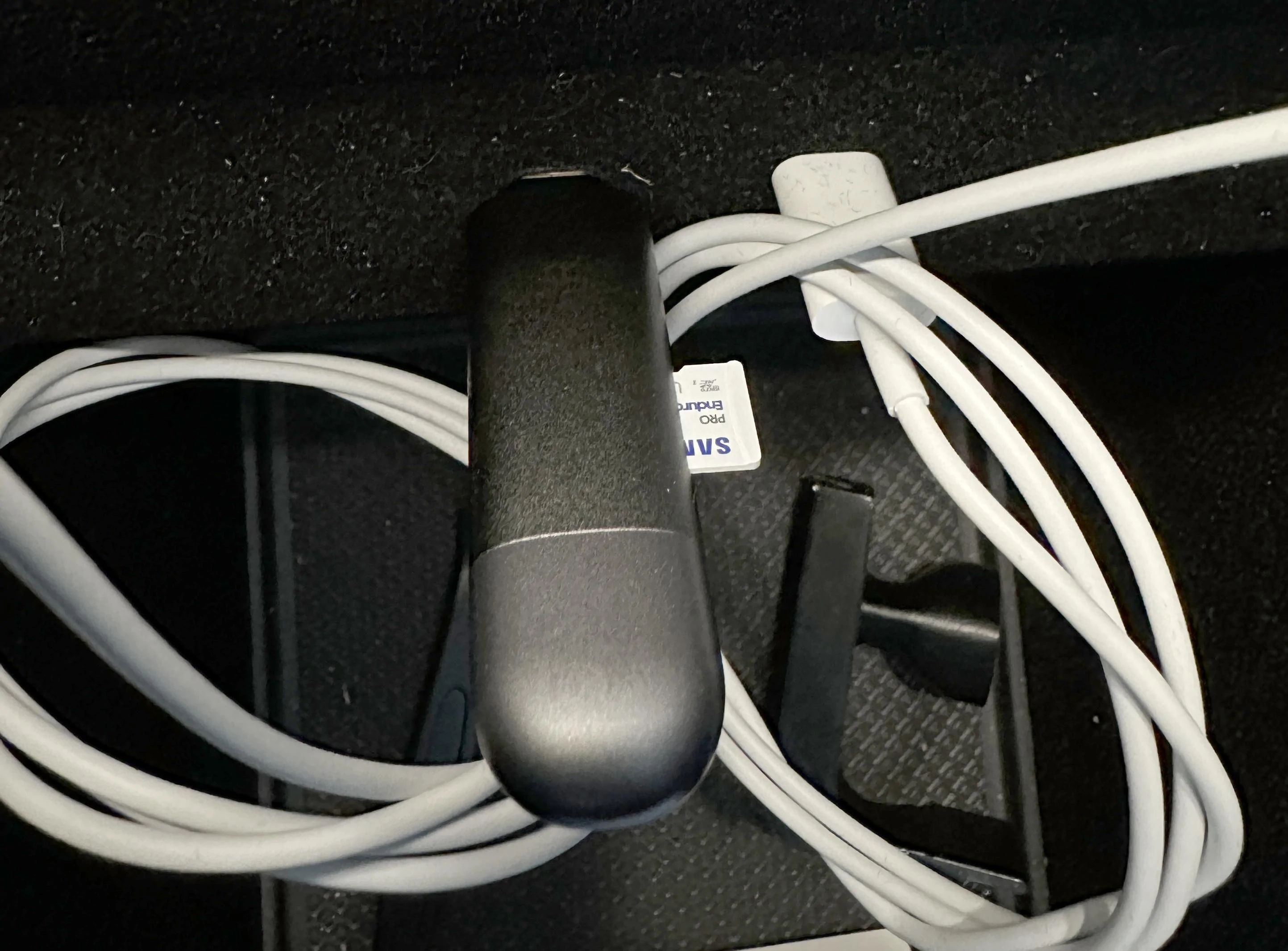
This is what I went with:

https://www.amazon.com/gp/product/B09WB3D5GQ/ref=ppx_od_dt_b_asin_title_s00?ie=UTF8&th=1
https://www.amazon.com/gp/product/B08VDWFSSX/ref=ppx_od_dt_b_asin_title_s00?ie=UTF8&psc=1
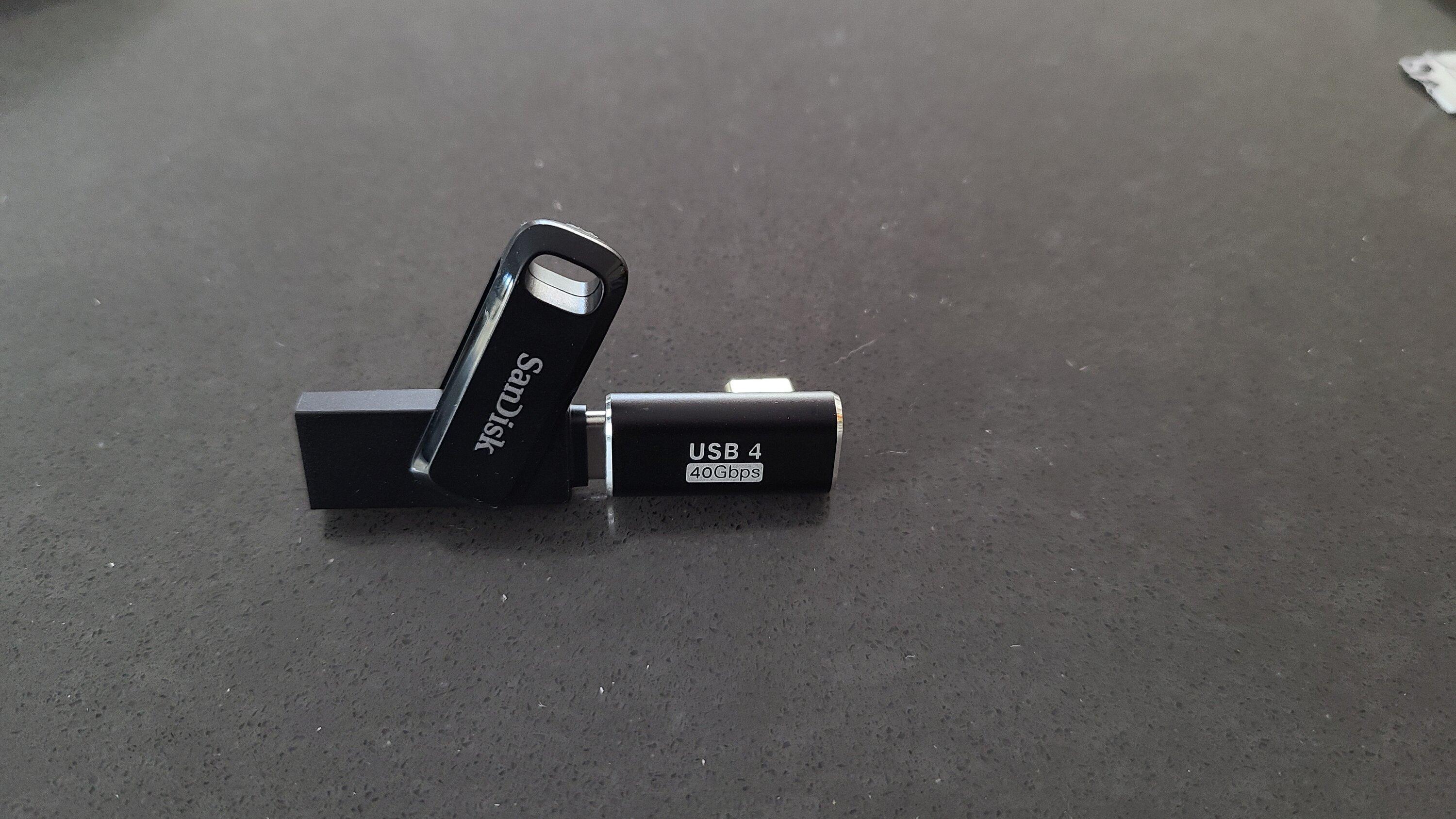
I went with this reader since it can be used with USB-C (in the R1) and USB 3 on your computer.
The SD card came formatted to exFat, which is not supported in the vehicle. You can download EaseUS free formatting app here (Don't sign up for the email list, the download will start without it). Select the drive you want to format and make sure to format it to FAT32.
https://www.easeus.com/partition-master/format-usb-flash-drive-in-windows-10.html
After formatting, make an empty folder on the drive named GearGuardvideo
It is case-sensitive!
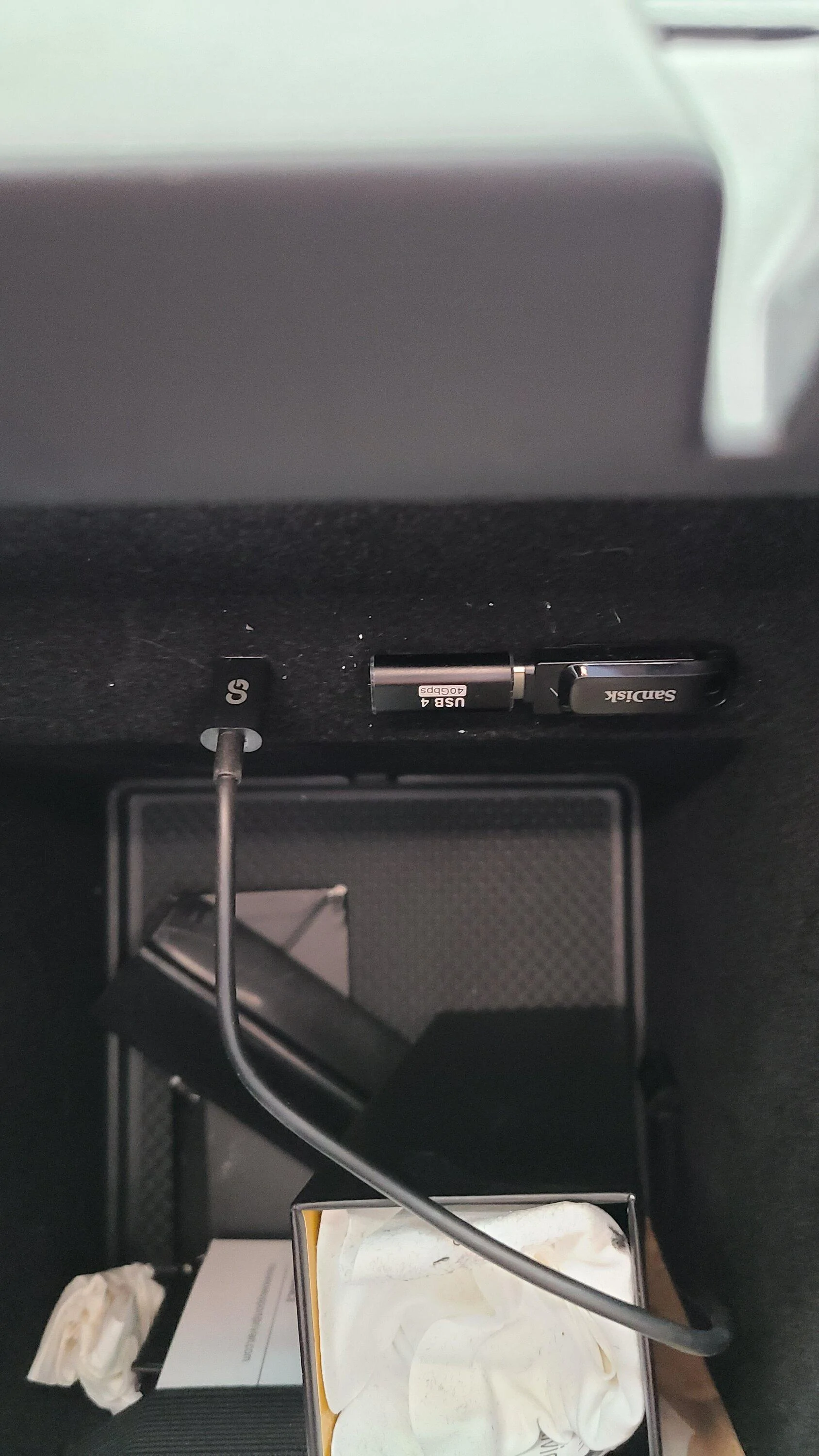
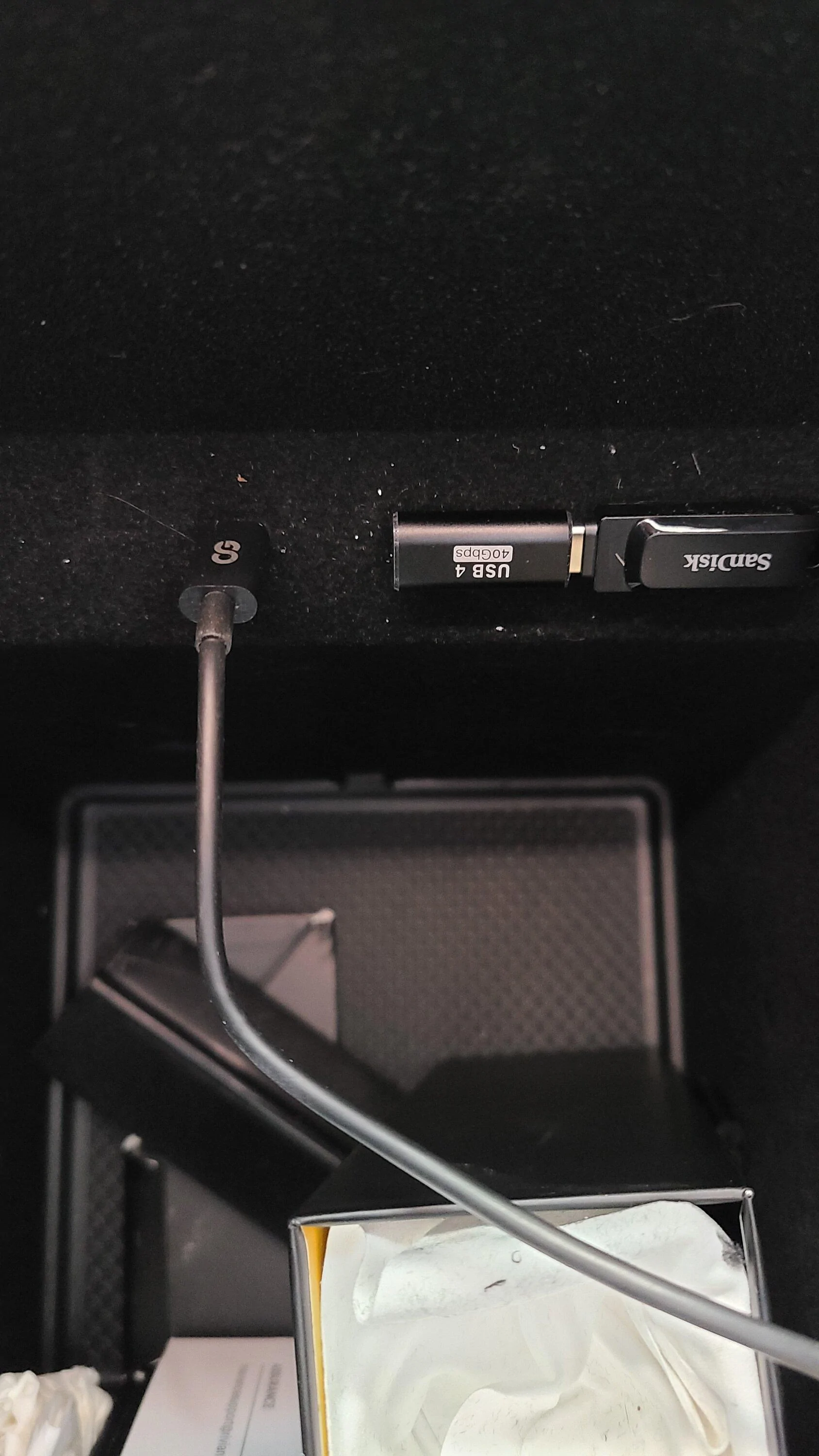
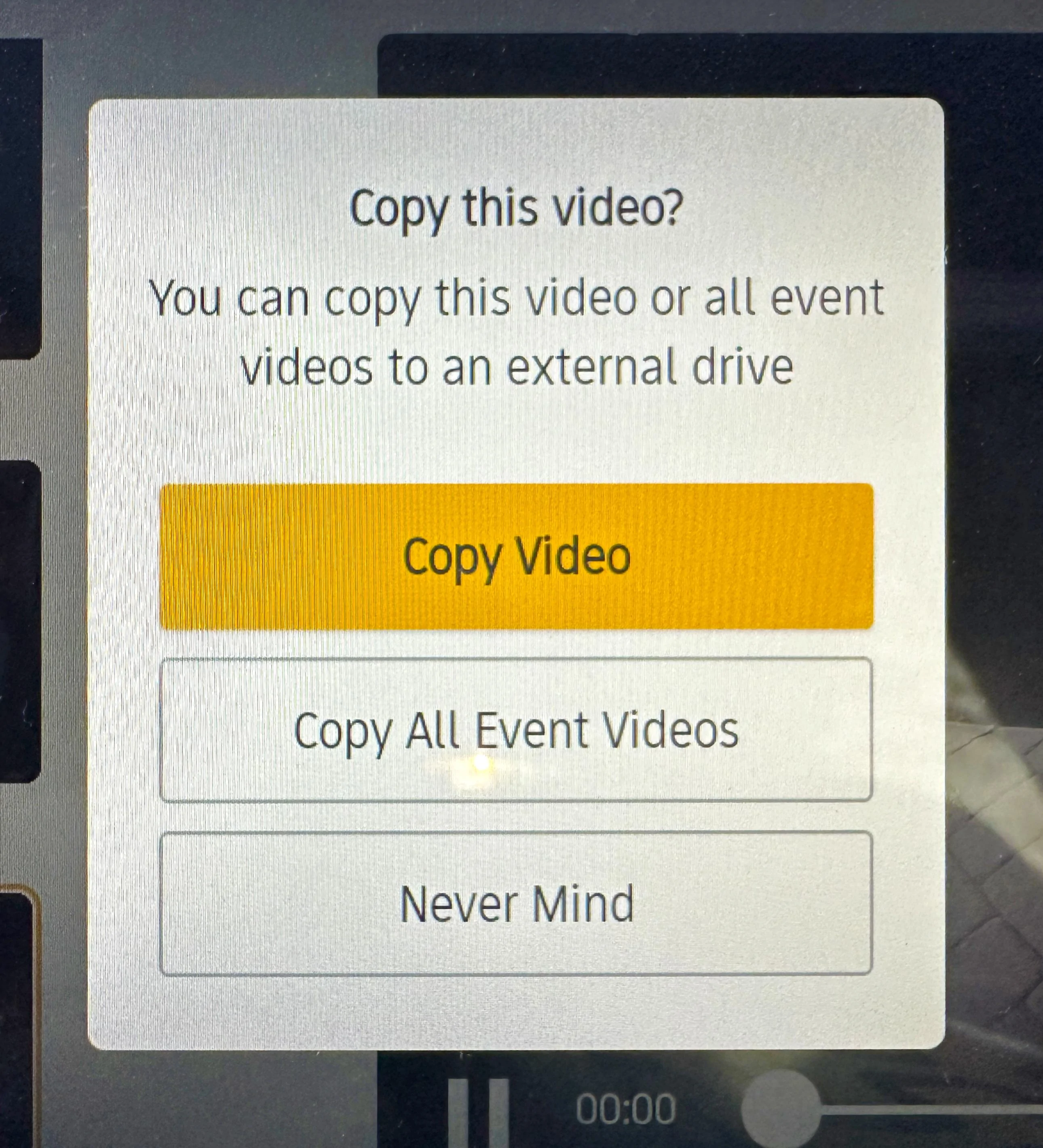
I plugged my drive and adapter into the left USB-C port. To test that it works, open Gear Guard and click the download button on the bottom right of the screen, you will get a prompt to download. You know if the drive is not detected because you will see instructions about plugging a drive in.


This is what I went with:
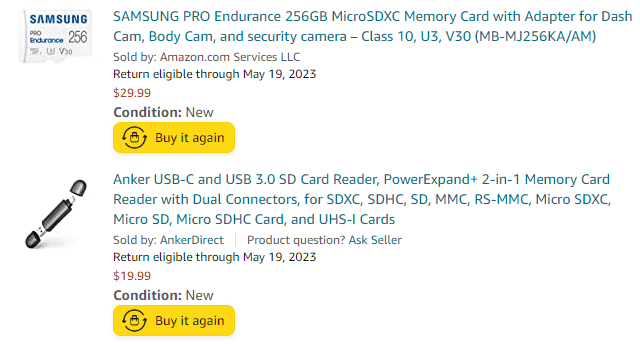
https://www.amazon.com/gp/product/B09WB3D5GQ/ref=ppx_od_dt_b_asin_title_s00?ie=UTF8&th=1
https://www.amazon.com/gp/product/B08VDWFSSX/ref=ppx_od_dt_b_asin_title_s00?ie=UTF8&psc=1
I went with this reader since it can be used with USB-C (in the R1) and USB 3 on your computer.
The SD card came formatted to exFat, which is not supported in the vehicle. You can download EaseUS free formatting app here (Don't sign up for the email list, the download will start without it). Select the drive you want to format and make sure to format it to FAT32.
https://www.easeus.com/partition-master/format-usb-flash-drive-in-windows-10.html
After formatting, make an empty folder on the drive named GearGuardvideo
It is case-sensitive!
I plugged my drive and adapter into the left USB-C port. To test that it works, open Gear Guard and click the download button on the bottom right of the screen, you will get a prompt to download. You know if the drive is not detected because you will see instructions about plugging a drive in.
Sponsored
Last edited: