BTOR
Well-Known Member
- Thread starter
- #1
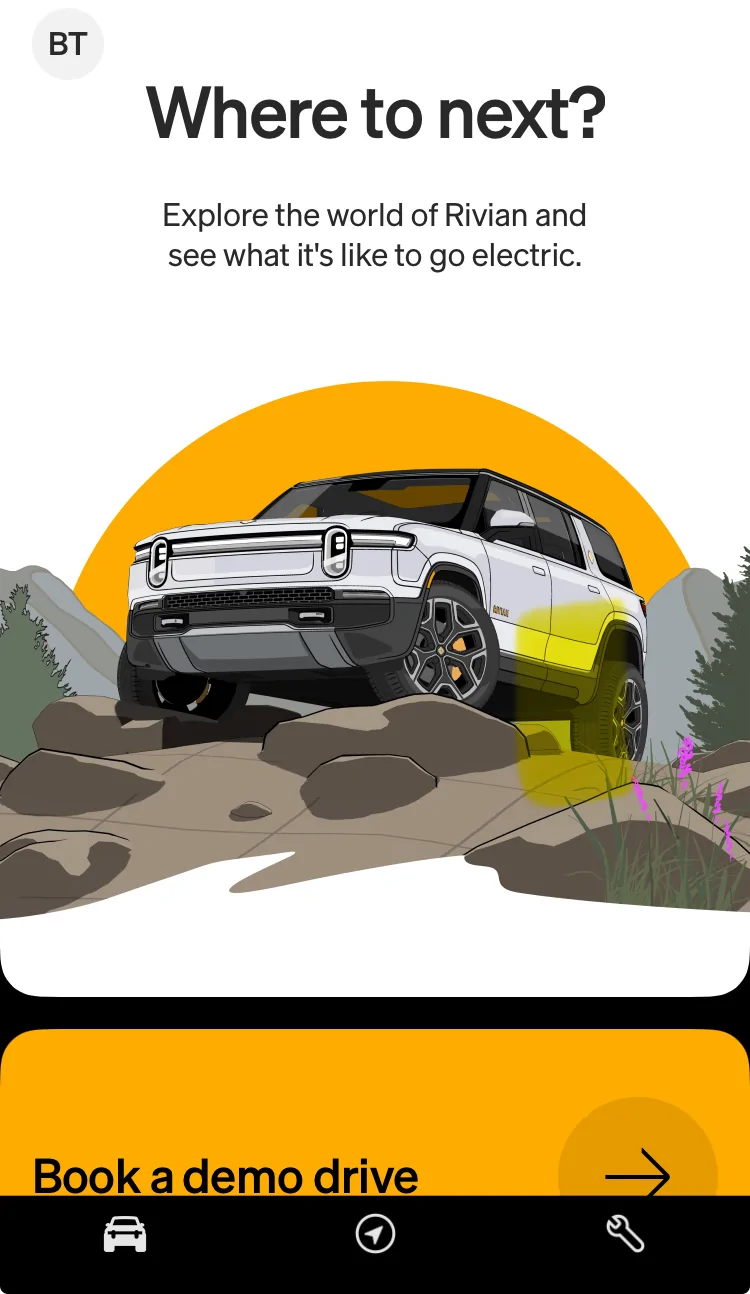
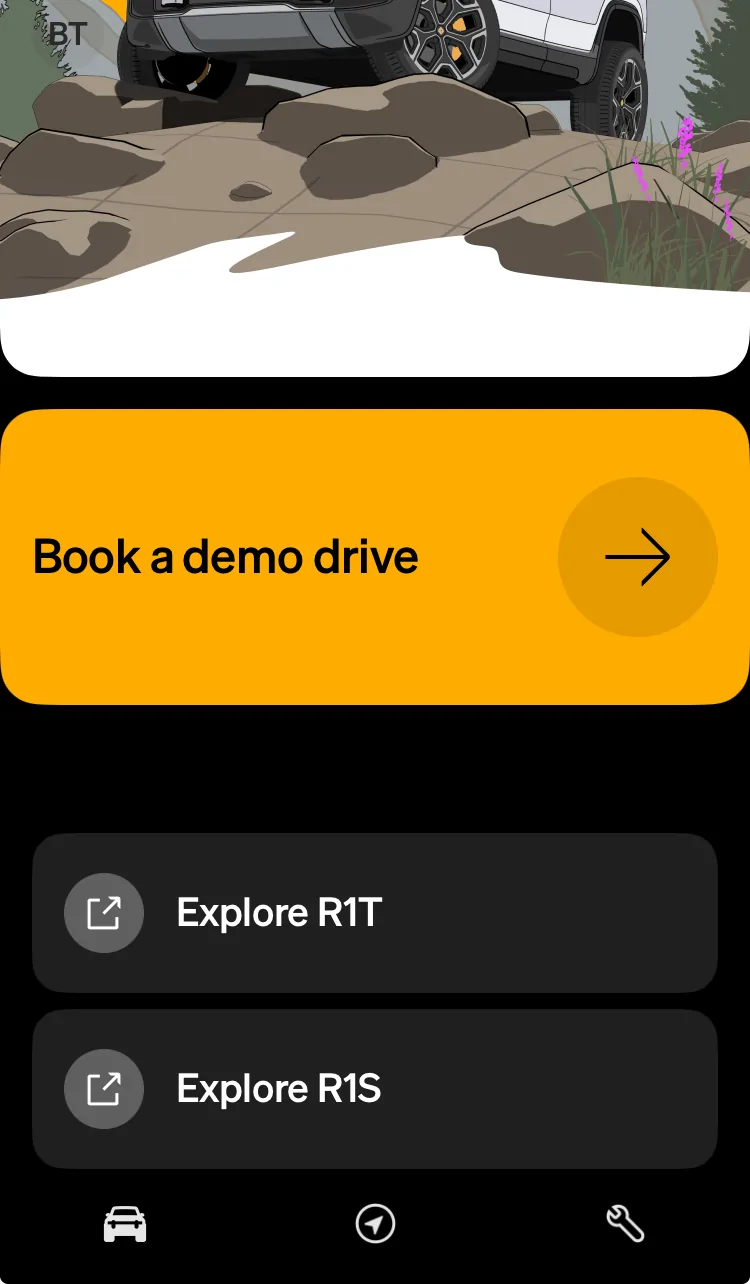
I opened my Rivian App this afternoon to unlock my vehicle and I did not see what you typically see. Instead I got a screen that has no vehicle associated with it. It assumes I am not an owner. A bit alarming (see pictures).
My Rivian is parked in the garage so I took one of the key cards. The vehicle unlocked. When I stepped on the brake to wake up the display, I got “Hello Rivian”. It does not have my profile associated with the vehicle VIN.
I called Rivian. They said they are aware of the issue and are working to resolve it. They opened a ticket for me (which I obviously can’t view) just in case.
Based on what customer support said, I assume there are others out there in Rivian Land that are experiencing the same issue?
UPDATE: Rivian texted me about 2 hrs later stating issue was resolved. Sure enough, the VIN was associated with me as the owner. Everything was back to original settings except 1) I had to redo my seat and steering wheel position & 2) card key no longer assigned to the second owner. All card keys assigned to primary owner.


My Rivian is parked in the garage so I took one of the key cards. The vehicle unlocked. When I stepped on the brake to wake up the display, I got “Hello Rivian”. It does not have my profile associated with the vehicle VIN.
I called Rivian. They said they are aware of the issue and are working to resolve it. They opened a ticket for me (which I obviously can’t view) just in case.
Based on what customer support said, I assume there are others out there in Rivian Land that are experiencing the same issue?
UPDATE: Rivian texted me about 2 hrs later stating issue was resolved. Sure enough, the VIN was associated with me as the owner. Everything was back to original settings except 1) I had to redo my seat and steering wheel position & 2) card key no longer assigned to the second owner. All card keys assigned to primary owner.
Sponsored
Last edited: