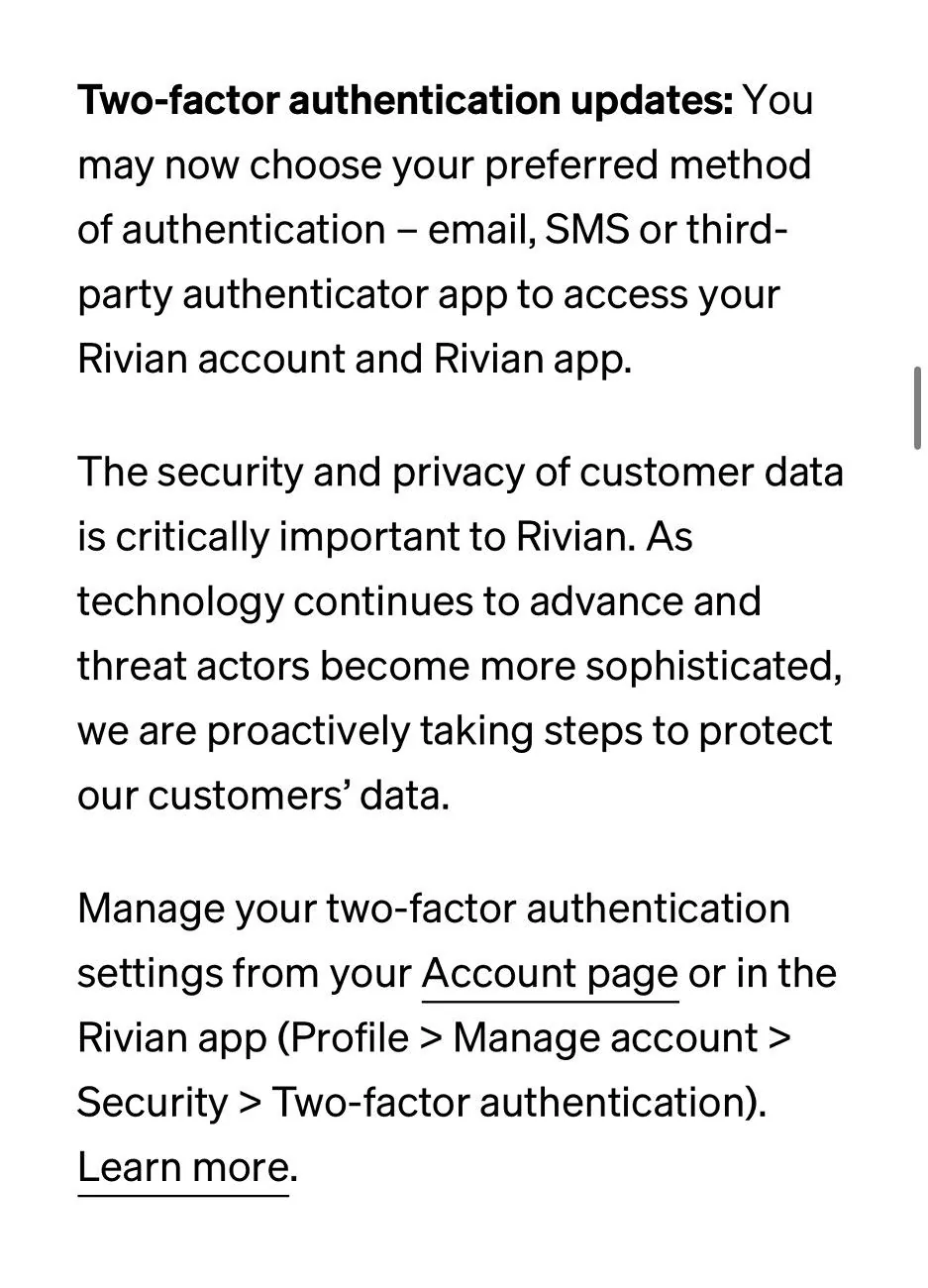
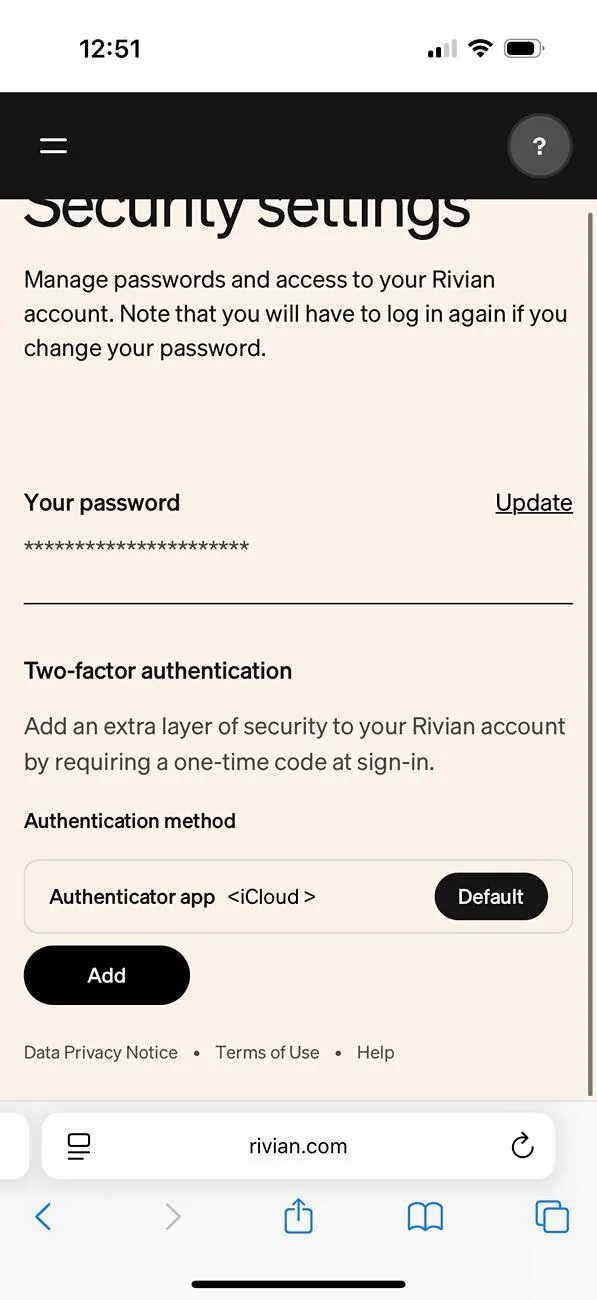
Exactly. I work in Cybersecurity, so this just didn't factor into my logic at all but I'd say it fits the bill. Something you have and something you know.
Something you know (PIN entered on screen, temp code on phone app that you have to unlock with passcode)
Something you are (fingerprint, face scan, etc, could include fingerprint/face scan on phone to access app.)
Note that if your phone doesn't have a passcode or biometric unlock (aka, anyone can just wake it up and open apps) then anything in the Rivian app isn't secure, so it doesn't count as multi-factor.
Something you know (PIN entered on screen, temp code on phone app that you have to unlock with passcode)
Something you are (fingerprint, face scan, etc, could include fingerprint/face scan on phone to access app.)
Note that if your phone doesn't have a passcode or biometric unlock (aka, anyone can just wake it up and open apps) then anything in the Rivian app isn't secure, so it doesn't count as multi-factor.