Sponsored

Rivian iOS app 2.20 is out!

iforbes

Well-Known Member
First Name
Ian
Joined
Oct 24, 2022
Threads
9
Messages
516
Reaction score
883
Location
Connecticut
Vehicles
R1T
Occupation
APRN
Clubs
 
Has anyone figured out where the "track loved ones trip and ETA" section is?
I assume the “Location” section. Check it out when someone else is driving and let us know. If not, maybe needs the next vehicle update as well?
 

iamnid

Well-Known Member
Joined
Aug 10, 2023
Threads
7
Messages
636
Reaction score
797
Location
California
Vehicles
Mercedes EQE, Rivian R1S
Has anyone figured out where the "track loved ones trip and ETA" section is?
I think it means if someone else is driving the vehicle, when you open the app to check their location it will show you where they are going and their ETA.
 

rutiger

Well-Known Member
Joined
Jul 4, 2023
Threads
8
Messages
181
Reaction score
245
Location
WA
Vehicles
2 x '25 Tri S's, '25 750S
As mentioned in the release notes many of the new features mentioned need the vehicle side update before they will be available. For example, charge port door. It's exposed through iOS shortcuts now, but it doesn't actually work yet.
 

Sponsored

jerseyff

Well-Known Member
First Name
Darren
Joined
Aug 3, 2020
Threads
17
Messages
736
Reaction score
985
Location
McDonald, TN
Vehicles
R1T; Model 3 Highland
Occupation
IT
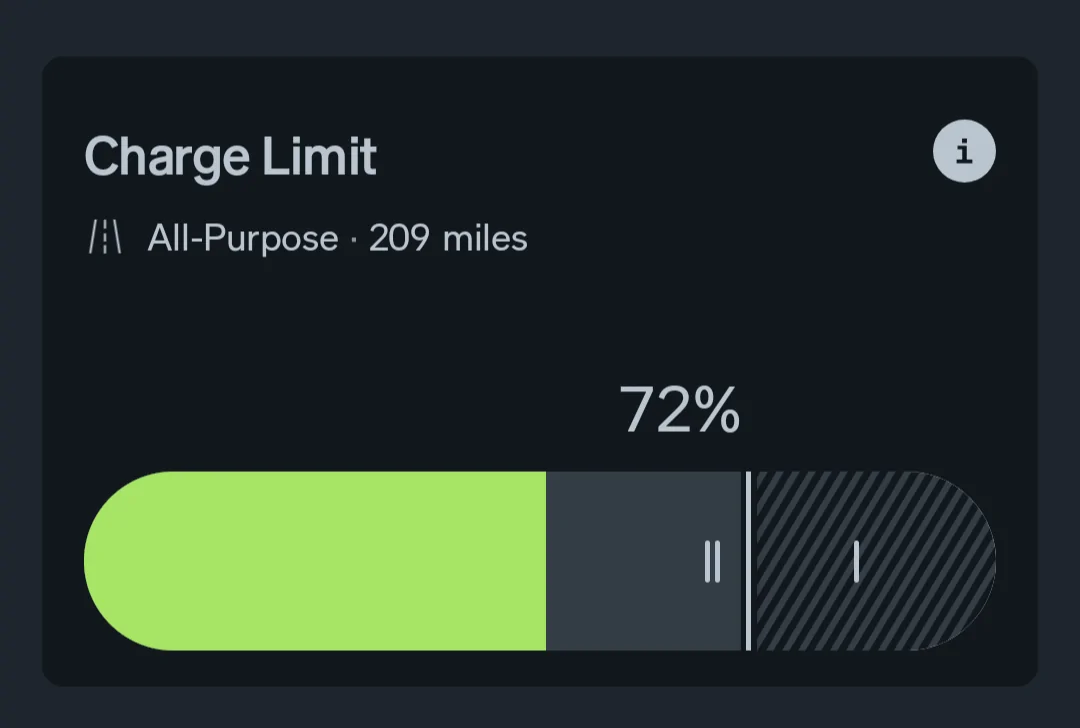
Same here...72 FTW!

1000005210.webp
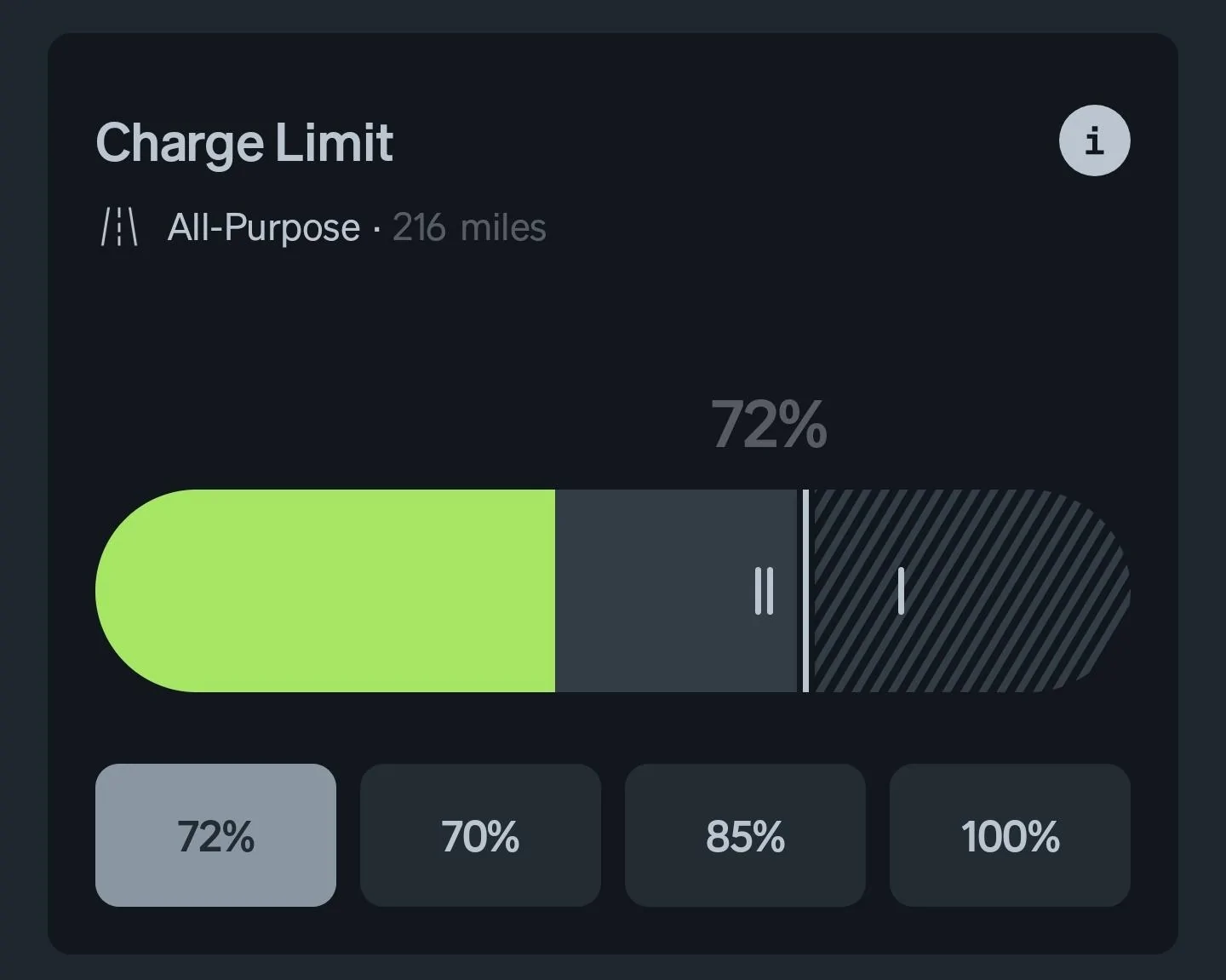
Great discovery! Once you set a custom % in the app, it seems to save that as a custom preset!!! I have a 72% button after I moved the slider once. (Disclaimer - I am Android, not iOS).

Rivian R1T R1S Rivian iOS app 2.20 is out! Screenshot_20250314_132307_Rivian
 

Dave Cundiff

Well-Known Member
First Name
Dave
Joined
Feb 28, 2024
Threads
4
Messages
1,179
Reaction score
1,596
Location
Pacific County, Washington
Vehicles
'23 R1S (DM,Max); '23 R1T (QM,Lg); '23 Chevy Bolt
Great discovery! Once you set a custom % in the app, it seems to save that as a custom preset!!! I have a 72% button after I moved the slider once. (Disclaimer - I am Android, not iOS).

Screenshot_20250314_132307_Rivian.jpg
I think it SHOWS it as a custom preset, @jerseyff, but doesn't SAVE it as a custom preset.

When I set a new maximum, it shows as "custom" until I set a different custom preset. Then it is overwritten.

This could be useful if you want to toggle back and forth between 72% and one of the standard presets, but otherwise not very helpful one way or the other.

Best wishes!
 

SANZC02

Well-Known Member
First Name
Bob
Joined
Feb 11, 2021
Threads
50
Messages
7,442
Reaction score
12,749
Location
California
Vehicles
Tesla Model S, LE - R1S
Occupation
Retired
I think it SHOWS it as a custom preset, @jerseyff, but doesn't SAVE it as a custom preset.

When I set a new maximum, it shows as "custom" until I set a different custom preset. Then it is overwritten.

This could be useful if you want to toggle back and forth between 72% and one of the standard presets, but otherwise not very helpful one way or the other.
Best wishes!
This true, it behaves like the last icon on the control bar, remembers the last Usage.
Sponsored


Top