slobak
New Member
- First Name
- Greg
- Joined
- Sep 6, 2025
- Threads
- 1
- Messages
- 4
- Reaction score
- 0
- Location
- California
- Vehicles
- R1S
- Thread starter
- #1
Hi, fairly new R1S owner here - loving the vehicle and really excited about it! I think the software is a highlight and definitely feels top-tier, you can tell the company focuses on the experience there because it's so essential to a modern driving experience.
That said, I've got lots of questions and feedback, I thought I would bundle related ideas under a single topic. More generally, if there is a better place to pose these I am open to being schooled! Otherwise I'd love to hear your thoughts on whichever you can help with / speak to.
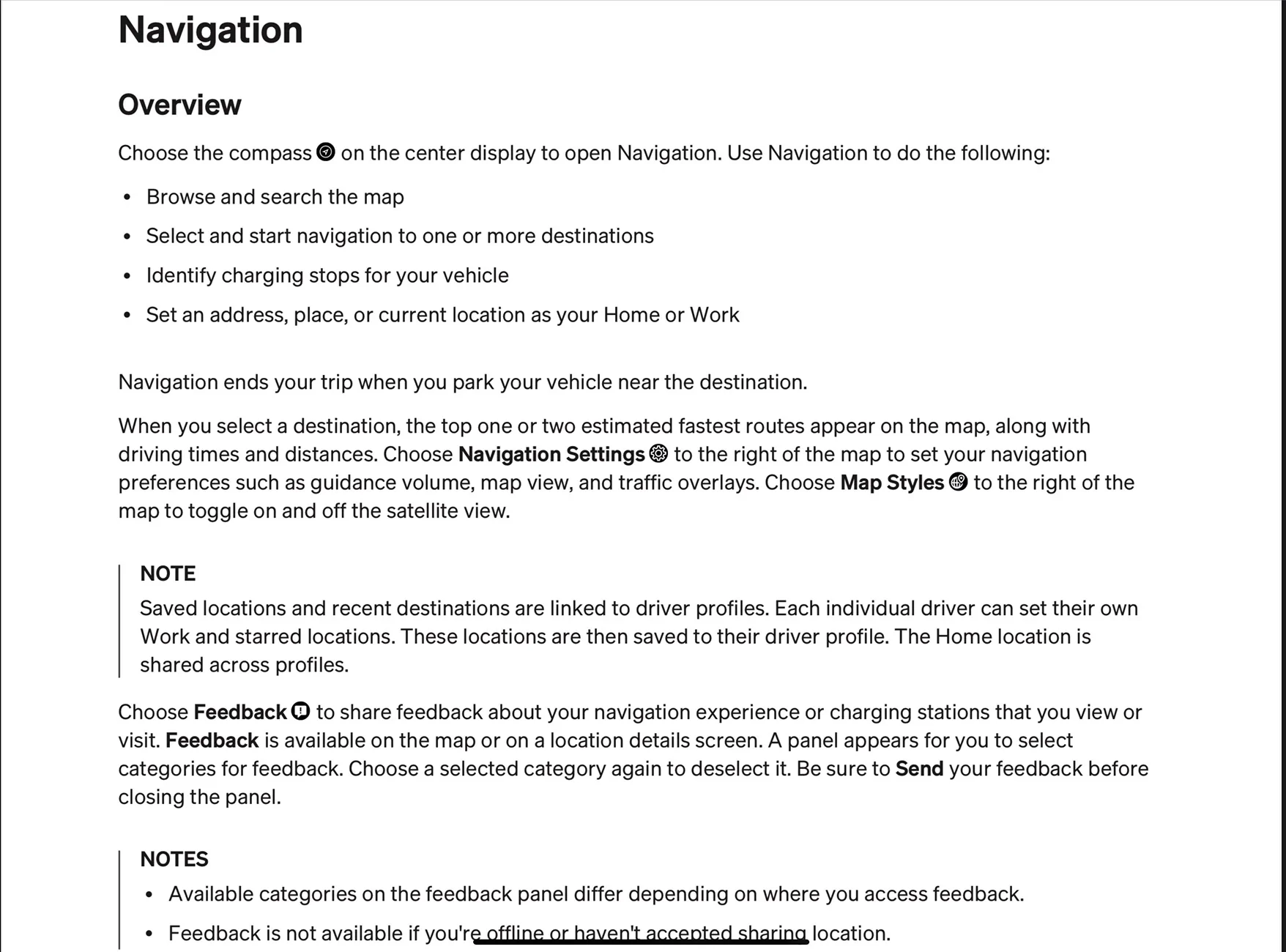
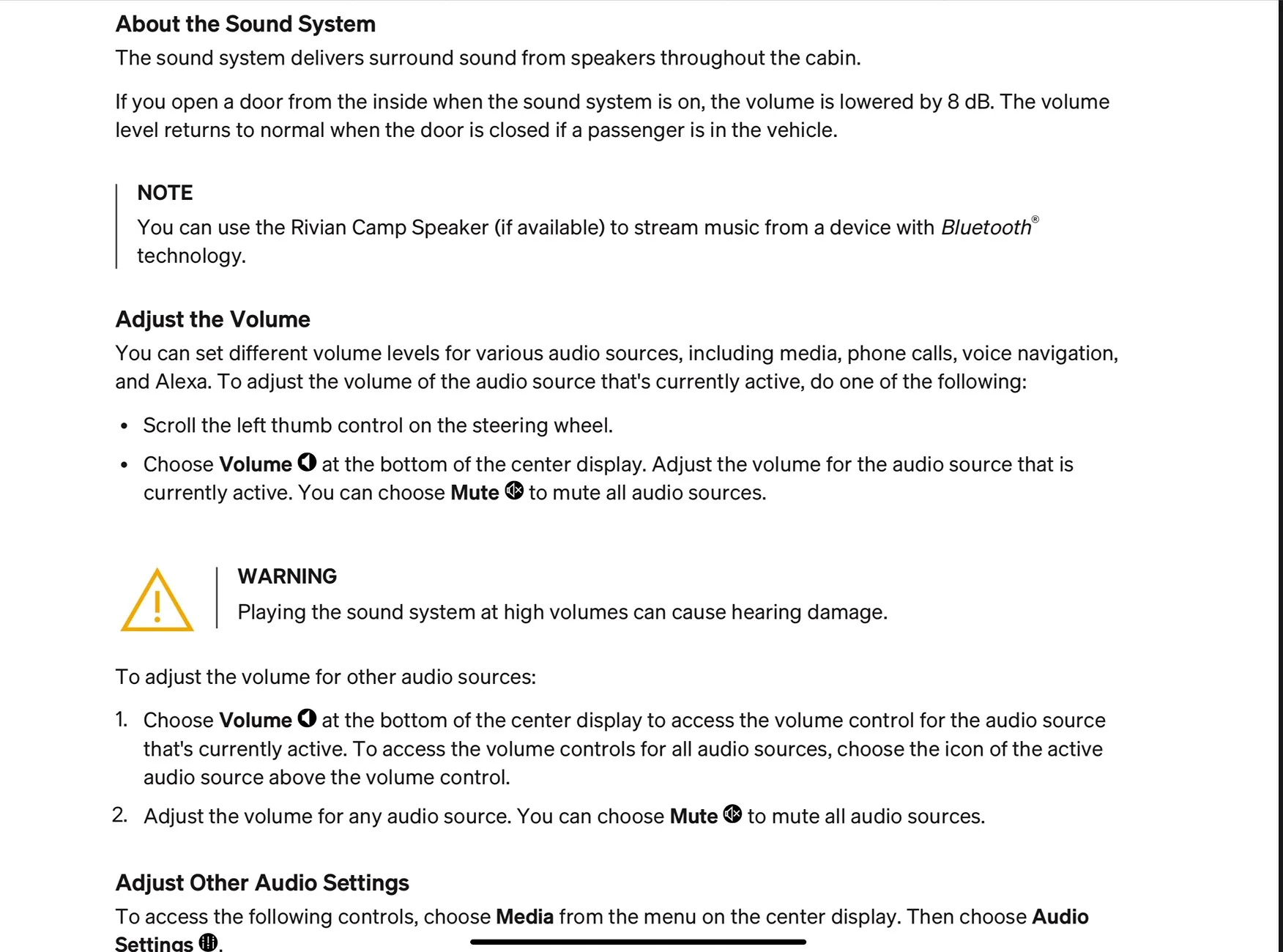
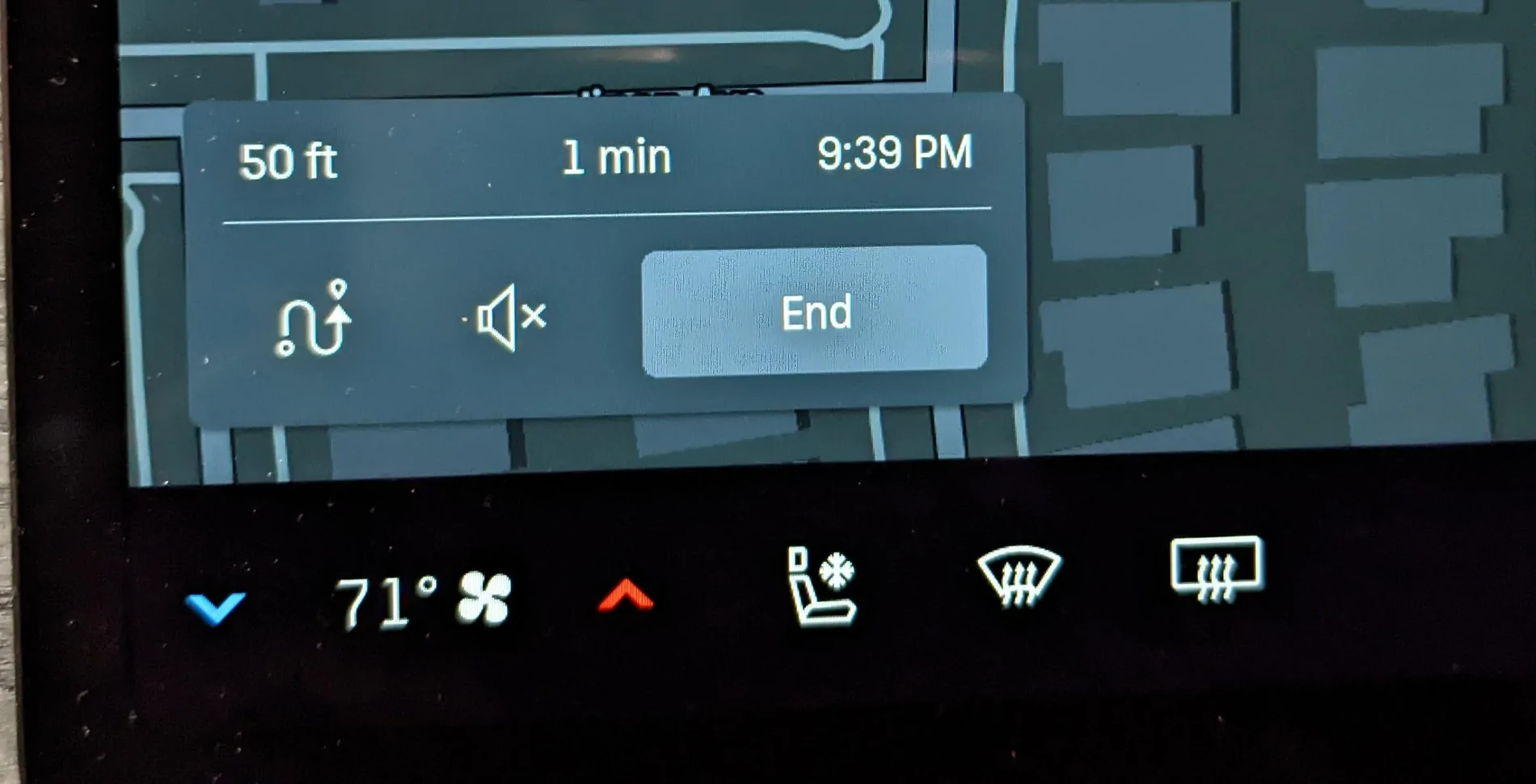
1. I don't want the music to go quiet when navigation pipes up. Navigation speaks all the time, and I can hear it with the music on, I don't want it to be "smart". In fact, the current system depresses music volume a disrupting amount, too frequently, and for too long that it ruins any kind of listening experience so I disable nav voices altogether, which is really suboptimal. Is there any way to tune or toggle this?
(Rivian: can this "feature" be made into an option, or a slider for how much volume decreases with the possibility of zero?)
2. Spotify won't seem to navigate into playlist folders for me, if I click on it just shows a folder, no obvious way to click on subfolders, so all the music inside is inaccessible. This is problematic as I organize lots of playlists into folders and right now the only way I can play them is if I am able to find them under Recent. Seems like a bug?
3. The SiriusXM app has various issues. I don't know how much of this is Rivian-specific or if it's all SiriusXM's client:
a. when it plays in "delayed" mode (vs "live"), often I'll be in the middle of a song and it will suddenly START OVER. I think it's related to when the actual real-time track ends, but it's common and annoying.
b. I only get the track/artist like 20-50% of the time maybe. I live in a big metro area, my cell / Internet is fine, not sure why this is so unreliable.
4. For playing video, do I really have to switch my device to get onto a new WIFI network? Having to go into device settings, screens on the car, etc. to connect and disconnect like that is enough of a pain that I just don't think I will use this. Now if I had like an iPad in the car that was always connected to it then sure, but then what's the point of this feature? It feels like it would be most useful if I have some content on my phone and want to make it more visible / accessible to myself and other riders. Is there an easier way here?
Thanks for your thoughts!
That said, I've got lots of questions and feedback, I thought I would bundle related ideas under a single topic. More generally, if there is a better place to pose these I am open to being schooled! Otherwise I'd love to hear your thoughts on whichever you can help with / speak to.
1. I don't want the music to go quiet when navigation pipes up. Navigation speaks all the time, and I can hear it with the music on, I don't want it to be "smart". In fact, the current system depresses music volume a disrupting amount, too frequently, and for too long that it ruins any kind of listening experience so I disable nav voices altogether, which is really suboptimal. Is there any way to tune or toggle this?
(Rivian: can this "feature" be made into an option, or a slider for how much volume decreases with the possibility of zero?)
2. Spotify won't seem to navigate into playlist folders for me, if I click on it just shows a folder, no obvious way to click on subfolders, so all the music inside is inaccessible. This is problematic as I organize lots of playlists into folders and right now the only way I can play them is if I am able to find them under Recent. Seems like a bug?
3. The SiriusXM app has various issues. I don't know how much of this is Rivian-specific or if it's all SiriusXM's client:
a. when it plays in "delayed" mode (vs "live"), often I'll be in the middle of a song and it will suddenly START OVER. I think it's related to when the actual real-time track ends, but it's common and annoying.
b. I only get the track/artist like 20-50% of the time maybe. I live in a big metro area, my cell / Internet is fine, not sure why this is so unreliable.
4. For playing video, do I really have to switch my device to get onto a new WIFI network? Having to go into device settings, screens on the car, etc. to connect and disconnect like that is enough of a pain that I just don't think I will use this. Now if I had like an iPad in the car that was always connected to it then sure, but then what's the point of this feature? It feels like it would be most useful if I have some content on my phone and want to make it more visible / accessible to myself and other riders. Is there an easier way here?
Thanks for your thoughts!
Sponsored