
Sponsored

Sending address from app to Rivian nav?

teartags

Well-Known Member
First Name
Tim
Joined
Apr 4, 2023
Threads
21
Messages
318
Reaction score
333
Location
Lyons, Colorado
Vehicles
R1T A/T
It's not that cool anyway. You can send an address, but you can't send a route. Rivian says you can, but the native app just re-routes the way it wants take anyway.
Sponsored
 

KrakenLand425

Member
First Name
Tim
Joined
Aug 22, 2023
Threads
0
Messages
12
Reaction score
26
Location
Kirkland, WA
Vehicles
R1S Forest Green (2023); Jeep 4xe; Audi eTron
Occupation
Owner/Managing Partner of a Technical Sales Company
Clubs
 
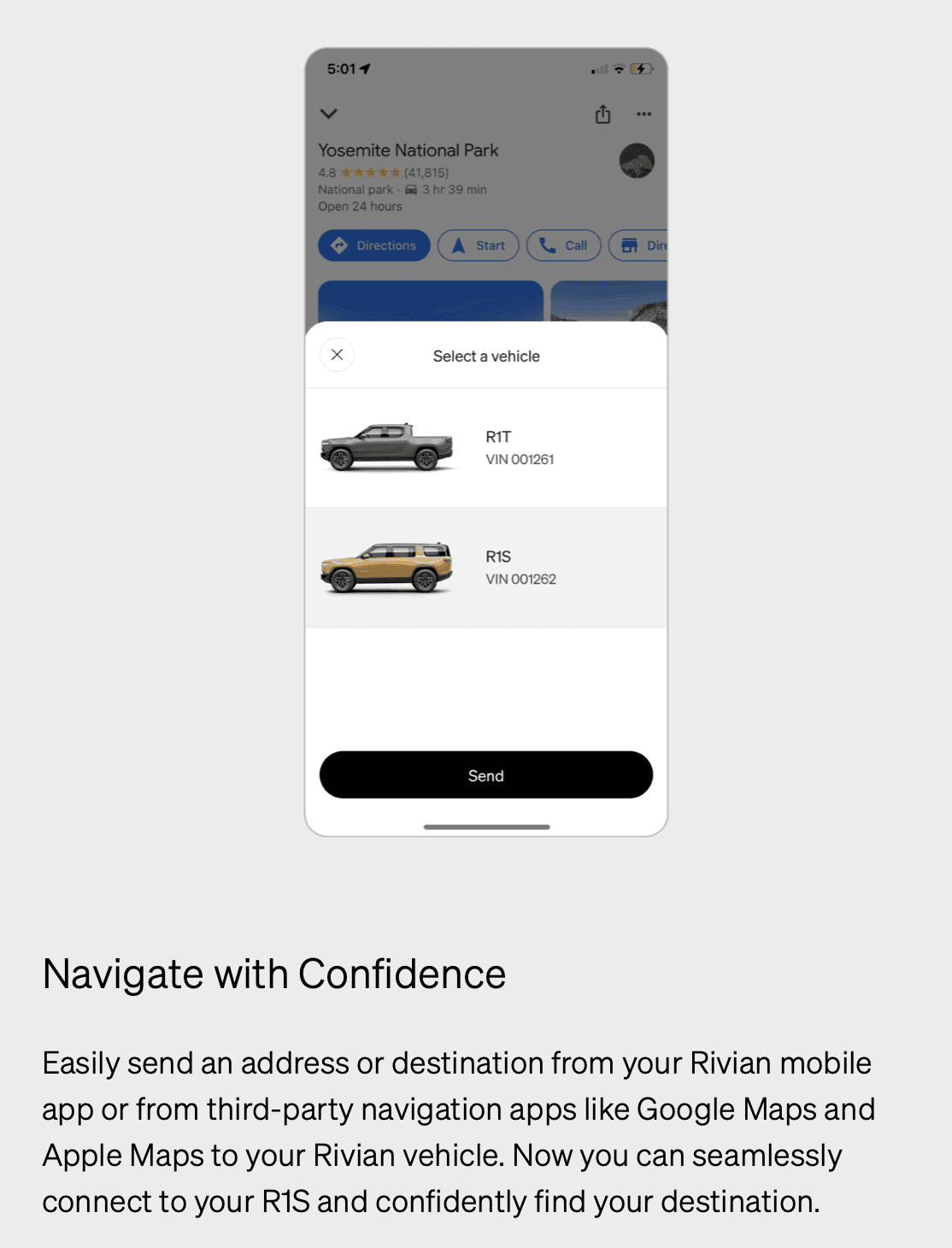
So the email I just got says:
Screen Shot 2023-02-27 at 12.06.07 PM.png


Anyone know how to do that? Can't find it in apple maps anywhere.
OK. So I’ve been struggling with this in a very specific element. And please note I’m not interested in rants about how Rivian should fix this, I’m just providing one possible work around.
please also note that manually putting in an address into the nav art of the Rivian app (iPhone) works very well, then you locate your target address and click on it, then “send it to the car” via the app. Works great.
However, the search window does not seem to want to accept a “pasted” address, and no variation of click, click-hold, long click, or double click seems to bring up the paste balloon.
Work Around: put any character into the search window and then that triggers the “look up” function, and changes the screen. NOW if you long press in this new window/line the “paste” bubble appears and you can cut/paste your address (from other app) and it will go search for it. If it doesn’t find what you are looking for, then just long click search with the space bar, back to the front of what you pasted and delete your first “trigger” character. Then it should work. I just confirmed the process again. Good luck.


Top