Are you using a VPN? If not then I would recommend clearing your Rivian cookies from your browser and try again. I just checked and their website is working fine for me.
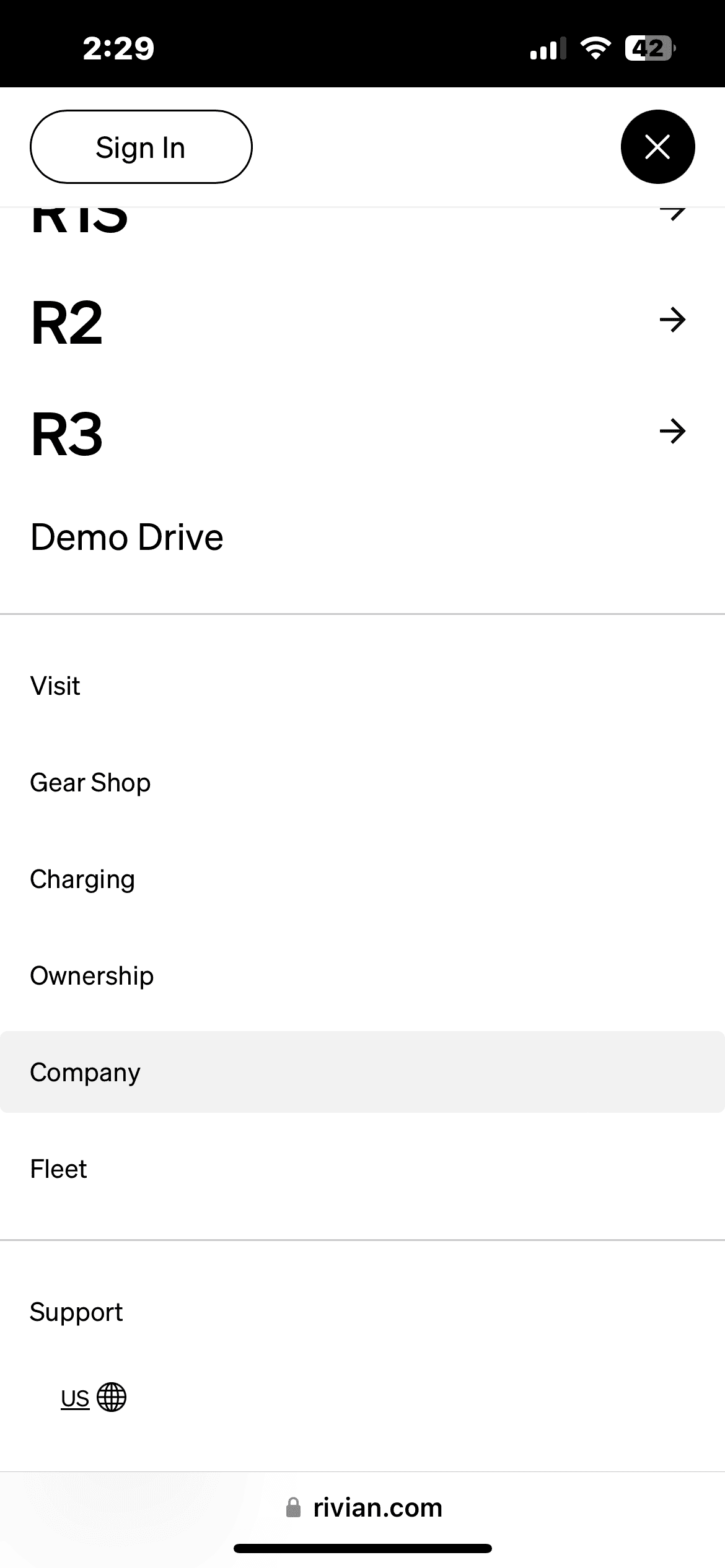
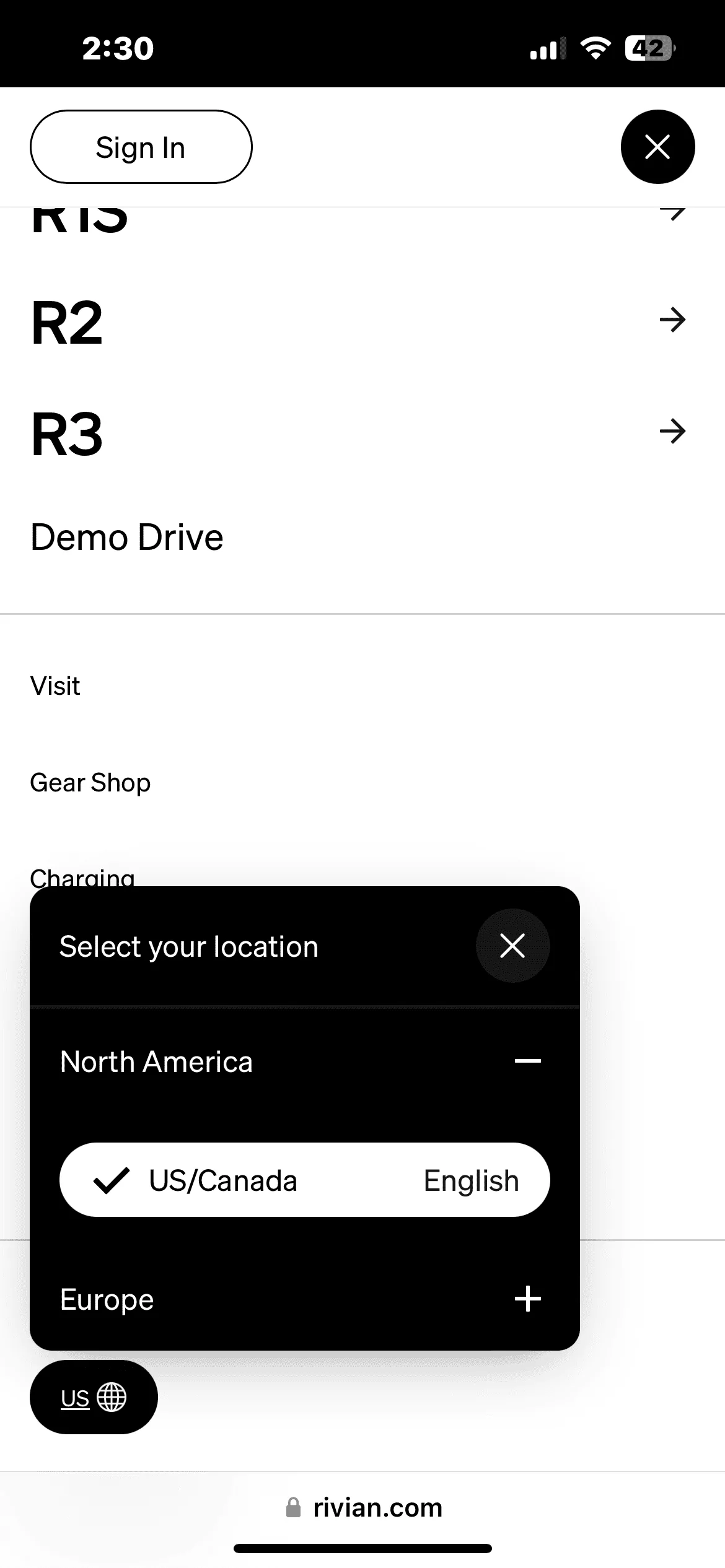
Having said that, on the top left corner of the Rivian web site, you can click the “hamburger” icon (two lines instead of the normal three lines) then select the location at the bottom of that screen.
Having said that, on the top left corner of the Rivian web site, you can click the “hamburger” icon (two lines instead of the normal three lines) then select the location at the bottom of that screen.
I’ve also been seeing the Rivian website default to en-GB on my iPhone. Tried deleting website data for Rivian.com from Safari settings. Double-checked that language and region were set to English-US.
Neither of these steps fixed it. I still have to change the region every time I open the site. I was hoping to avoid a full reset of site data and browsing history. But, may just have to suck it up and try that.