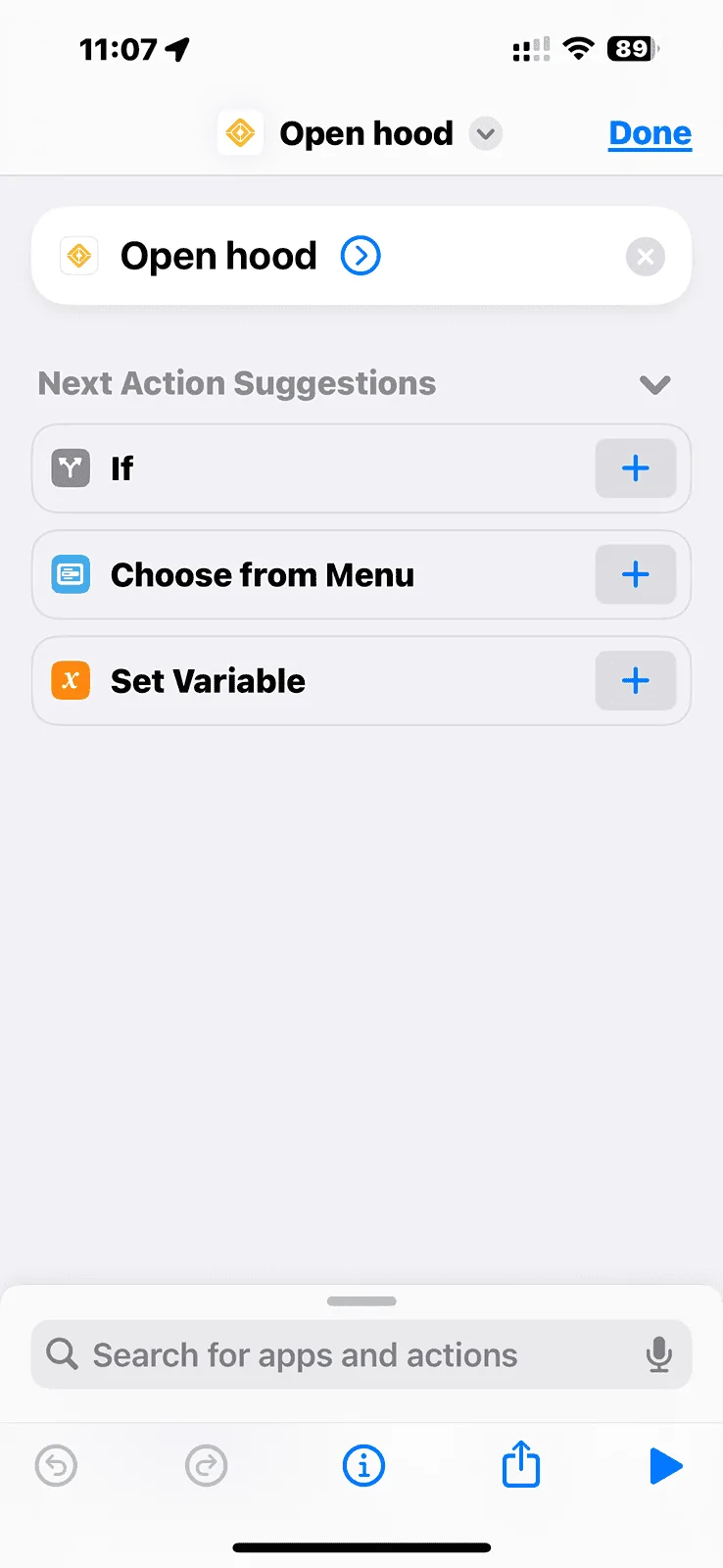
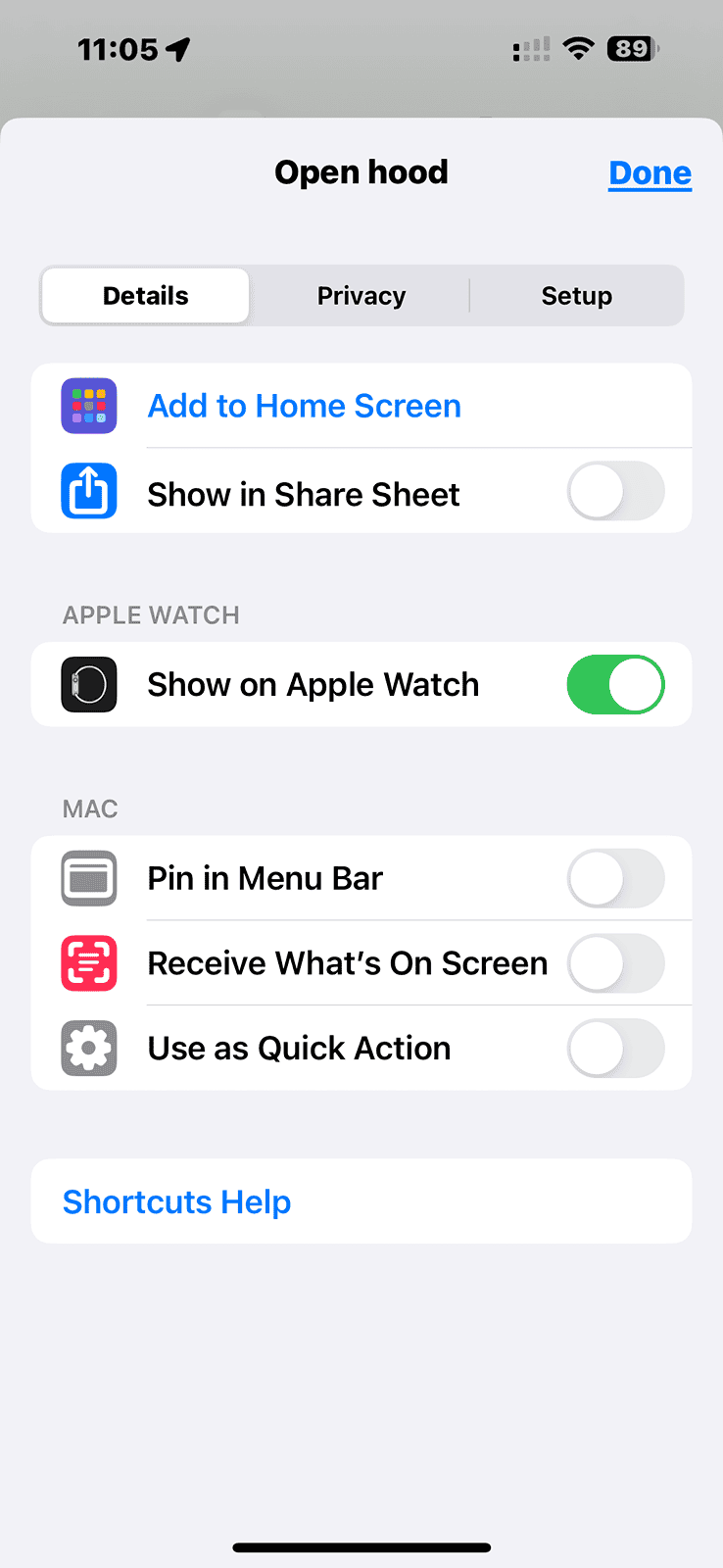
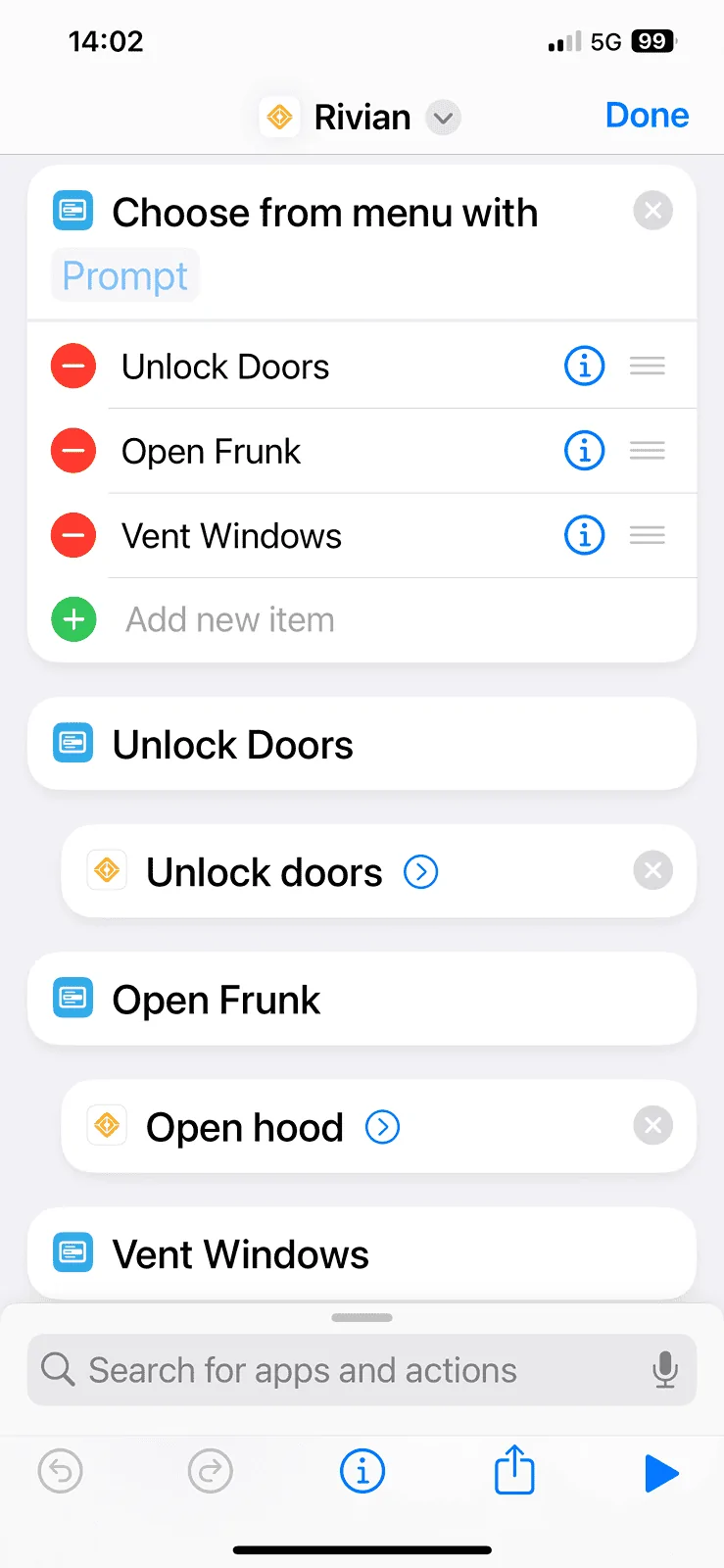
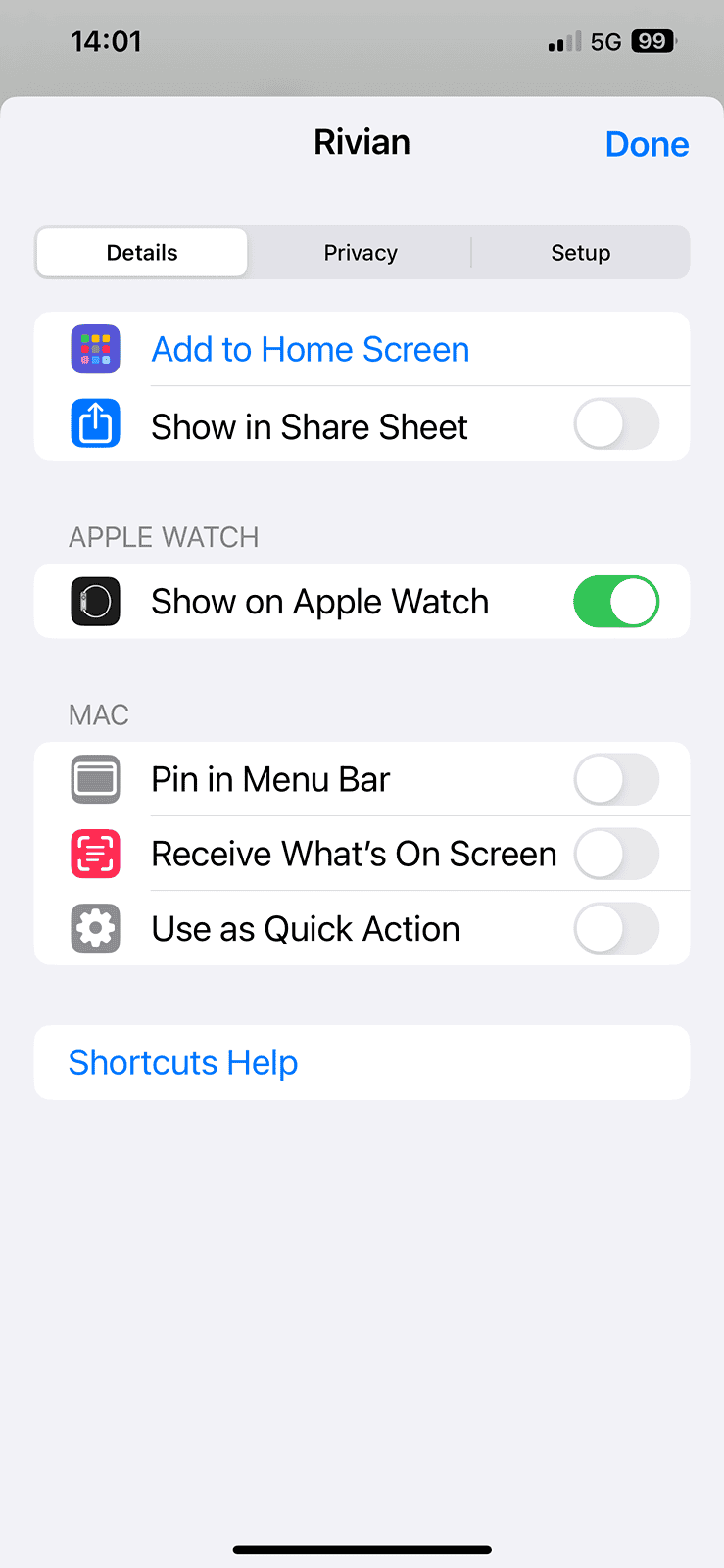
Is there a write up somewhere on the forum that you followed to install it on your watch? Like I said I followed some instructions from a YouTube video and created the Shortcut but it doesn’t show up on my watch.
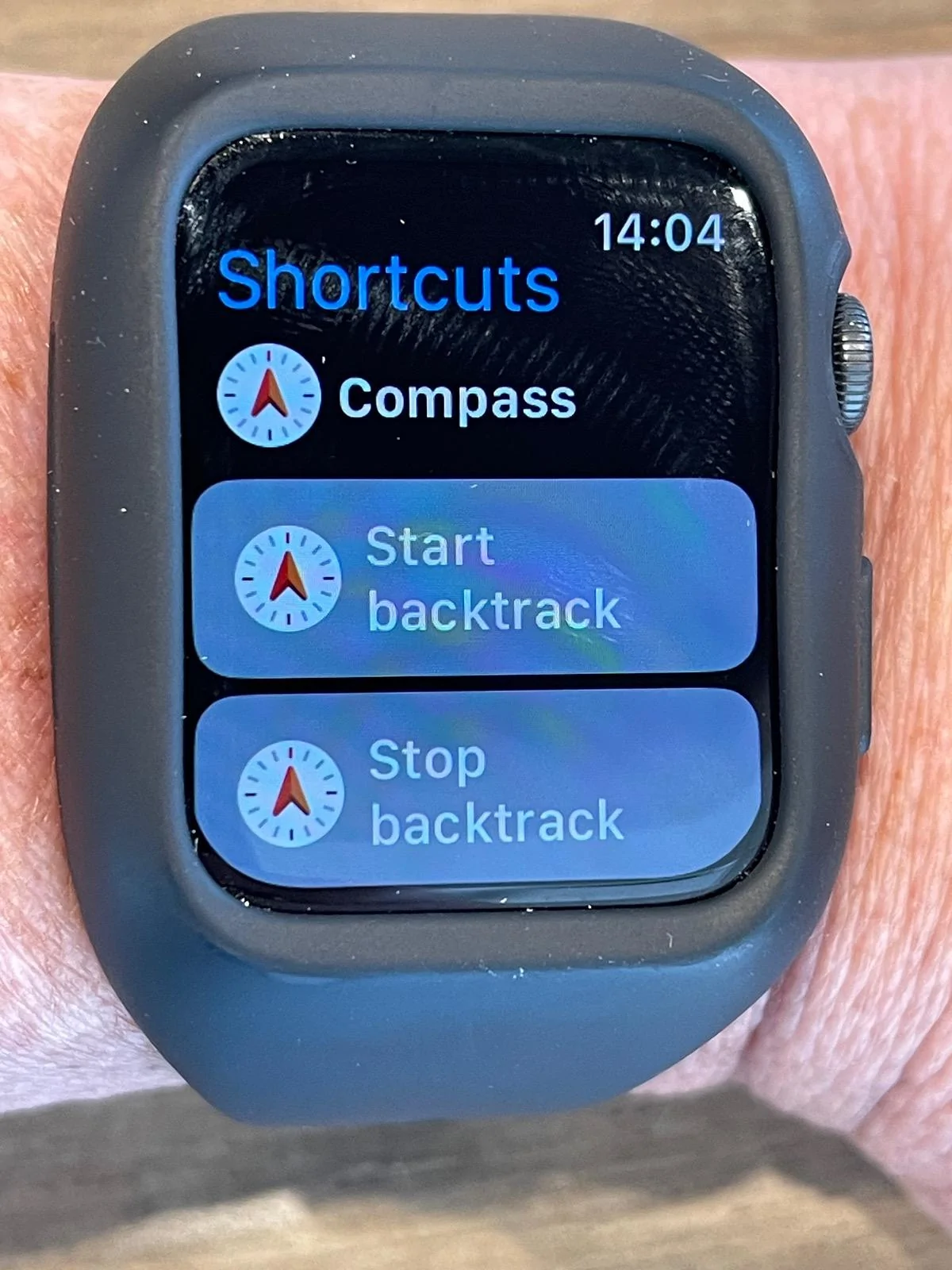
Thanks for the screenshots. I have it setup exactly like shown but on my watch all I see when I open the shortcuts icon is the Compass otions whic I never setup. I have an Series 6 watch and a 12 Pro Max so not sure if it’s possible to have it work. Seems like everyone who has posted instructions has an Ultra.
My truck locked me out this morning, phone inside. Used the card in my wallet that I still had on me. Once I got in the truck, I let the 60 second timer run out on the card use before trying to start the truck. It wouldn't start, had to flap bluetooth off and back on on my phone.
I leave my truck in the "keep locked at home" mode, so in order to enter it, I have to either use the keycard or the Rivian app. I guess bluetooth never connected properly to the truck today before I flapped it.
Thanks for the screenshots. I have it setup exactly like shown but on my watch all I see when I open the shortcuts icon is the Compass otions whic I never setup. I have an Series 6 watch and a 12 Pro Max so not sure if it’s possible to have it work. Seems like everyone who has posted instructions has an Ultra.
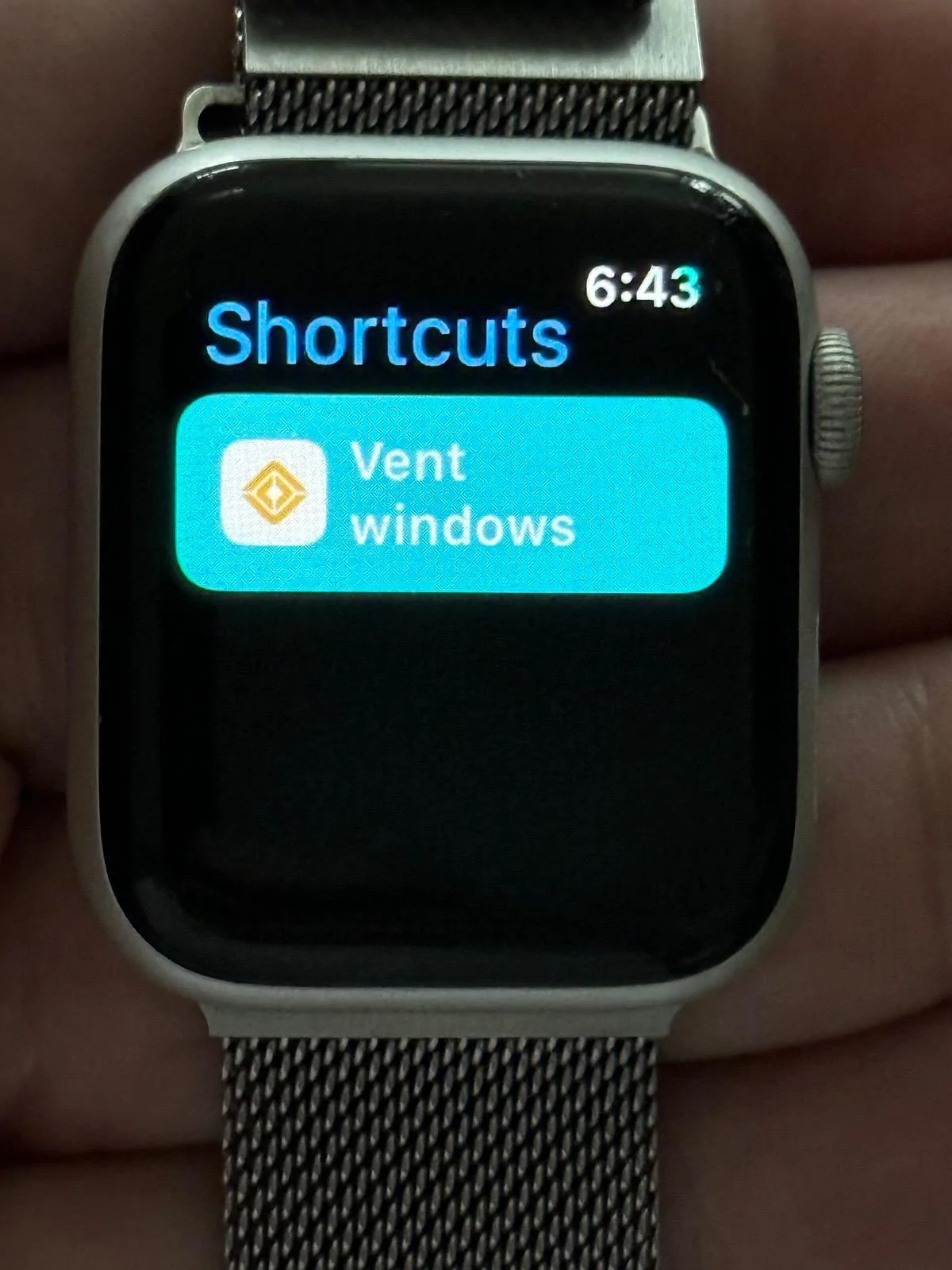
I have a newer phone and an Ultra 2 which doesn’t help you but my husband has a 12 Pro and a series 4 Watch. I just created a shortcut on the phone and it showed up fine on the watch so it is not the hardware:
I’d verify that both devices are truly paired and both are on the latest OS.
Beyond that:
Do the compass shortcuts (which you didn’t create) on your watch also show on your phone? If not then I think there’s a pairing issue.
If they do show on your phone and you don’t use them then try deleting one on your phone. Did it get removed from the watch?
If it didn’t then I still think pairing issue and if it did then I’d restart both devices and see if that doesn’t help.