No_Name5330
Well-Known Member
- Joined
- Sep 5, 2022
- Threads
- 11
- Messages
- 244
- Reaction score
- 283
- Location
- Park City, Utah
- Vehicles
- F-150 tremor/ GMC Yukon AT4/ R1S
- Thread starter
- #1
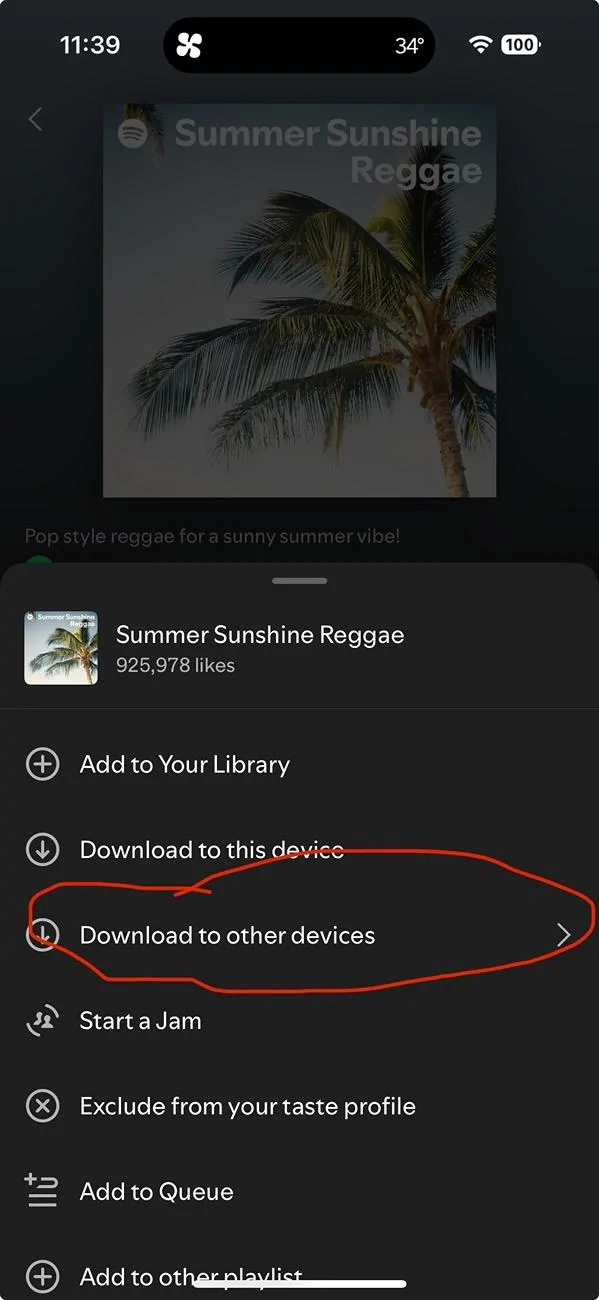
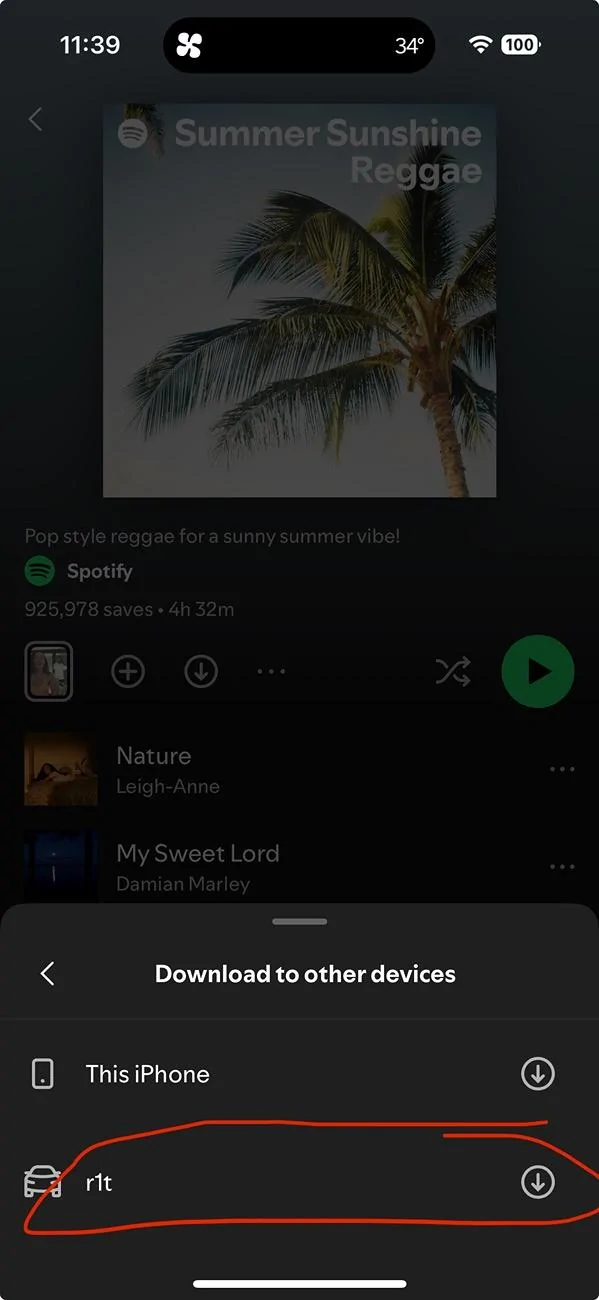
Today, I went to download some music on my phone and found a new tab on Spotify in the downloads section called "manage downloads." Within that section, you can download it to your Rivian. I haven't tested it yet as I don't have the time to explore a back road in search of no cell service.
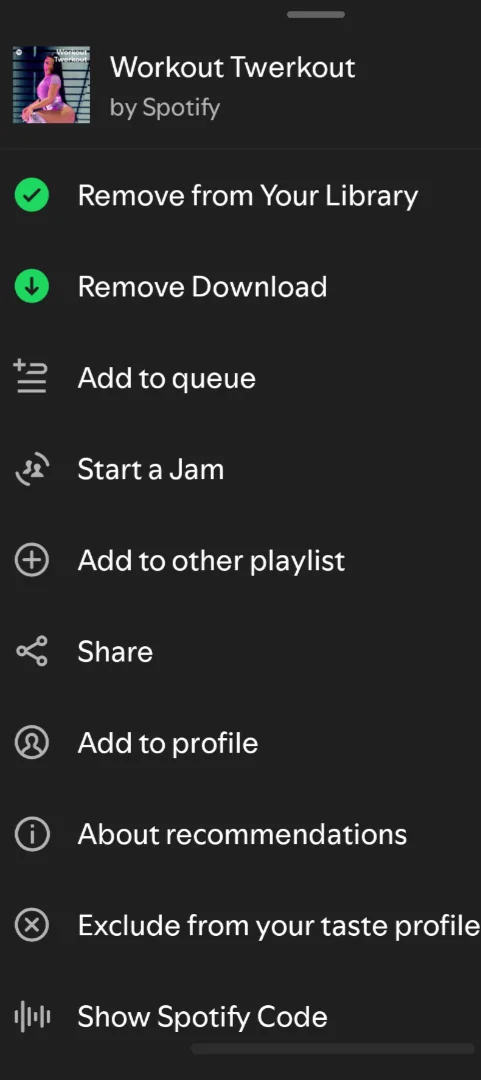
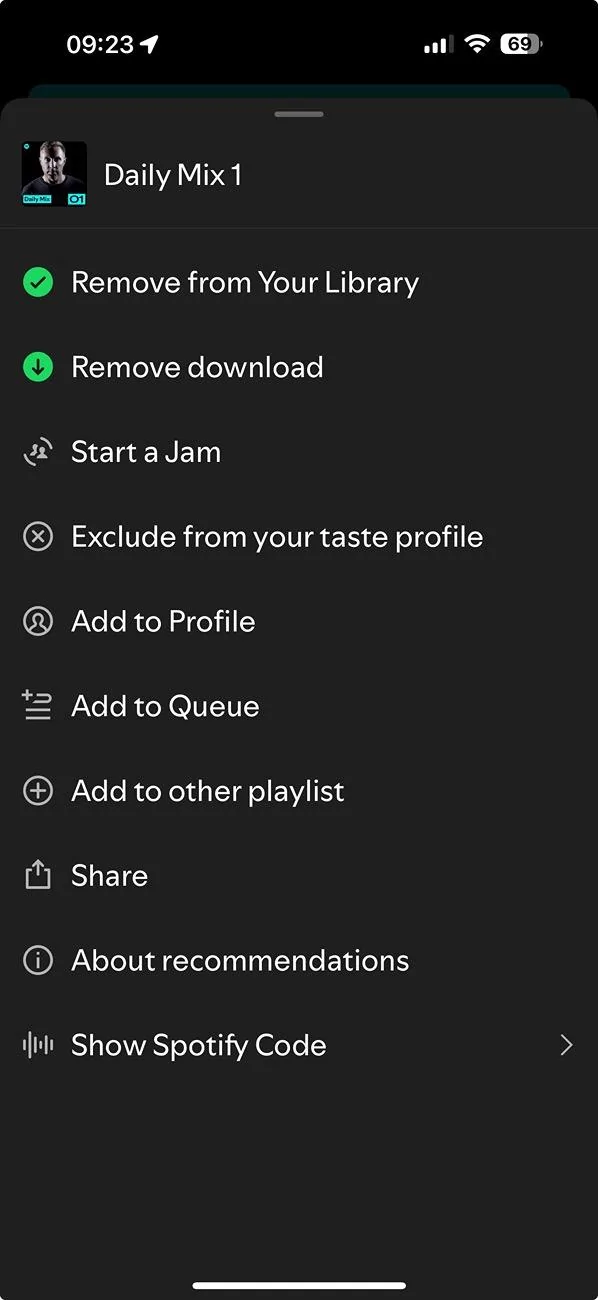
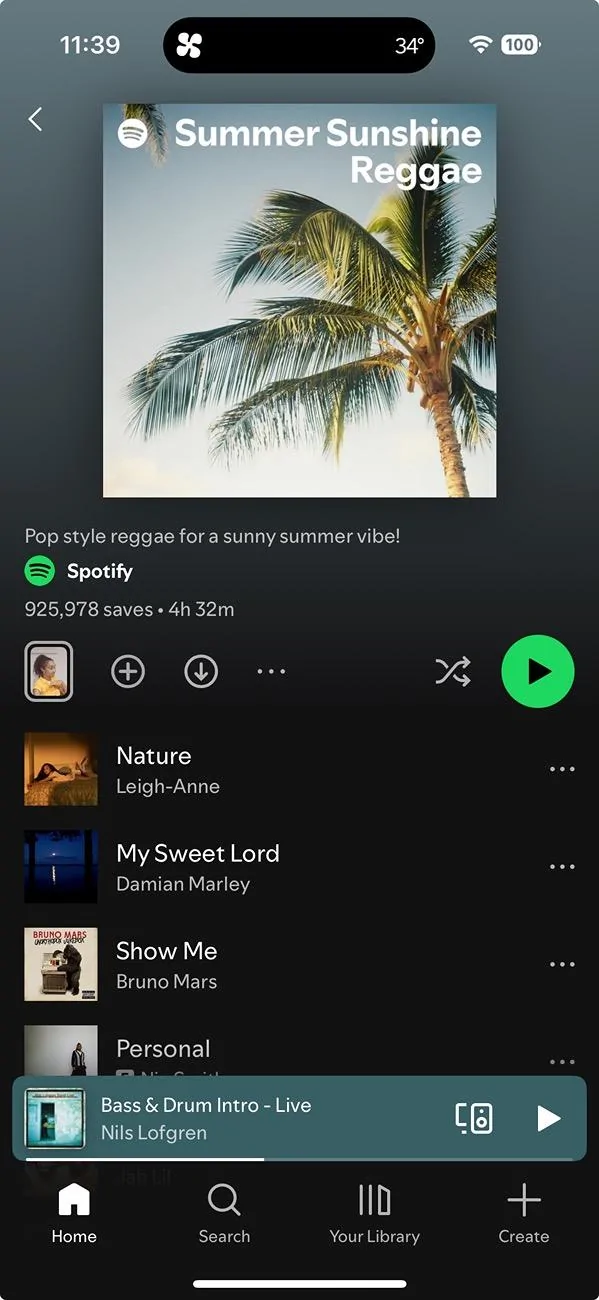
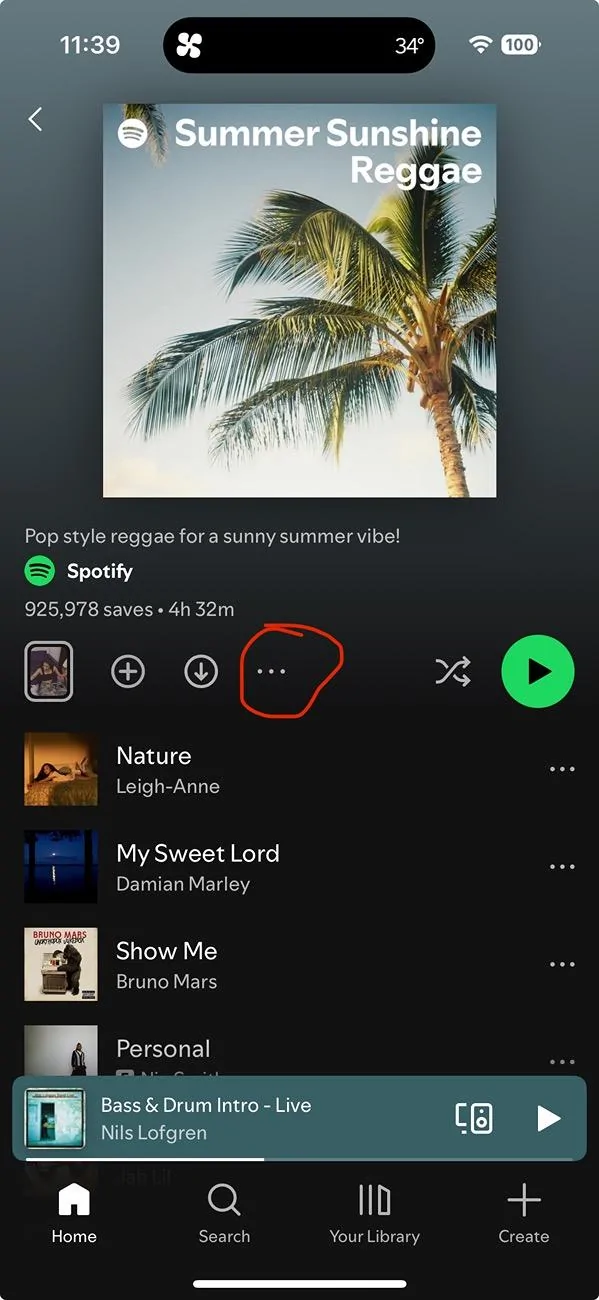
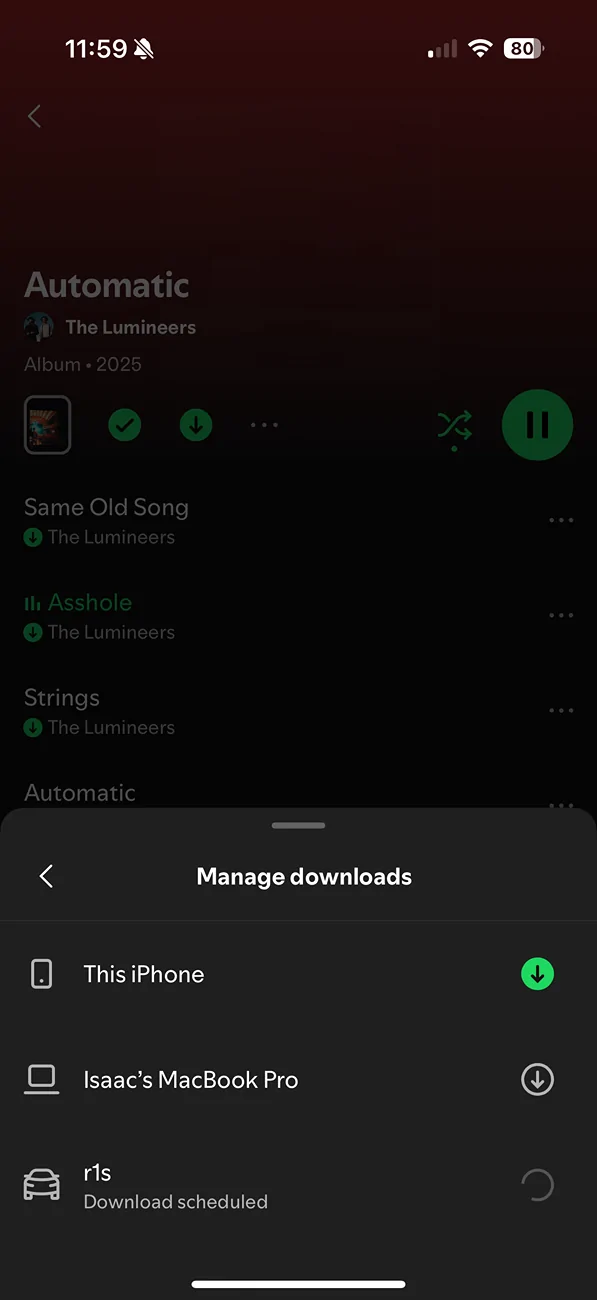
First, find an album or playlist to download and click on the three dots beside the download button, then scroll down to the section called "manage downloads" If you're logged into the same account as in the Riv, it should show up within that menu. Not sure if this is working however as it's been loading for several minutes. It does say that you can check the progress in "your Library" within the Spotify interface on the Rivian.

First, find an album or playlist to download and click on the three dots beside the download button, then scroll down to the section called "manage downloads" If you're logged into the same account as in the Riv, it should show up within that menu. Not sure if this is working however as it's been loading for several minutes. It does say that you can check the progress in "your Library" within the Spotify interface on the Rivian.
Sponsored