Sponsored

Deleting old phone pairing

LoneStar

Well-Known Member
Joined
Aug 2, 2020
Threads
79
Messages
1,589
Reaction score
3,543
Location
San Diego
Vehicles
'25 R1T Gen2
Occupation
engineer
Clubs
 
Why is something that should be easy and self-evident not the case here … ?

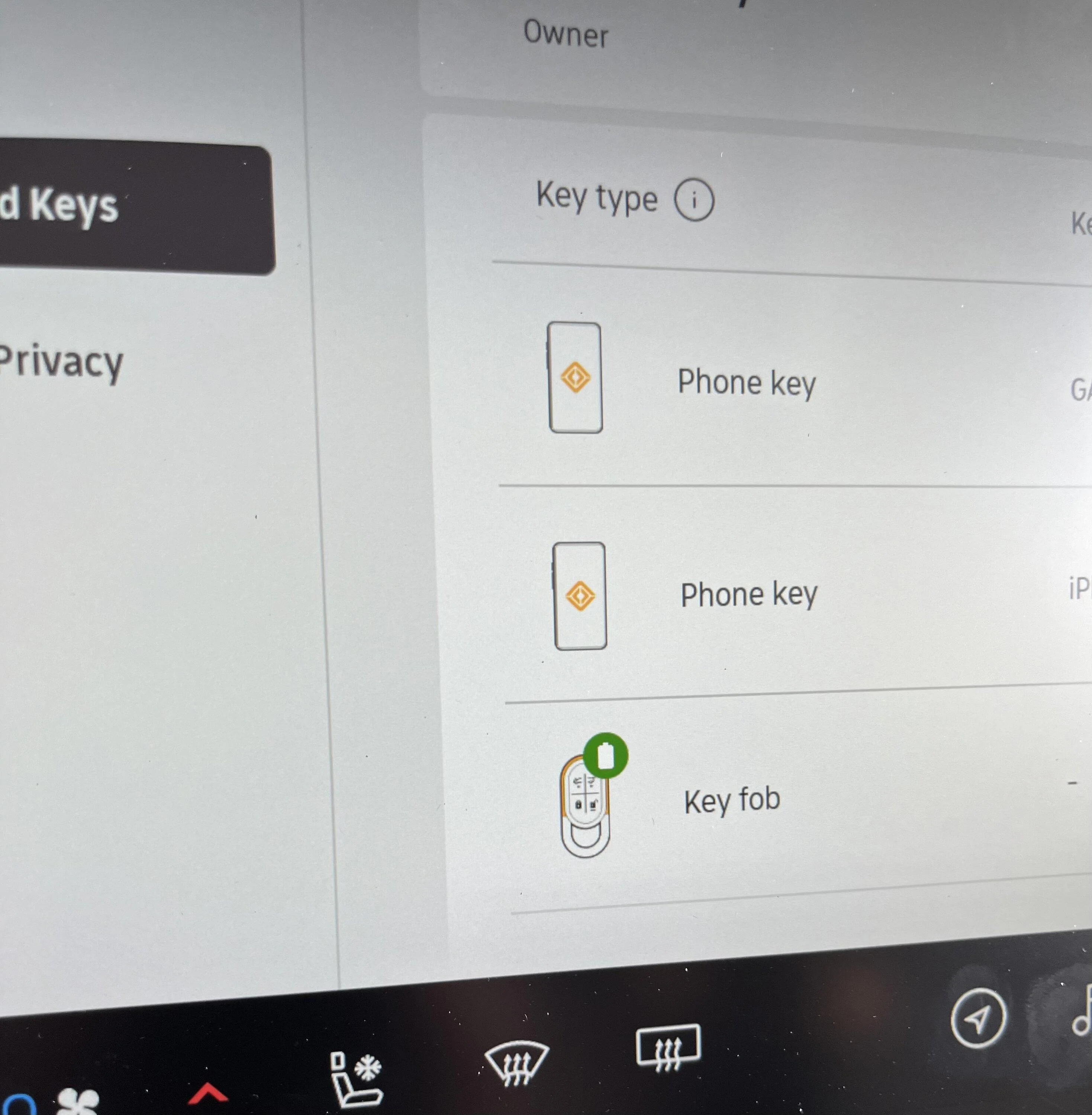
How do you remove a prior phone pairing, especially if it was ‘keyed’ ?

Tried in the Drivers and Keys interface and within the Connect - Bluetooth. Neither had an obvious Remove or Delete functionality I could find.

Rivian R1T R1S Deleting old phone pairing IMG_0081
Sponsored


SoCal Rob

Well-Known Member
First Name
Rob
Joined
Apr 19, 2021
Threads
39
Messages
2,808
Reaction score
5,964
Location
Laguna Niguel / Palm Springs / Pioneertown
Vehicles
2025 Rivian R1S & 2021 VW ID.4 (2023 R1S sold)
Occupation
Information Technology
Clubs
 
Why is something that should be easy and self-evident not the case here … ?

How do you remove a prior phone pairing, especially if it was ‘keyed’ ?

Tried in the Drivers and Keys interface and within the Connect - Bluetooth. Neither had an obvious Remove or Delete functionality I could find.
IMG_0081.webp
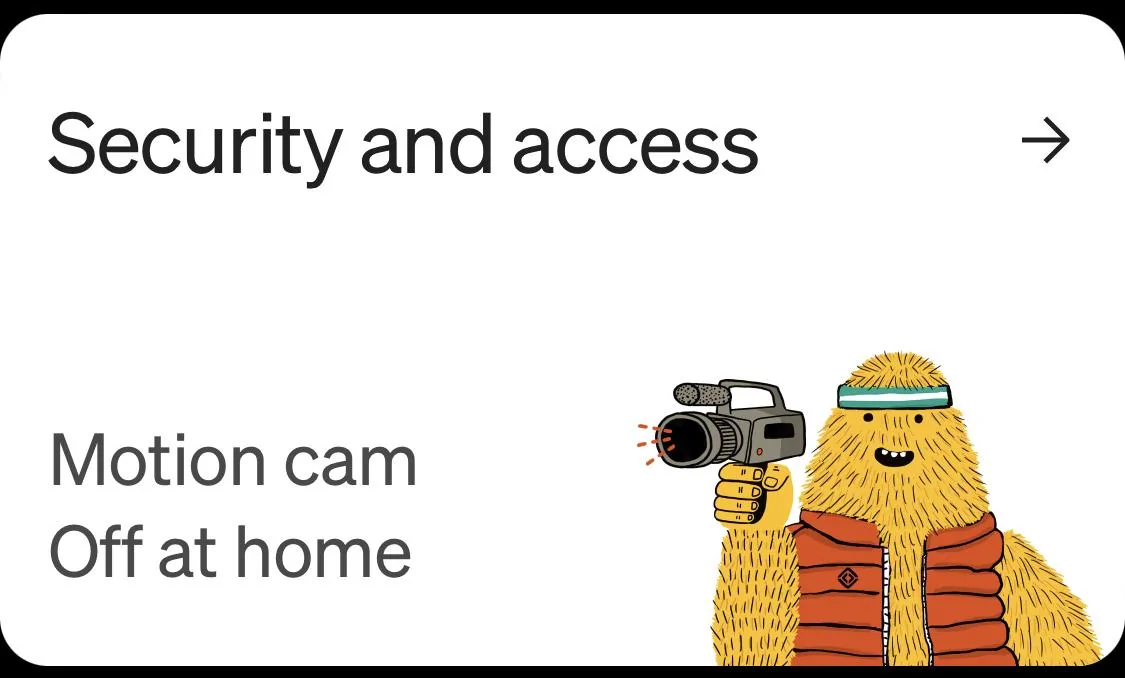
From the smartphone app:
Scroll to the Security and Access panel
Rivian R1T R1S Deleting old phone pairing IMG_2643


Tap the panel to enter

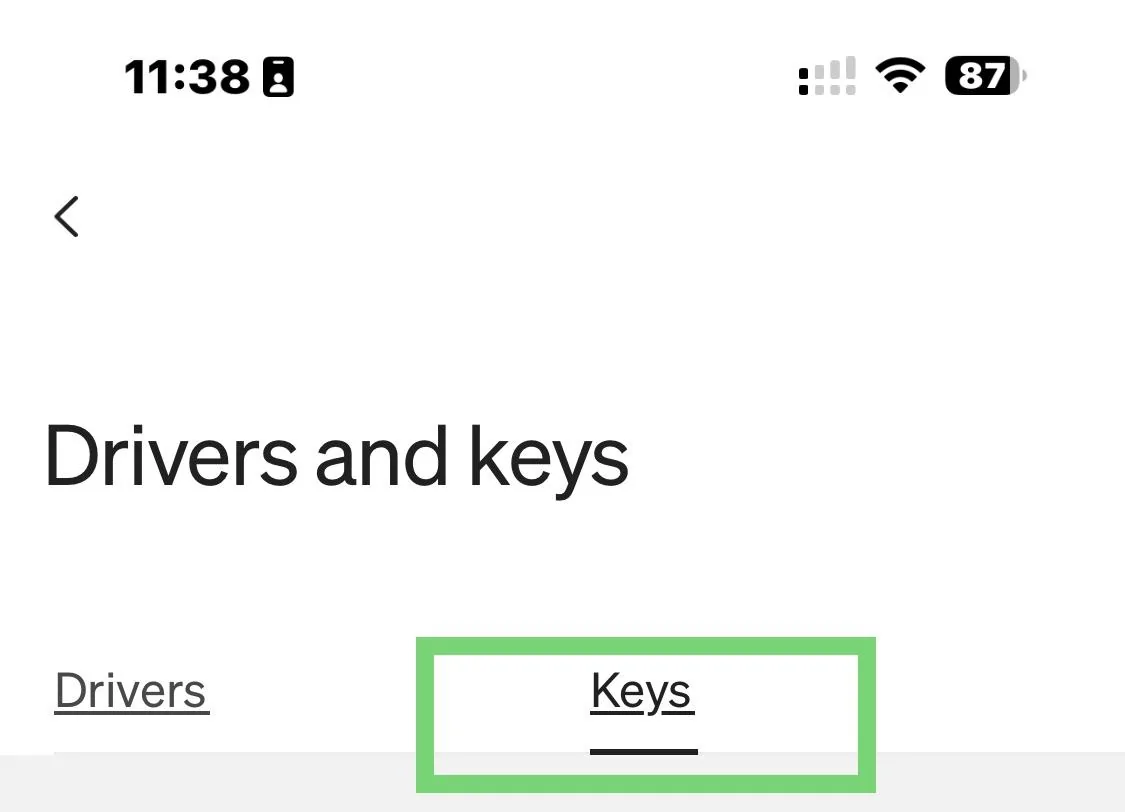
Tap Drivers and keys
Rivian R1T R1S Deleting old phone pairing IMG_2644


Tap Keys near top
Rivian R1T R1S Deleting old phone pairing IMG_2645


Tap the phone you want to remove

Tap Delete key

edit: added formatting and pics
 
Last edited:

Phatman113

Well-Known Member
First Name
Ryan
Joined
Feb 21, 2023
Threads
1
Messages
371
Reaction score
377
Location
Seattle
Vehicles
R1T
Occupation
IT
Clubs
 
I'm pretty sure it's in the phone app. Under Security and Access > Drivers and Keys
 

Dark-Fx

Well-Known Member
First Name
Brian
Joined
Jul 15, 2020
Threads
148
Messages
13,562
Reaction score
27,371
Location
Michigan
Vehicles
R1T, R1S, Livewire One, Sierra EV, R1S
Occupation
Engineering
Clubs
 
In the app.
 

Donald Stanfield

Well-Known Member
First Name
Donald
Joined
Jul 31, 2022
Threads
59
Messages
8,309
Reaction score
16,656
Location
USA
Vehicles
2025 R1S Tri Ascend, 2024 i4 M50
Occupation
Stuff and things
From the smartphone app:
Scroll to the Security and Access panel
IMG_2643.jpeg


Tap the panel to enter

Tap Drivers and keys
IMG_2644.jpeg


Tap Keys near top
IMG_2645.jpeg


Tap the phone you want to remove

Tap Delete key

edit: added formatting and pics
This is how I did it when I got a new phone.
 

Sponsored

GrandEnigma

Active Member
Joined
Jul 18, 2023
Threads
5
Messages
32
Reaction score
26
Location
NJ
Vehicles
R1S
Note to self, do not lose or break phone. Why would this functionally not be possible from the car itself? Just force the user to confirm adding/removing with another paired key card or wristband for security.
 

SoCal Rob

Well-Known Member
First Name
Rob
Joined
Apr 19, 2021
Threads
39
Messages
2,808
Reaction score
5,964
Location
Laguna Niguel / Palm Springs / Pioneertown
Vehicles
2025 Rivian R1S & 2021 VW ID.4 (2023 R1S sold)
Occupation
Information Technology
Clubs
 
Note to self, do not lose or break phone. Why would this functionally not be possible from the car itself? Just force the user to confirm adding/removing with another paired key card or wristband for security.
I don’t know for certain but my best guess is that it’s because phones are generally password protected and the Rivian’s settings aren’t. This means anyone with physical access to the center screen could delete keys, whether accidental or intentional.
Edit: removed extraneous text
Sponsored


Top