Brian-MS90D
Well-Known Member
- First Name
- Brian
- Joined
- Mar 19, 2024
- Threads
- 3
- Messages
- 130
- Reaction score
- 141
- Location
- Cincinnati, OH
- Vehicles
- Rivian R1S (Dual Motor, Max pack, LA Silver)
- Thread starter
- #1
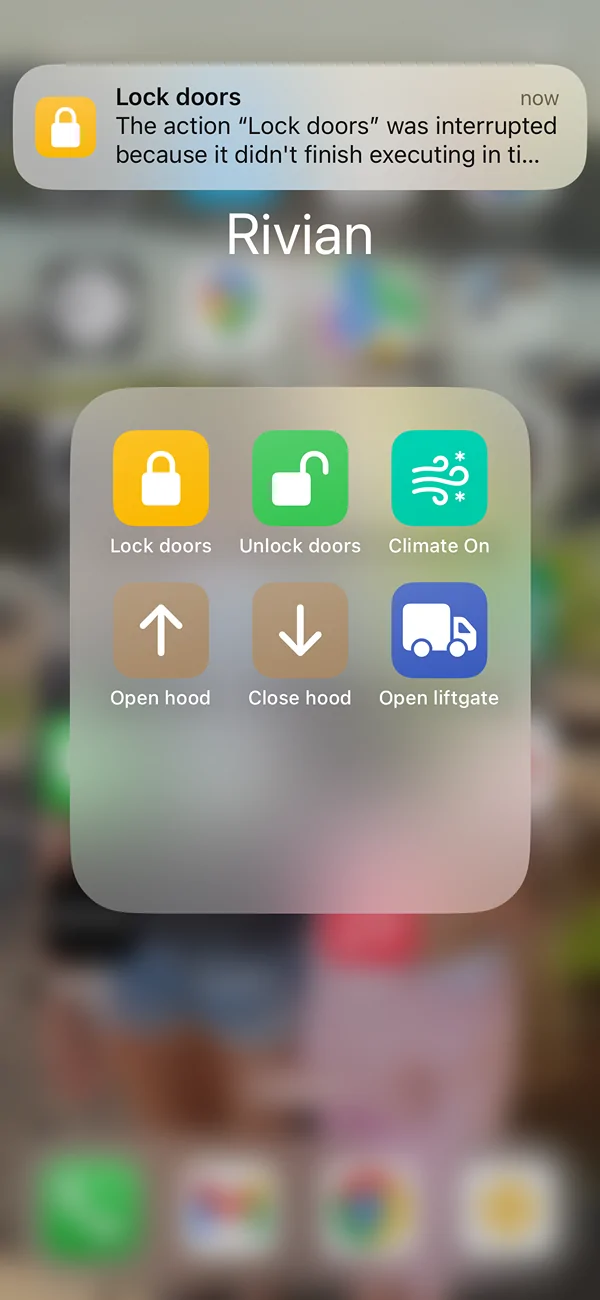
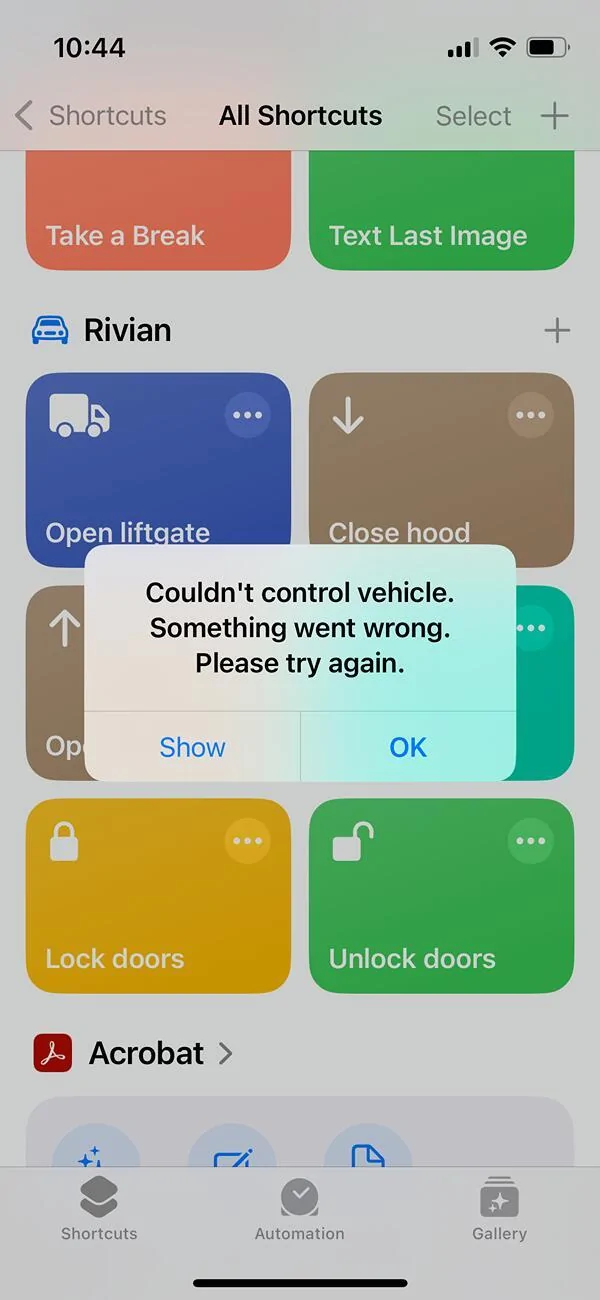
Has anyone else noticed that the normal Apple shortcuts no longer work? I get a time out message that the phone cannot control the vehicle.
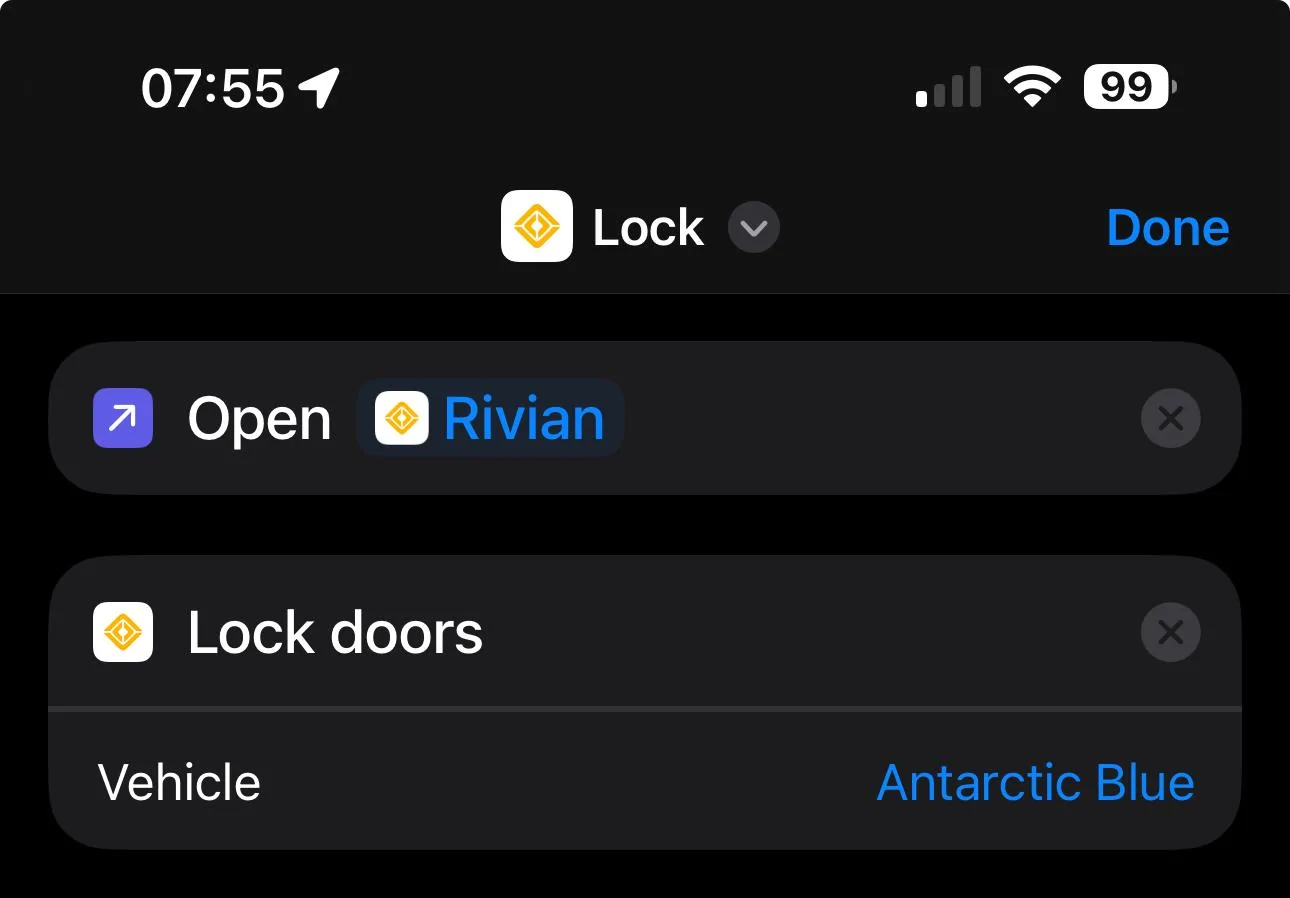
I have the R1S (gen1). I've previously created and used (via cellular connections; not bluetooth key) Apple shortcuts (on my phone & cellular enabled Watch) for functions such as locking, unlocking, starting climate, opening the frunk, etc. About 2 to 3 weeks ago they no longer worked. This week I deleted the Apple shortcuts and recreated them (there seemed to be some changes in the new Rivian app), but that didn't help.
I can still do everything via the Rivian phone app (which is slow and clunky IMO), but I really miss being able to do some of those basic functions from my Apple Watch shortcut (via cellular).

** This is not a post about bluetooth phone/watch as key
I have the R1S (gen1). I've previously created and used (via cellular connections; not bluetooth key) Apple shortcuts (on my phone & cellular enabled Watch) for functions such as locking, unlocking, starting climate, opening the frunk, etc. About 2 to 3 weeks ago they no longer worked. This week I deleted the Apple shortcuts and recreated them (there seemed to be some changes in the new Rivian app), but that didn't help.
I can still do everything via the Rivian phone app (which is slow and clunky IMO), but I really miss being able to do some of those basic functions from my Apple Watch shortcut (via cellular).
** This is not a post about bluetooth phone/watch as key
Sponsored