
ElectronRunner
Member
- Thread starter
- #1
Just got my R1S delivery recently and was very disappointed with playback issues from dash cam videos. I had copied videos off the SSD to my local m3 MacBook for playback. Multiple players, video editing software, all choppy as hell on a system that otherwise has no problem editing 4k video.
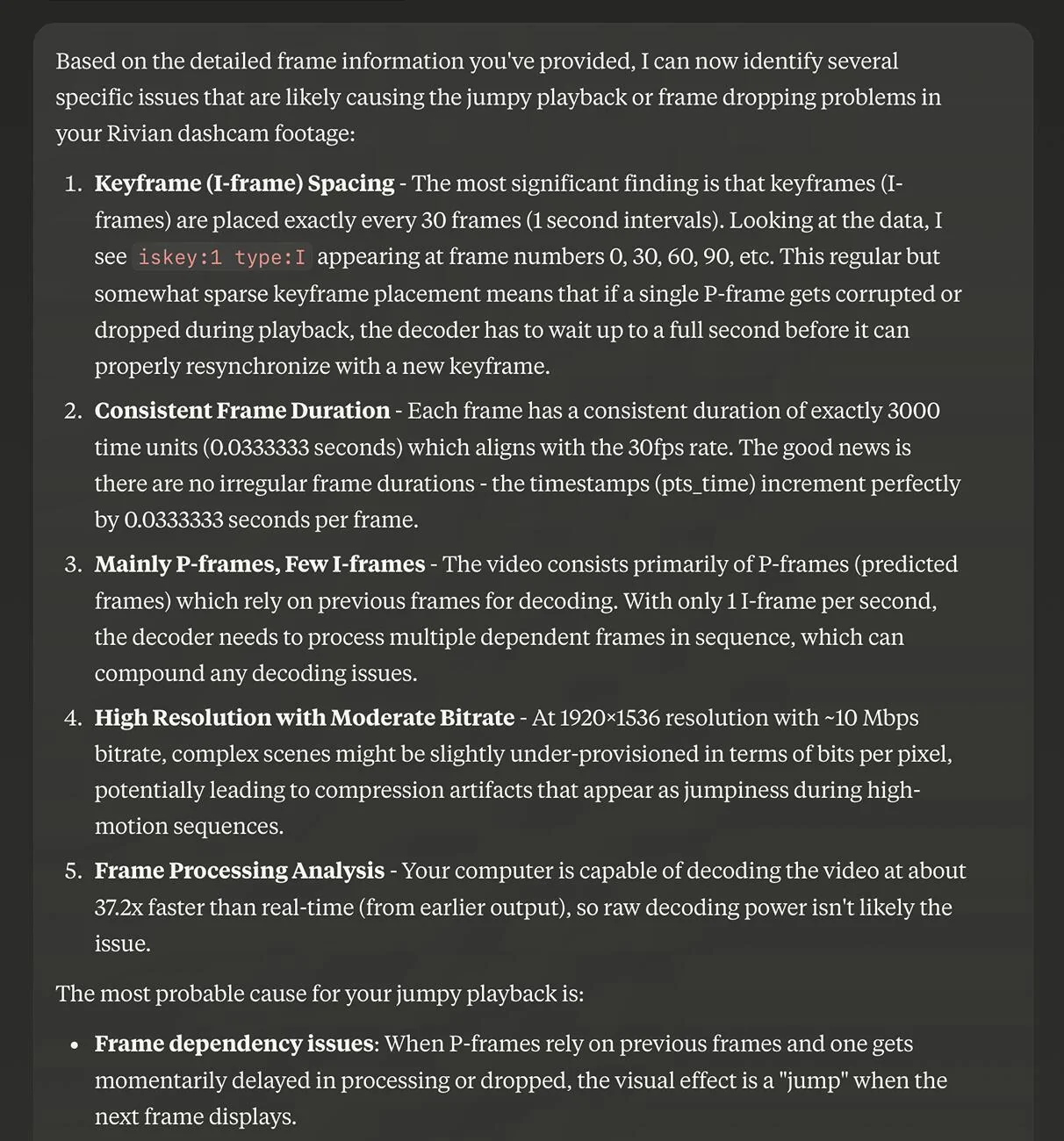
Asking Claude (Anthropic's AI LLM) about the issue, it had me run some debug commands using ffmpeg and came up with a diagnosis that there is only one keyframe every second as well as the bitrate being on the low end for the given resolution.
It gave me a reencode command to double the amount of keyframes:
ffmpeg -i 03_07_25_131726_frontCenter_001.mp4 -c:v libx264 -preset medium -crf 23 -g 15 -keyint_min 15 output.mp4
And that worked like a charm. Playback is now butter smooth with no loss in quality. The generated file is a bit larger though.
I had only seen complaints about this issue and hadn't come across a posted fix myself so posting here in case this is useful to anyone else.

Asking Claude (Anthropic's AI LLM) about the issue, it had me run some debug commands using ffmpeg and came up with a diagnosis that there is only one keyframe every second as well as the bitrate being on the low end for the given resolution.
It gave me a reencode command to double the amount of keyframes:
ffmpeg -i 03_07_25_131726_frontCenter_001.mp4 -c:v libx264 -preset medium -crf 23 -g 15 -keyint_min 15 output.mp4
And that worked like a charm. Playback is now butter smooth with no loss in quality. The generated file is a bit larger though.
I had only seen complaints about this issue and hadn't come across a posted fix myself so posting here in case this is useful to anyone else.
Sponsored
Last edited:


