I did not go over the entire thread here.. but I had the same issue first when I downloaded it. I signed off the WiFi and signed back in and it worked after that.
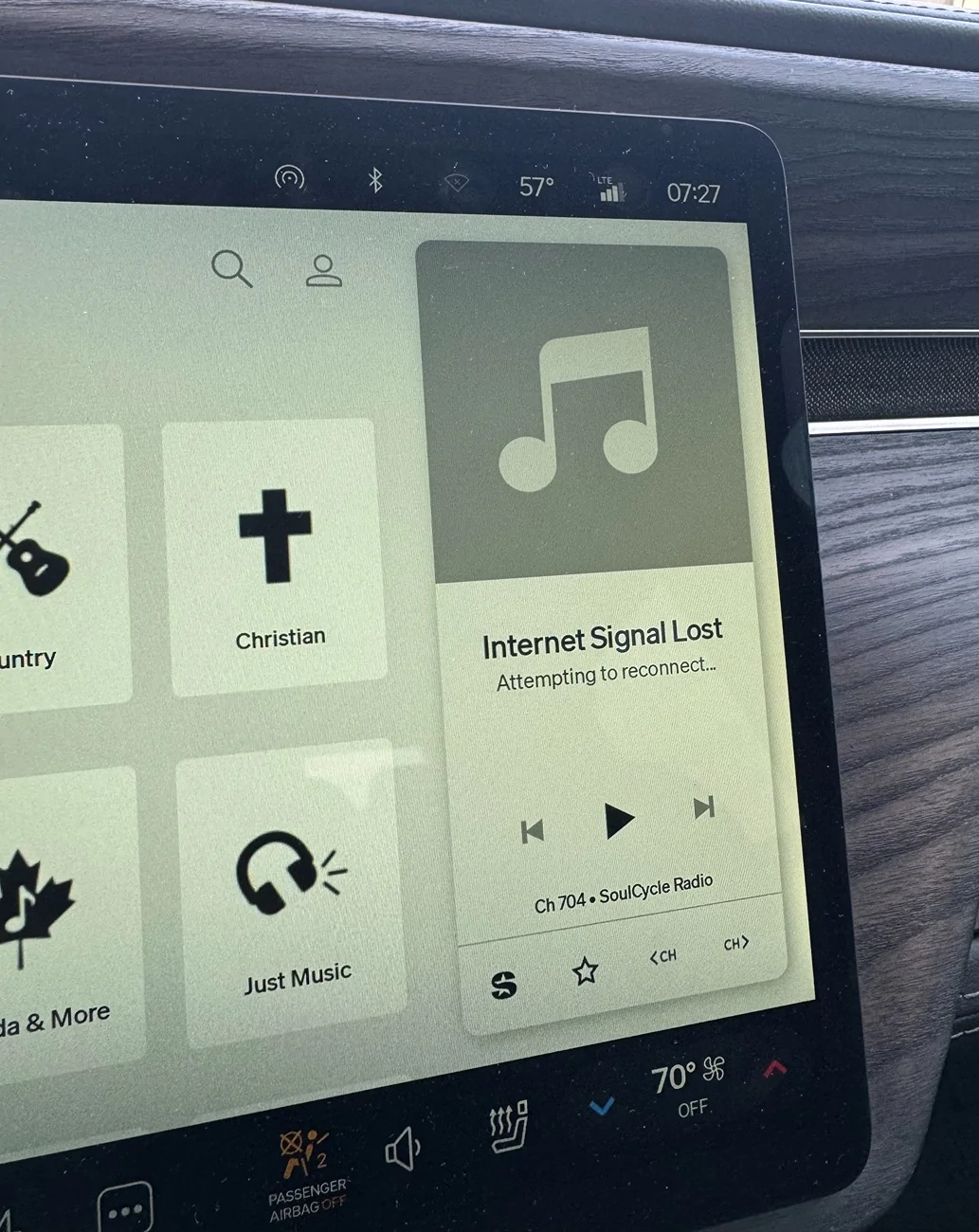
This morning on my drive into work, everything was working fine. Then I turned on wifi and a min later, it said the internet signal was lost. I turned off the wifi again and it took 10 min before the connection reestablished. Interestingly, during the 10 min blackout period, the hotspot worked fine! lol
Update!! So I had a random thought to turn off the Wifi in the truck. Previously, it was on, but not connected to a network. I turned it off and had no connection interruptions or issues during the entire drive! So maybe there is a bug with the wifi being on, but not connected to a network? Maybe the truck is trying to prioritize the wifi over LTE even though the wifi is disconnected? That could explain why this is so noticeable while driving. Maybe I should try connecting my starlink mini to the truck to have Wifi in motion or phone hotspot and see if it makes a difference.
Anyway, interested indeed! This is my experience, but for the others having similar issues, this could be something to look into...
Is this still happening you you? I tried flipping Wi-Fi off but not sure how long it takes to register. App still says "no cloud access" and when the Wi-Fi is on, it says "unstable internet connection". Which is insane since I have about $2k of Ubiquiti hardware about 10ft from the hood of the car.
Is this still happening you you? I tried flipping Wi-Fi off but not sure how long it takes to register. App still says "no cloud access" and when the Wi-Fi is on, it says "unstable internet connection". Which is insane since I have about $2k of Ubiquiti hardware about 10ft from the hood of the car.
Replying to my own post. Just as @lmerani said, about 10 min later, I can now connect to the car over lte and without Bluetooth having to be on. Something is seriously wrong with that Wi-Fi card in the car after this update.
Is this still happening you you? I tried flipping Wi-Fi off but not sure how long it takes to register. App still says "no cloud access" and when the Wi-Fi is on, it says "unstable internet connection". Which is insane since I have about $2k of Ubiquiti hardware about 10ft from the hood of the car.
Sorry to hear you're having issues as well. I am not sure if I still have the issue but I assume it's still there. Since I made it a point to turn off the wifi, everything has been working well. I am leaving the wifi off, which is fine for me. I understand we should be expecting a software update (2026.15.30) soon and I may turn on the wifi to facilitate the download when it's ready. Hopefully the update will address this as I believe it's a bug considering I never had this issue before and, others are reporting similar issues. I'll be traveling for the next 2 weeks, so the update may reach the vehicle before I get back. It may be some time before I am able to do follow up testing.
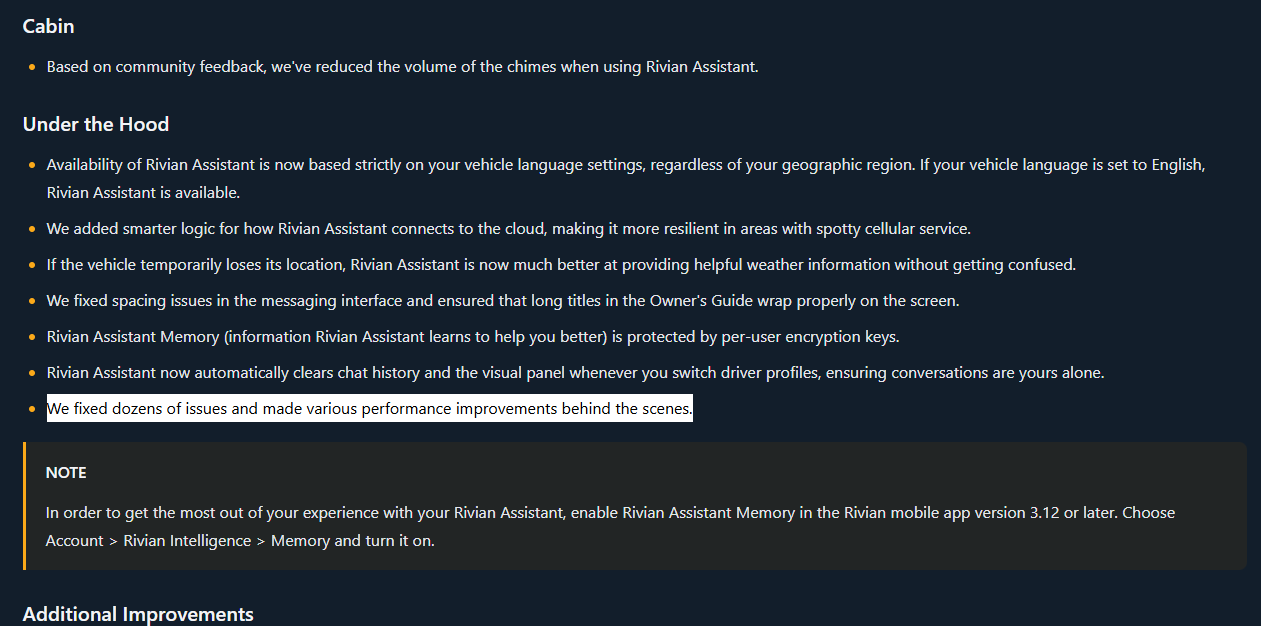
My hope is that the vague "We fixed dozens of issues and made various performance improvements behind the scenes." addresses this... One can hope anyway.
Source: https://riviantrackr.com/2026-15-30/
I'm experiencing this issue too - Rivian console shows no internet connection, but my iPhone app shows it has. I've tried hard reboot and soft reboot, unfortunately they didn't have any effect. I've also tried 5Ghz or 2.4ghz bands, none of them had internet connection. What a piece of junk, thank you Rivian.
Last night I had to do a hard reset of my R1T to get it to connect to my wireless at home. Location is also screwed up and the app keeps telling me I need to share location although it is turned on in the vehicle. I think the patch that is supposed to fix all this hasn't been uploaded to me because the wireless was disconnected and my cellular service at home sucks. I hope I get the update soon as this is really starting to get annoying!
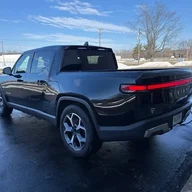
The WiFi in my gen 2 R1T no longer works since update 2026.15.0. It would connect for 30 seconds then say unstable WiFi. However my router is showing it’s still connected with and excellent signal. It’s not just my network I also tried my neighbors too.
Once I was able to download 2026.15.30. Which took forever. I basically had to reconnect the WiFi every 30 seconds. I installed the update. But unfortunately it didn’t repair the WiFi issue. Anyone else in the same boat?