
Rivan
Well-Known Member
I did not go over the entire thread here.. but I had the same issue first when I downloaded it. I signed off the WiFi and signed back in and it worked after that.
Sponsored
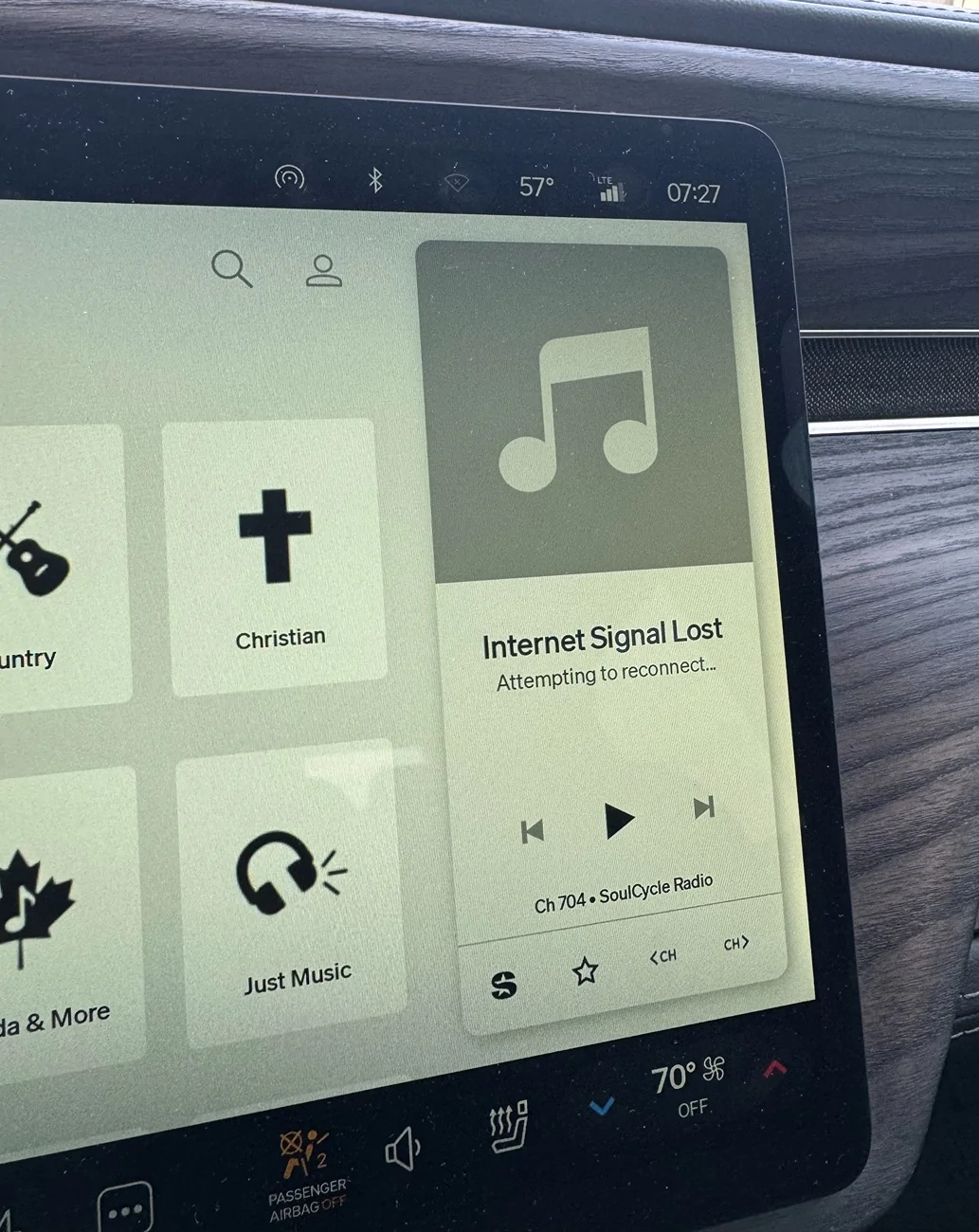
Is this still happening you you? I tried flipping Wi-Fi off but not sure how long it takes to register. App still says "no cloud access" and when the Wi-Fi is on, it says "unstable internet connection". Which is insane since I have about $2k of Ubiquiti hardware about 10ft from the hood of the car.Update!! So I had a random thought to turn off the Wifi in the truck. Previously, it was on, but not connected to a network. I turned it off and had no connection interruptions or issues during the entire drive! So maybe there is a bug with the wifi being on, but not connected to a network? Maybe the truck is trying to prioritize the wifi over LTE even though the wifi is disconnected? That could explain why this is so noticeable while driving. Maybe I should try connecting my starlink mini to the truck to have Wifi in motion or phone hotspot and see if it makes a difference.
Anyway, interested indeed! This is my experience, but for the others having similar issues, this could be something to look into...
Replying to my own post. Just as @lmerani said, about 10 min later, I can now connect to the car over lte and without Bluetooth having to be on. Something is seriously wrong with that Wi-Fi card in the car after this update.Is this still happening you you? I tried flipping Wi-Fi off but not sure how long it takes to register. App still says "no cloud access" and when the Wi-Fi is on, it says "unstable internet connection". Which is insane since I have about $2k of Ubiquiti hardware about 10ft from the hood of the car.
Sorry to hear you're having issues as well. I am not sure if I still have the issue but I assume it's still there. Since I made it a point to turn off the wifi, everything has been working well. I am leaving the wifi off, which is fine for me. I understand we should be expecting a software update (2026.15.30) soon and I may turn on the wifi to facilitate the download when it's ready. Hopefully the update will address this as I believe it's a bug considering I never had this issue before and, others are reporting similar issues. I'll be traveling for the next 2 weeks, so the update may reach the vehicle before I get back. It may be some time before I am able to do follow up testing.Is this still happening you you? I tried flipping Wi-Fi off but not sure how long it takes to register. App still says "no cloud access" and when the Wi-Fi is on, it says "unstable internet connection". Which is insane since I have about $2k of Ubiquiti hardware about 10ft from the hood of the car.
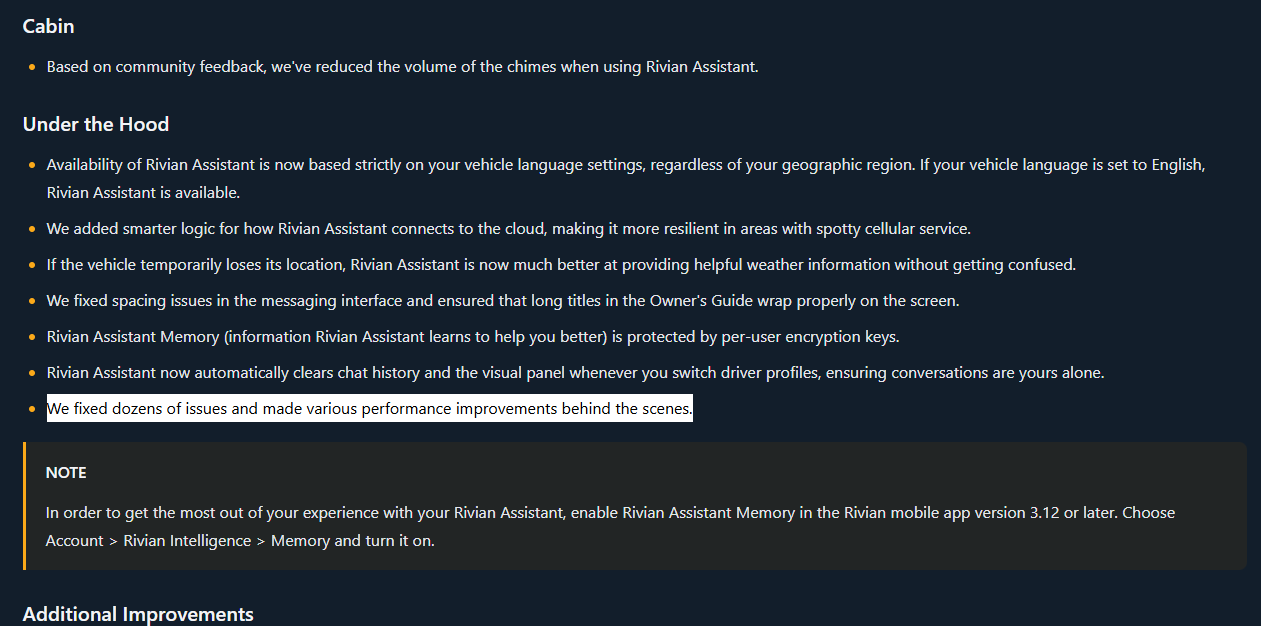
Did you ever find a fix for this? I have same issue on my Gen1 R1T. I believe it goes back 2026.07 for me. I haven’t taken it in for service yet since the only time I need WiFi is for software updates. 2026.23.0 says ‘Fixed an issue that prevented vehicles from connecting to some Wi-Fi networks’, so hoping this is the fix I need. Unfortunately the reconnecting Wi-Fi every 30 seconds doesn’t seem to work anymore. After an Infotainment reset, it downloads 1-3% then stops. I’m up to 15% at this time, but don’t really want sit here doing 25-30 more resets.The WiFi in my gen 2 R1T no longer works since update 2026.15.0. It would connect for 30 seconds then say unstable WiFi. However my router is showing it’s still connected with and excellent signal. It’s not just my network I also tried my neighbors too.
Once I was able to download 2026.15.30. Which took forever. I basically had to reconnect the WiFi every 30 seconds. I installed the update. But unfortunately it didn’t repair the WiFi issue. Anyone else in the same boat?

Thanks for the reply. From what I’ve read elsewhere it’s something with my Orbi mesh network that Rivian doesn’t like. Connected to phone hotspot and it completed the download, but then disappeared and says I’m up to date (2026.15.01). RivianRoamer says I’m now waiting to be flagged for the update - wondering if Rivian pulled the update back like they did last time with 2026.15.0..15? It sounds like something else went sideways in the OS and it's effecting the cellular. I had that happen when my driver's side mirror sensor went bad (recall repair); that prevented updates from coming in. I would ping your SC and have them take a look. You may need to do a hard reboot (LEFT steering wheel button + Hazard button) to generate a system diagnostic report.
WiFi issue with Orbi mesh networks is fixed after this update.Thanks for the reply. From what I’ve read elsewhere it’s something with my Orbi mesh network that Rivian doesn’t like. Connected to phone hotspot and it completed the download, but then disappeared and says I’m up to date (2026.15.01). RivianRoamer says I’m now waiting to be flagged for the update - wondering if Rivian pulled the update back like they did last time with 2026.15.0.
Ubiquiti FTW....Thanks for the reply. From what I’ve read elsewhere it’s something with my Orbi mesh network that Rivian doesn’t like. Connected to phone hotspot and it completed the download, but then disappeared and says I’m up to date (2026.15.01). RivianRoamer says I’m now waiting to be flagged for the update - wondering if Rivian pulled the update back like they did last time with 2026.15.0.


