Sponsored

ABRP question

bod925

Active Member
Joined
Jan 17, 2025
Threads
12
Messages
37
Reaction score
10
Location
Hickory, NC
Vehicles
2025 R1S
This is not a Rivian related question, but about ABRP.

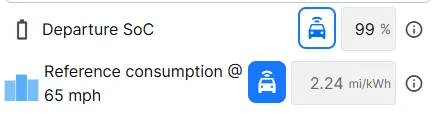
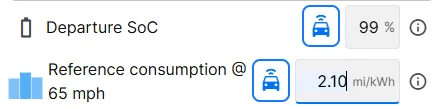
I have it connected to my R1S and it pulls the Reference Consumption from the vehicle. I have been playing around with this and manually lower it just a little (i.e. 2.24 mi/kwh down to 2.10) just to be on the safe side.

I roughly get about 2.10 driving around 76 mph.

ABRP calls it "Reference Consumption @ 65mph". So when it is using the linked data and displays 2.24, it is automatically adjusting what it thinks it should be at 65mph? Because I am not driving that speed. Or is it displaying my actual consumption at the speeds I'm driving?

Should I input something like 2.60 manually since I think that is what I would get at 65mph?

This is very confusing to me. Does anyone have a clear answer? Am I interpreting this correctly?
Going 250-300 miles between charging stops makes a big difference when adjusting this figure.

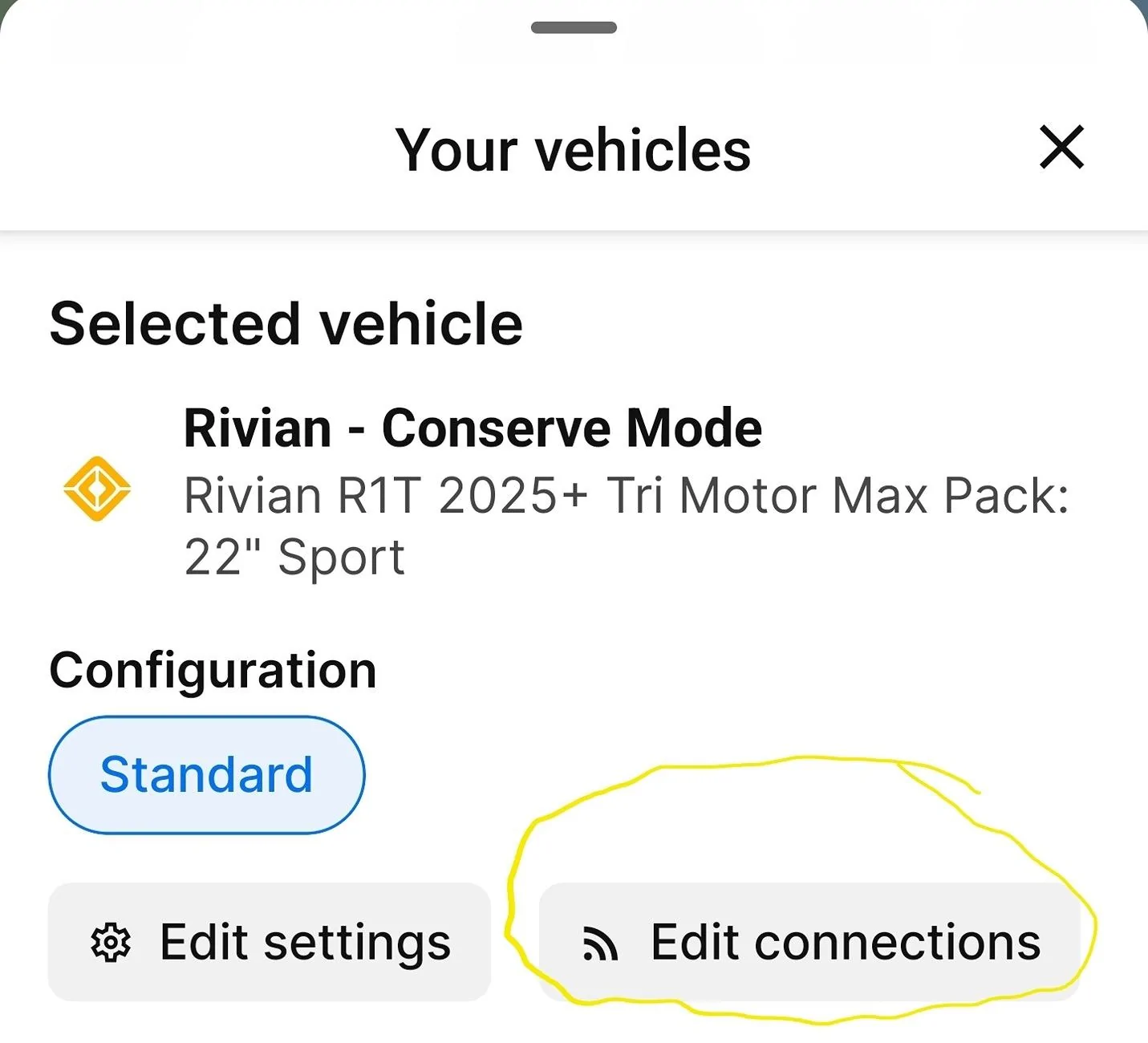
Rivian R1T R1S ABRP question 1749839890557-ao


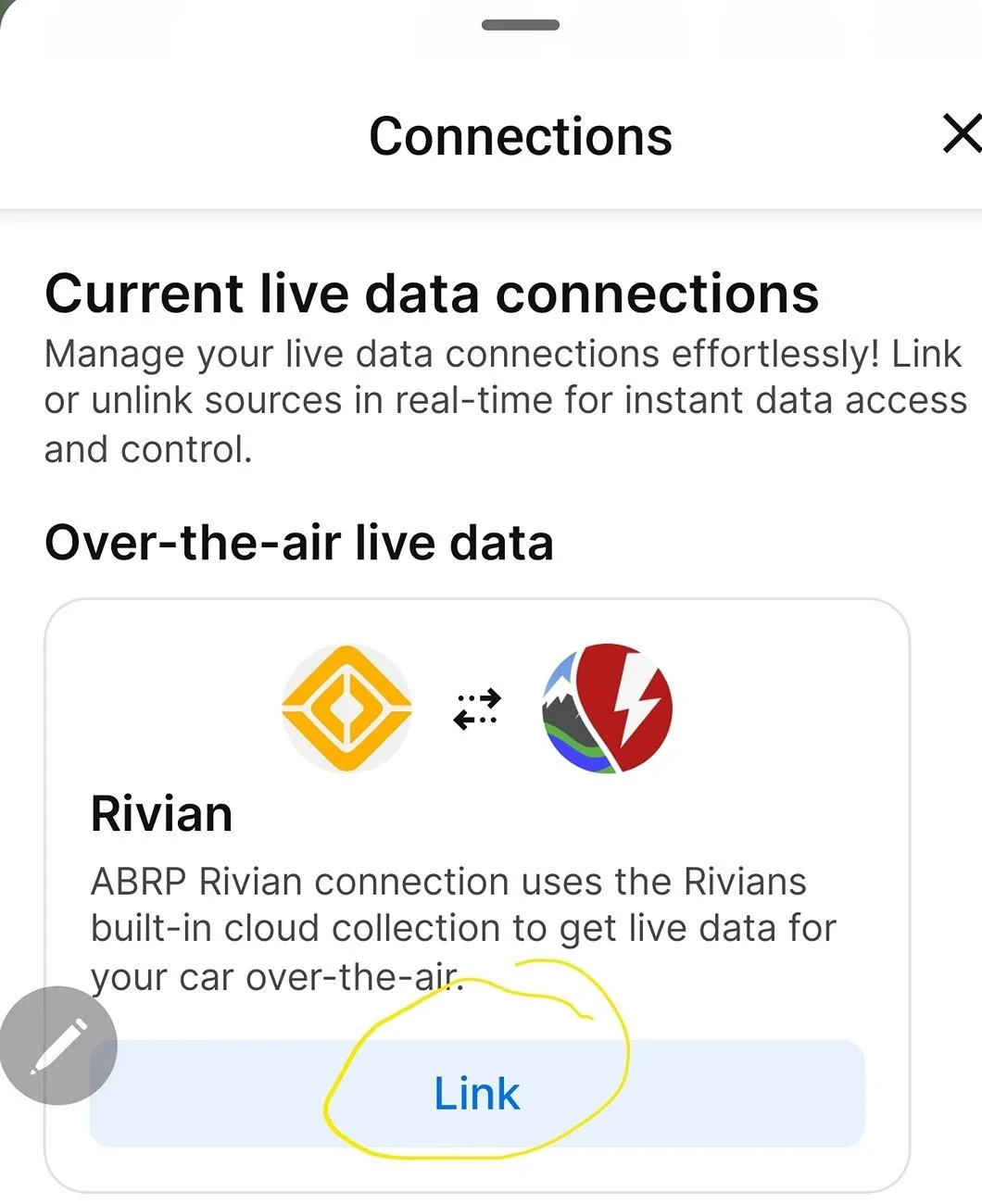
Rivian R1T R1S ABRP question 1749839914684-yx
Sponsored


iamnid

Well-Known Member
Joined
Aug 10, 2023
Threads
7
Messages
614
Reaction score
761
Location
California
Vehicles
Mercedes EQE, Rivian R1S
That's a very good question (and I don't know the answer).

Since it seems to be fairly accurate for me, and I rarely drive 65 mph, I believe it uses it as a reference and then adjusts according to speed limits along the route etc.

For example, I've been on trips where the flow of traffic is definitely above the speed limit (e.g. 75-80mph on the way to Vegas) and it's predictions are fairly spot on. I also have not linked my vehicle to ABRP so it doesn't know anything about my specific car's consumption.
 

MrMusAddict

Well-Known Member
Joined
Oct 29, 2022
Threads
42
Messages
323
Reaction score
890
Location
Oregon
Vehicles
2023 Rivian R1T
Occupation
Data Analyst
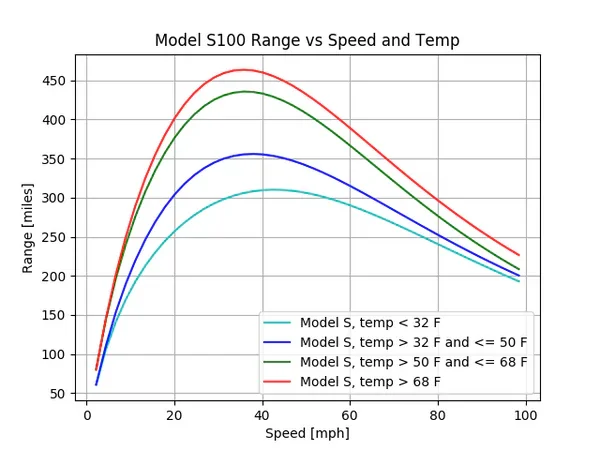
Your efficiency is based on speed, and ABRP knows this. The vehicle is aware of your efficiency given speed, temperature, elevation climb/descent, etc. All of this is used to build a profile of how "tall" your efficiency curve is.

Using this chart as an example, it's trying to determine whether you're more in line with red / green / blue / turquoise, etc.

Rivian R1T R1S ABRP question 1749853099916-l4


Setting that reference consumption is a way to adjust the height of this curve.

Once it knows the baseline, it will adjust the height of your profile for its route-planning based on current temperature and weather conditions. It will then calculate efficiency of your route based on the speed limits associated with the roads on your drive, assuming (like most drivers) you'll probably be going ~15% above the speed limit. So:

  • 25 MPH road signs → 29 MPH on the curve
  • 40 MPH road signs → 46 MPH on the curve
  • 65 MPH road signs → 75 MPH on the curve
All of that to say, it appears ABRP has determined you'd be around 2.24 mi/kwh @ 65 MPH, so it will automatically assume you'll probably be closer to 2.00 mi/kwh on a 65 MPH road since most drivers would actually be driving 70-75 MPH.
 

mkhuffman

Well-Known Member
First Name
Mike
Joined
Nov 9, 2020
Threads
14
Messages
2,840
Reaction score
3,202
Location
Virginia
Vehicles
2025 R1T Tri-Max, Jeep GC-L, VW Jetta
To answer your question, yes, I think you should change the value to what you think you get at 65 mph.

I also have my truck connected to ABRP, and the default reference consumption was way too low. I set mine at 2.6 at 65 mph. Using that as the reference, I have found ABRP to be extremely accurate when planning trips, down to 1% within the predicted SoC at arrival. Sometimes right on the money. It is very impressive.

You also need to set your expected travel speed relative to the speed limit under the "Speed" menu. I set my Reference Speed to 110%. That setting is important for ABRP to be accurate when planning trips.
 
  • Like
Reactions: VSG

SANZC02

Well-Known Member
First Name
Bob
Joined
Feb 11, 2021
Threads
50
Messages
7,404
Reaction score
12,692
Location
California
Vehicles
Tesla Model S, LE - R1S
Occupation
Retired
I’ve used ABRP on several long round trips between 5400 and 7400 miles in both my Tesla and Rivian.

ABRP is great for picking routes and chargers, I use it on my iPad but when I stop to charge I plug the next charger into the native navigation and it tells me when it is good to go. After a few charges you get a good feel for it. On my current trip in my Model S I set ABRP FOR shorter but more stops (using 4th button from the left), Tesla was having me charge to 20-22% left at destination, I started unplugging around 12% left because it was so consistent, most of my stops on this trip are under 10 minutes.

Experiment and you will find what works best for you.
 
  • Like
Reactions: VSG

Sponsored

DD4ST

Well-Known Member
First Name
Daniel
Joined
Jun 5, 2024
Threads
12
Messages
363
Reaction score
286
Location
Florida
Vehicles
2023 R1T
Occupation
Retired
Clubs
 
ABRP is great for picking routes and chargers, I use it on my iPad but when I stop to charge I plug the next charger into the native navigation and it tells me when it is good to go.
Same here. ABRP for planning but native navigation for actual driving. I’ve also used the paid ABRP for connecting my Audi and Rivian, but felt it was of minimal value since I don’t try to get every last kWh out of the battery and. I didn’t see ABRP adjusting charging stops on the fly based on updated data. Also, ABRP does not have the capability to pre-condition the battery for charging. I have also found the ABRP default consumption values conservative and telling me I have less range than what I experience.
 

mkhuffman

Well-Known Member
First Name
Mike
Joined
Nov 9, 2020
Threads
14
Messages
2,840
Reaction score
3,202
Location
Virginia
Vehicles
2025 R1T Tri-Max, Jeep GC-L, VW Jetta
Same here. ABRP for planning but native navigation for actual driving. I’ve also used the paid ABRP for connecting my Audi and Rivian, but felt it was of minimal value since I don’t try to get every last kWh out of the battery and. I didn’t see ABRP adjusting charging stops on the fly based on updated data. Also, ABRP does not have the capability to pre-condition the battery for charging. I have also found the ABRP default consumption values conservative and telling me I have less range than what I experience.
100%. This is why I changed the consumption value to 2.6 at 65 mph. That is the magic spot for me.

I also only use it to plan, but I like the data interface. It might not be worth the paid subscription since I also have Electrifi, but I have not canceled it yet. I kind of see it as a donation anyway since it helps keep ABRP and Rivian alive. Rivian needs all the sources of revenue it can get. Lol.


Top