kaseofbeer
New Member
- Thread starter
- #1
Anyone experiencing this issue and know how to resolve it?
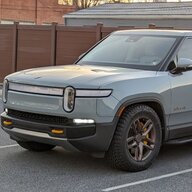
My Smart Dash Screen is unable to hold a stable Android Auto connection. I'm able to use the mirroring function and the BT Audio function without issue.
With Android Auto, when it IS able to connect, the Smart Dash screen is unresponsive to touch and disconnects after roughly a minute and then restarts the connecting process. This cycle repeats.
WIFI conflict?
The Smart Dash broadcasts a WIFI network that my phone has to connect to in order for Android Auto to work. I've tried turning off auto connect to my R1S hotspot in case there was a conflict. But it does look like the WIFI is struggling to stay connected.
BT conflict?
I'm also connected via BT to the R1S and the Rivian App has a BT Rivian key. Could there be a conflict there?
I've been in touch with their support since January. They sent me out a new unit because they said I had an older model. Maybe that was the issue. Received the replacement this weekend after over a month of waiting. Same problem. I reached back out to their support and got the following reply.
I'm out of my depth here and run out of ideas. Help! I really want Android Auto on my Rivian. Built in navigation consistently does not provide the quickest routes in traffic.
Samsung Galaxy S22 Ultra
Rev1.0
One UI Version 6.1
Android version 14
Google Play system update 3.1.25
Android Auto Version 13.9.651014-release
My Smart Dash Screen is unable to hold a stable Android Auto connection. I'm able to use the mirroring function and the BT Audio function without issue.
With Android Auto, when it IS able to connect, the Smart Dash screen is unresponsive to touch and disconnects after roughly a minute and then restarts the connecting process. This cycle repeats.
WIFI conflict?
The Smart Dash broadcasts a WIFI network that my phone has to connect to in order for Android Auto to work. I've tried turning off auto connect to my R1S hotspot in case there was a conflict. But it does look like the WIFI is struggling to stay connected.
BT conflict?
I'm also connected via BT to the R1S and the Rivian App has a BT Rivian key. Could there be a conflict there?
I've been in touch with their support since January. They sent me out a new unit because they said I had an older model. Maybe that was the issue. Received the replacement this weekend after over a month of waiting. Same problem. I reached back out to their support and got the following reply.
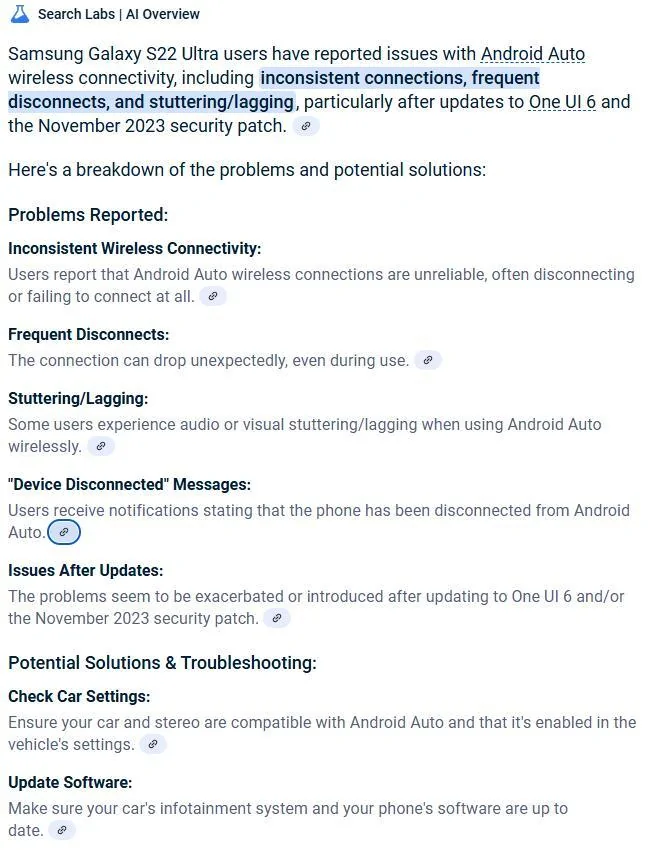
I've set Battery to Unrestricted through the Android Auto settings and tried it with Do Not Disturb turned on. I've also turned off Switch to better Wi-Fi networks in Intelligent Wi-Fi. A Chevy Bolt thread from 2022 says there's a setting that blocked AA from managing Wi-Fi. Anyone know where that setting is? AA has permissions to Calendar, Call Logs, Contacts, Locations, Microphone, Nearby Devices, Notifications, Phone, and SMS.I'm bummed that the screen wasn't the issue. i was really hoping a new one would fix it. Unfortunately, troubleshooting Android is quite a ways out of my scope of support. If there is a setting that's supposed to make the connection stable, I don't know what it is. I would do a search to see if others have trouble keeping your same phone connected to Android Audo[sic].
I'm out of my depth here and run out of ideas. Help! I really want Android Auto on my Rivian. Built in navigation consistently does not provide the quickest routes in traffic.
Samsung Galaxy S22 Ultra
Rev1.0
One UI Version 6.1
Android version 14
Google Play system update 3.1.25
Android Auto Version 13.9.651014-release
Sponsored