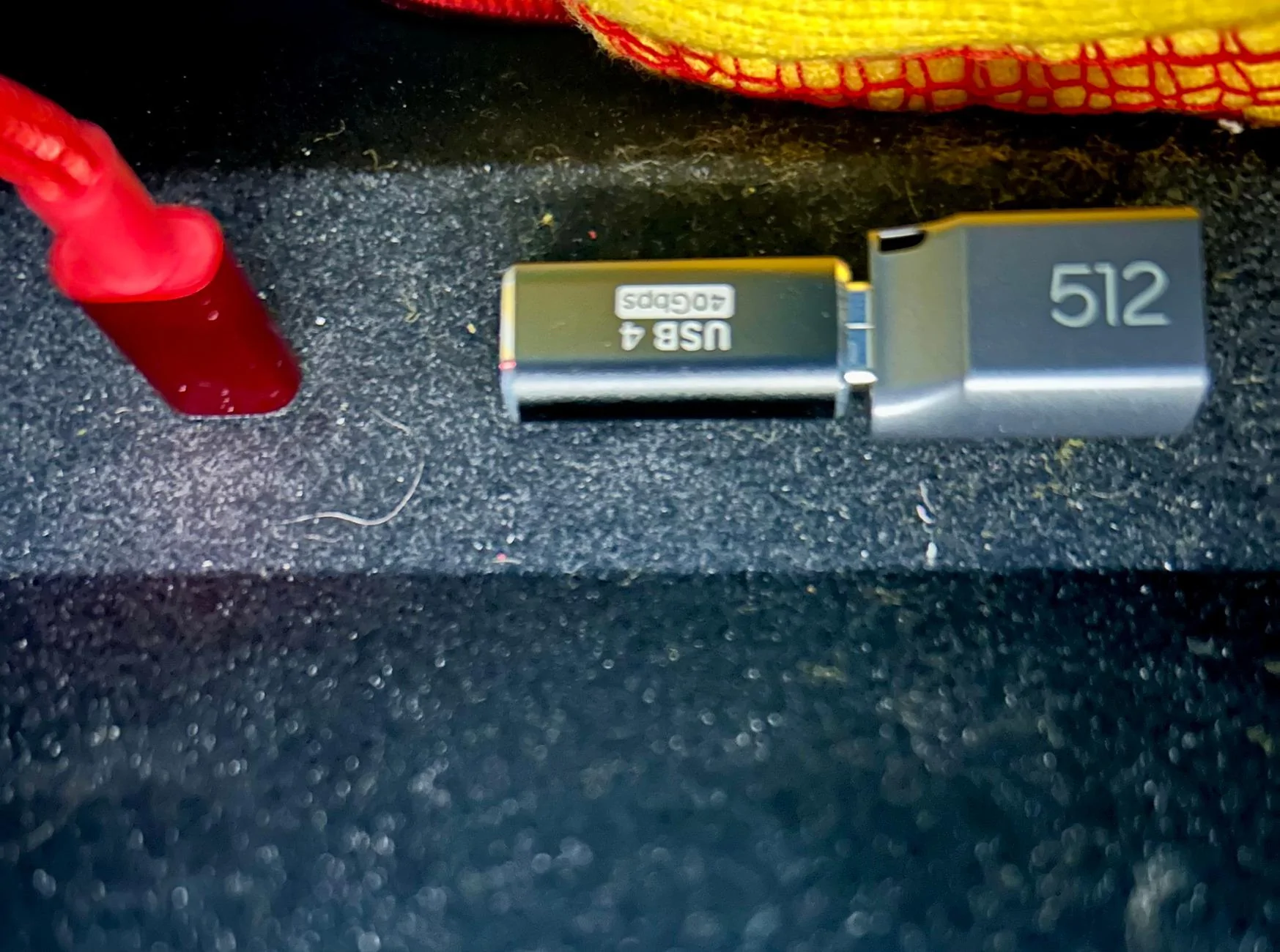
same here, just notice it was not working after update, have the same setup (micro SD with anker adapter) any suggestion on how to resolve this? Did both hard and soft resets, no joy
The last software update seems to have rendered my setup nonworking. I have an Anker SD card reader with a microSD card. It’s been working since the drive cam was first available. I noticed this week that it was recording when I honked my horn anymore. Went to the settings, and it shows no drive connected. Tried to redo drive setup, but it just says it’s cannot talk to the drive when I connect it.
That is the exact setup I had and the same type of error message. Switching to the Hynix Tube SSD fixed my issues. Sucks that we had to upgrade (spend more money), but i probably should have bought something more robust from the start. I think the micro sd memory is fast enough, but the Rivian sure doesn't like the card reader.
same here, just notice it was not working after update, have the same setup (micro SD with anker adapter) any suggestion on how to resolve this? Did both hard and soft resets, no joy
If it sees your setup, butnjistnsays it is too slow, then you can edit the log file that was created during initial setup. **too slow*** edited to **READY**. If it won't see your card reader as a drive, then you are probably SOL.
I am afraid SOL, drive set up says it cannot talk to the drive and won't continue the formatting, worked beautifully before the update, recorded videos nonstop till last Monday when I did the OTA, and it works just fine plugged into the computer, I can mount the card, see the recorded videos and all. It really sucks, I like the way this takes minimal space in the console
Got this Sandisk drive a couple of days ago and so far seems to be working well now. (2025 R1S, 2024.39.32, latest Autonomy Platform update)
Setup was a pain because I tried initially formatting it in the car and it wouldn't get off the rotating circle icon. Pulled it to try on my PC and wasn't recognized at all, but I suspect that's on me for pulling it without canceling formatting first. Had to change the cable to evn see it in Disk Management, then clean through command prompt. Initialized the drive and formatted as NTFS. Once I got past there the included cable seemed to work again. I was then able to then reformat it in the car to FAT32.
One downside is that the included cable is very short so the drive kind of just hangs down from it in the central console. I'll probably get a new cable.
It's probably a bit larger than needed, but once properly formatted it's easy to add another folder and use it for file storage as well (also works well as an external drive when connected to my Pixel 7 Pro). Given the file size limitations of the FAT32 format I'm thinking of creating a second partition on the drive in NTFS and using that for generalized file storage.
I’ll add the most recent update killed my drive cam with Samsung drive and right angle adapter. This setup has worked perfectly since the beginning. Drive isn’t even recognized in the setup menu.
Nearly got run off the road today so it’s on my mind.
Have a 2025 Gen 2. I was using a SanDisk SD drive and it stopped working with latest updates. Was always wonky to be honest. As suggested I ordered the Samsung. Works great and actually super small. Shockingly small!