Sponsored

MY First Road Trip - Would love advice/tips

RIVINTUP

Member
First Name
Tim
Joined
Jan 28, 2025
Threads
3
Messages
19
Reaction score
8
Location
Austin
Vehicles
RIT Tri Motor
Occupation
Real Estate
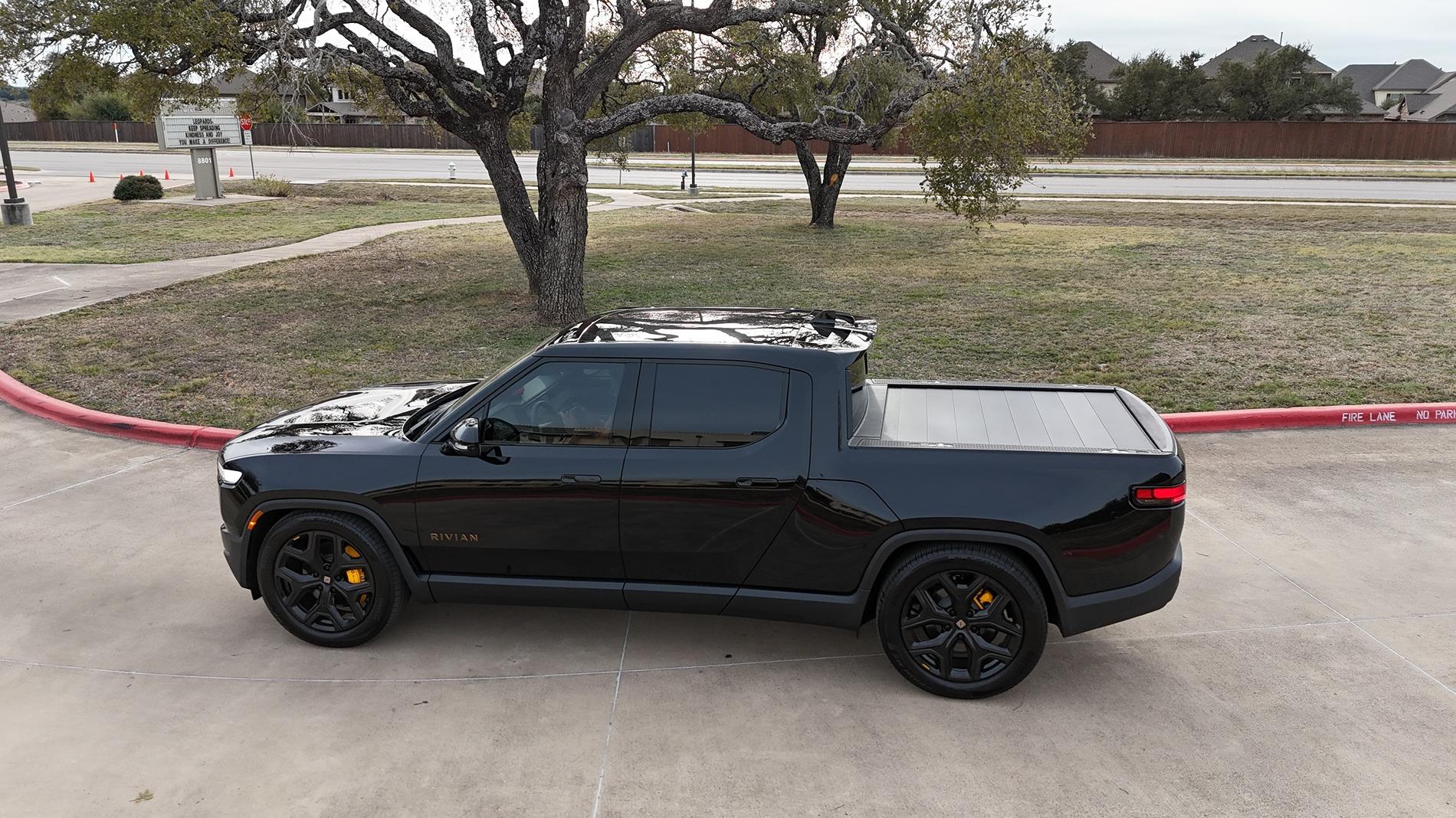
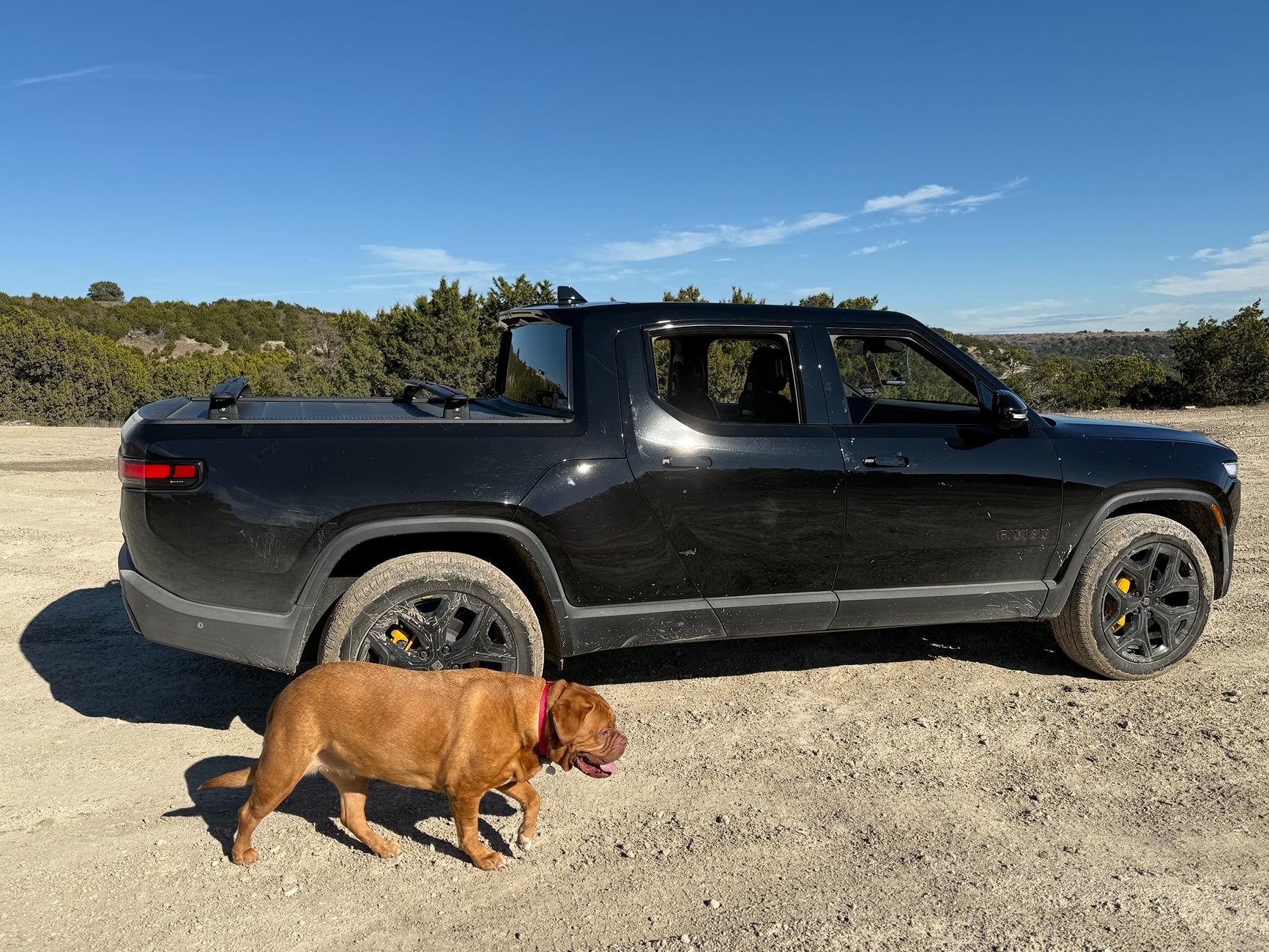
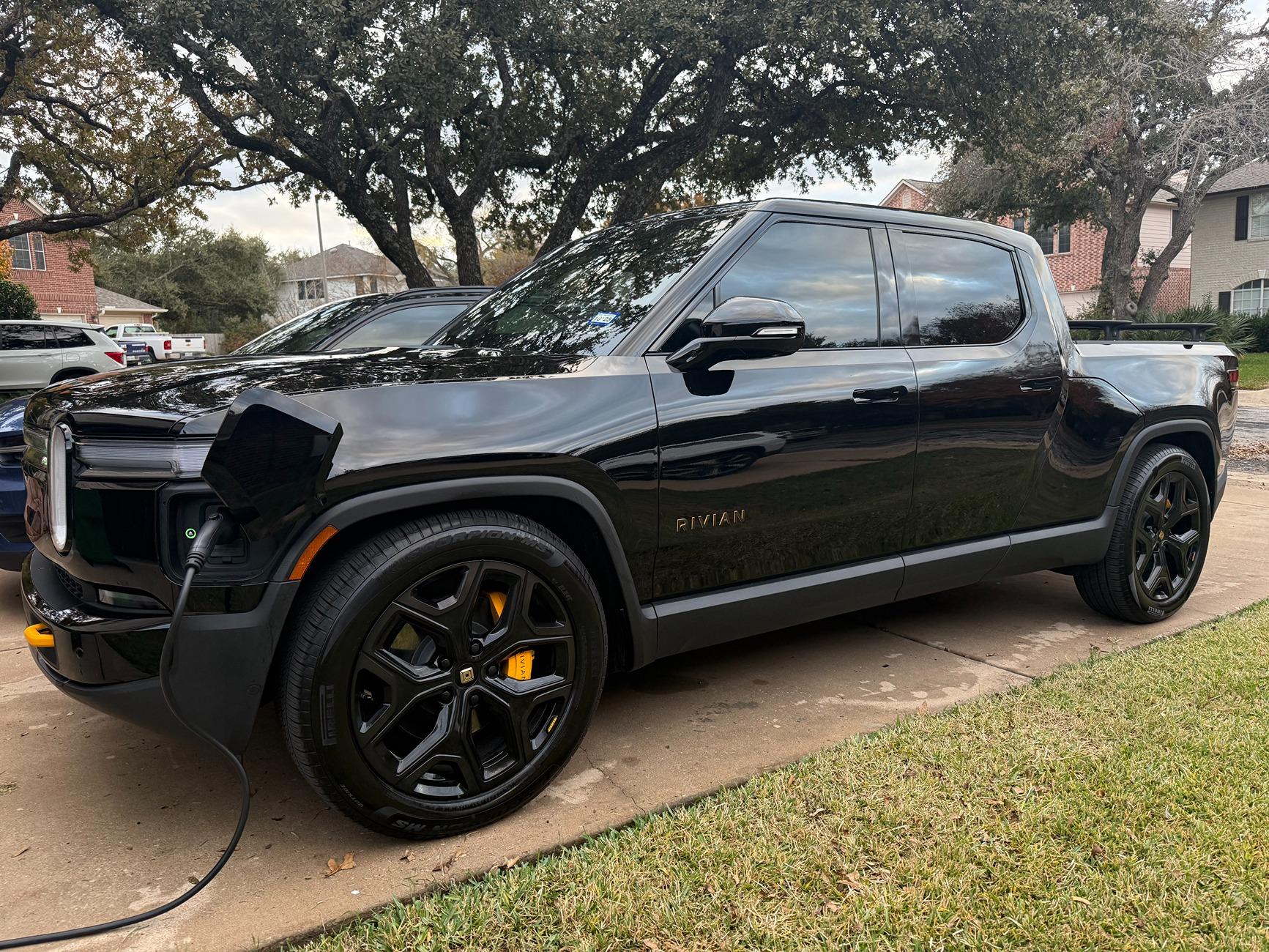
So later this month I am taking my Tri-Motor R1T on it's first long trip across state lines. My wife, French Mastiff and I will be travelling from Austin to Des Moines. Our plan is to get to Wichita or even KC on day one and then travel to Des Moines the next day. I am very much a novice on making a trip like this or really understanding how to plan and maximize the features of my truck on this trip. For instance, planning for charging stations. I know I can see the stations on the map and figure it out but hoping there might be somebody that might help me make this easier on myself. Hoping I can use the fastest charges along the way. I do have a tesla charger adapter that was sent to me after I got the vehicle. Thank you in advance for any help you can give me.

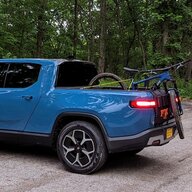
Rivian R1T R1S MY First Road Trip - Would love advice/tips dji_fly_20241128_155558_0202_1732835564185_photo


Rivian R1T R1S MY First Road Trip - Would love advice/tips IMG_8768


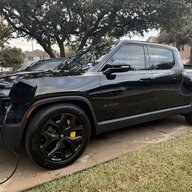
Rivian R1T R1S MY First Road Trip - Would love advice/tips IMG_8538
Sponsored


VandalSibs

Well-Known Member
First Name
Andrew
Joined
Dec 27, 2023
Threads
15
Messages
1,422
Reaction score
2,471
Location
Eastern Washington State
Website
www.sibulskymusic.com
Vehicles
R1T Dual Motor Large Pack
Occupation
Composer, IT Service Desk Analyst
Clubs
 
Search for you destination in the navigation in the truck. Tap go. Follow the driving instructions. If you need to charge, it will tell you where to stop.

The only piece of advice I have is to check the route planning settings once you have selected you destination, so that you can make sure it's taking into account that you have your NACS Supercharging adapter.
 
OP
OP
RIVINTUP

RIVINTUP

Member
First Name
Tim
Joined
Jan 28, 2025
Threads
3
Messages
19
Reaction score
8
Location
Austin
Vehicles
RIT Tri Motor
Occupation
Real Estate
Thank you!
 

BigSkies

Well-Known Member
First Name
Brian
Joined
Sep 4, 2021
Threads
18
Messages
1,245
Reaction score
2,670
Location
Denver
Vehicles
R1T, Model Y
Clubs
 
These days I just plug the destination into the Nav and go, unless I'm going somewhere remote like Moab or Death Valley.

I over-planned a lot on my first few trips. I'm glad I did, and you might want to do the same for the first time. This is overkill, but this gives confidence for the first trip.

Here's some things to do:

1. Plot out the trip in both Rivian Nav and ABRP. They usually come up with similar, but slightly different suggested charging stops. This is a good opportunity to figure out where you want to stop. This is where things like bathroom breaks and lunch stops come in.
2. Look for hotels with L2 chargers. These are cheaper than DCFC, and add a lot of convenience. Remember that a 6.6kW hotel charger will only give you ~50% battery overnight. Using a DCFC to ~50% before the hotel will get you to 100% overnight.
3. Use Plugshare to check the status of DCFC's on your route before you go. This is less necessary than it used to be, but is usually still worth while. Also get a general idea of where DCFC's are on your trip that you're not planning to stop at. You don't need to memorize it, but having a general idea is helpful. This is good for things like unplanned bathroom stops where you can plug in for ~10 minutes instead of wasting the stop.
4. Look for L2 chargers near where you're visiting in Des Moines. Finding them at a mall, zoo, parking garage etc can keep you topped up for driving around town. It won't be your primary charging, but it will save you money and may eliminate the need for DCFC use in-town.
5. Test out all of the charging networks you plan to use in your home town if possible. They all have their own apps, interfaces, and nuances. They're easy once you'd done it a few times, but you don't want to be struggling with entering credit card info in the middle of your road trip.
 

COdogman

Well-Known Member
First Name
Brian
Joined
Jan 21, 2022
Threads
33
Messages
11,641
Reaction score
34,494
Location
CO
Vehicles
2023 R1T
Occupation
Cyber defender
Clubs
 
Use ABRP to pre-plan your route and map out which chargers you think you want to stop at. Remember if you arrive at a charger with less than 20% the charge will take longer, as will going above 80%, but on a long trip you will want to do this anyway.... You can set your arrival % in the nav settings.

I still use Plugshare to check reviews, reliability for every charger I'm headed to. Often there are good tips on local food, etc. as well.

The navigation has improved quite a bit, but I still only enter one leg at a time.

Have fun and enjoy the trip!
 

Sponsored

VSG

Well-Known Member
Joined
Oct 3, 2022
Threads
4
Messages
3,257
Reaction score
6,100
Location
WA
Vehicles
R1T LE/RB/OC/20
First, that trip looks easy - you shouldn't run into any problems as far as charging goes. Of course, planning ahead will make it more enjoyable. The more you do this sort of trip, the less you'll have to prepare, but a little prior planning prevents poor performance...

My advice is all pretty generic, but perhaps it will serve to validate what you're already planning.

1) Plan on leaving at 100%, because your home charger is probably going to be the cheapest electricity you can get. Set your home charger to hit 100% just before your planned departure time, so that your vehicle doesn't sit around at 100% for an excessive amount of time.

2) Stay somewhere were you can get free charging overnight. That can save you a lot of money, depending on how far you travel. I would make that drive in two 450 mile days, which would come out to be roughly two paid charges plus one free overnight charge every day, saving me 33%.

3) Use ABRP to plan your trip. Why? Rivian navigation doesn't know about all the DCFC networks and Rivian navigation doesn't let you plan overnight stops and overnight charges. Look at what ABRP tells you, and change the chargers it recommends based on your needs (e.g. where you want to stop for food). Think about what your options are if you can't charge where you planned - a location with several different options is a better place to stop than one lone charger in the middle of nowhere.

4) Plan on running your battery down as much as you're comfortable doing. Your Rivian will charge faster at lower SoC, so I personally plan on charging at around 10% but not charging above 70% unless there's a long stretch between chargers. Play with the chargers that ABRP selects to see what the numbers look like and what you're comfortable with in terms of how long you have to spend charging.

5) If your plan shows that you are going to use more than one Electrify America charger and/or more than 1 Tesla charger, then it makes sense to pay the monthly membership fee for each. You can cancel when you get home. That will save you about 25% at both EA and Tesla.

6) If you plan on using Tesla superchargers, then find and try one locally first so that you know how to find a Tesla charger that will work with Rivians (only about 2/3 of them will work) and that you have all the apps set up properly so that the process will work while you're on the road. Charging with membership at a Tesla charger is done differently than charging without membership - learn the difference if you want to take advantage of the membership! Likewise, make sure you have the app for EA (and any other network you plan on using) set up and tested so you don't have to download apps and sign up for accounts etc. while standing at a charger in the middle of nowhere.

Also, don't forget to bring your adapter. Put it in your car right now so it's always there.

7) While traveling, use the Rivian navigation to navigate to your next planned stop. If you send all your stops to your Rivian before you leave, you will be able to easily pick them out of your recent destinations list.
 

Wefty

Well-Known Member
First Name
Robert
Joined
Mar 3, 2022
Threads
5
Messages
168
Reaction score
153
Location
Chicago
Vehicles
R1T, 2008 Fit
Plugshare. Use it for planning and leave reviews.

I won't contradict anything that was said above. It is all really good advice. One thing we do is if for example we are charging at a Walmart. We get out, start charging then go in use the facilities and do a full lap inside just to move around. By the time we gat back we often have enough charge to easily get to the next fast charger on the route. Then we decide if we want to get going or wait for a higher charge and drive to a further station.

I have also taken to napping at stations and getting close 100% . And before the panic starts I only do that if there are plenty of available chargers.
 

DD4ST

Well-Known Member
First Name
Daniel
Joined
Jun 5, 2024
Threads
13
Messages
367
Reaction score
289
Location
Florida
Vehicles
2023 R1T
Occupation
Retired
Clubs
 
All good advice here. I always do a lot of planning via ABRP and use Rivian’s built-in mapping for destinations to precondition the battery. When I want to go to a charging station not on Rivian’s map, for example FPL EVolution in FL, then I choose one nearby for preconditioning but go to the one I want. One thing I did experience after my first trip in my Audi eTron was a different mindset to travel. Previously in an ICE car, I would drive until I needed gas, making for some pretty long - and tiring - slogs. However, the need to charge more frequently forced ~15-20 minutes breaks every 2 hours or so, usually at a shopping location. I found those breaks made the trip much more enjoyable.
 

sfvR1S

Well-Known Member
First Name
James
Joined
Oct 16, 2023
Threads
6
Messages
329
Reaction score
391
Location
Los Angeles, CA
Vehicles
2023 R1S QM AT 2021 718 Cayman GTS 4.0
Occupation
CRE
Clubs
 
Try charging at a public charging station prior to your trip.

You'd be surprised how many people charge for the first time at one during a road trip and are surprised they have an issue.
 

Mathme

Well-Known Member
First Name
Matt
Joined
Jul 25, 2022
Threads
3
Messages
1,378
Reaction score
1,814
Location
Los Altos, CA
Vehicles
R1T: El Cap, OC, 20AT, Off road package
Occupation
High Tech
I've found my Gen1 Quad with AT20s, I can go about 150-200 miles on an 85-25% Charge. This is about 2.5-3ish hours of freeway driving time. I use ABRP for most of the planning process as it seems to be better at plotting chargers than the Rivian Nav (I've seen the Rivian Nav route me 10 minutes off the freeway when there's a charger next to it that works just as well).

Don't trust the miles to empty reading on the dash, but trust the miles at your next stop in the Nav as it seems to be pretty accurate (generally somewhat conservative) and figures in elevation and other factors pretty well.

Also use your favorite mapping software near your charge stops to see what other amenities are near by so you can plan where to eat, get coffee, or just stretch on any given break.

In addition to charging, I'd also familiarize yourself with how to use the spare (if you have one) or the repair kit and compressor hose (if you have it). That way if you happen to have a flat on the road, you can go about fixing it in 85 degree weather, rather than trying how to figure it out AND fixing it in said 85 degree weather.
 

Sponsored

Wefty

Well-Known Member
First Name
Robert
Joined
Mar 3, 2022
Threads
5
Messages
168
Reaction score
153
Location
Chicago
Vehicles
R1T, 2008 Fit
...Previously in an ICE car, I would drive until I needed gas, making for some pretty long - and tiring - slogs. However, the need to charge more frequently forced ~15-20 minutes breaks every 2 hours or so, usually at a shopping location. I found those breaks made the trip much more enjoyable.
I agree 100%. Now that I'm a few road trips in I really prefer that method. I'm also 50 and most of my trips are for mountain biking. I'm usually pretty beat up by the return trip and the EV breaks are very welcome.
 
OP
OP
RIVINTUP

RIVINTUP

Member
First Name
Tim
Joined
Jan 28, 2025
Threads
3
Messages
19
Reaction score
8
Location
Austin
Vehicles
RIT Tri Motor
Occupation
Real Estate
First, that trip looks easy - you shouldn't run into any problems as far as charging goes. Of course, planning ahead will make it more enjoyable. The more you do this sort of trip, the less you'll have to prepare, but a little prior planning prevents poor performance...

My advice is all pretty generic, but perhaps it will serve to validate what you're already planning.

1) Plan on leaving at 100%, because your home charger is probably going to be the cheapest electricity you can get. Set your home charger to hit 100% just before your planned departure time, so that your vehicle doesn't sit around at 100% for an excessive amount of time.

2) Stay somewhere were you can get free charging overnight. That can save you a lot of money, depending on how far you travel. I would make that drive in two 450 mile days, which would come out to be roughly two paid charges plus one free overnight charge every day, saving me 33%.

3) Use ABRP to plan your trip. Why? Rivian navigation doesn't know about all the DCFC networks and Rivian navigation doesn't let you plan overnight stops and overnight charges. Look at what ABRP tells you, and change the chargers it recommends based on your needs (e.g. where you want to stop for food). Think about what your options are if you can't charge where you planned - a location with several different options is a better place to stop than one lone charger in the middle of nowhere.

4) Plan on running your battery down as much as you're comfortable doing. Your Rivian will charge faster at lower SoC, so I personally plan on charging at around 10% but not charging above 70% unless there's a long stretch between chargers. Play with the chargers that ABRP selects to see what the numbers look like and what you're comfortable with in terms of how long you have to spend charging.

5) If your plan shows that you are going to use more than one Electrify America charger and/or more than 1 Tesla charger, then it makes sense to pay the monthly membership fee for each. You can cancel when you get home. That will save you about 25% at both EA and Tesla.

6) If you plan on using Tesla superchargers, then find and try one locally first so that you know how to find a Tesla charger that will work with Rivians (only about 2/3 of them will work) and that you have all the apps set up properly so that the process will work while you're on the road. Charging with membership at a Tesla charger is done differently than charging without membership - learn the difference if you want to take advantage of the membership! Likewise, make sure you have the app for EA (and any other network you plan on using) set up and tested so you don't have to download apps and sign up for accounts etc. while standing at a charger in the middle of nowhere.

Also, don't forget to bring your adapter. Put it in your car right now so it's always there.

7) While traveling, use the Rivian navigation to navigate to your next planned stop. If you send all your stops to your Rivian before you leave, you will be able to easily pick them out of your recent destinations list.
Thank you! This is great!
 

TTedP

Well-Known Member
First Name
Rob
Joined
Feb 22, 2024
Threads
10
Messages
455
Reaction score
458
Location
PA
Vehicles
Gen2 R1S DM Perf Lg (prev Gen 1 R1T DM Lg)
Occupation
Telecom
Search for you destination in the navigation in the truck. Tap go. Follow the driving instructions. If you need to charge, it will tell you where to stop.

The only piece of advice I have is to check the route planning settings once you have selected you destination, so that you can make sure it's taking into account that you have your NACS Supercharging adapter.
Pretty much this. I've done 3-4 600+ mi road trips in mine. At first I tried to pick all the stops myself and would ignore the nav recommendations. I would also linger at the chargers to always get back to 80% vs leaving at 72% or whatever the nav tells you to. (East Coast there is a charger every 50 miles so you never need to "fill up") I added so much extra time because I wasn't conditioned enough to the trust the nav. Hours extra easily.

Now, I just use the Nav recommendations and it takes into account the most optimal stops and duration at each. Just be sure as VanalSibs said, have your nav preferences set right before generating the route.

Only other thing I do is check Plugshare to see if I can charge at the destination (free hotel ones overnight are awesome!) allowing me to lower the range needed at end of trip and reducing stop time.
 

iansriv

Well-Known Member
Joined
Feb 12, 2022
Threads
20
Messages
2,798
Reaction score
3,811
Location
US
Vehicles
R1S
All great advice here. I would add to try to use Tesla SC as this is your first EV trip. I would also have backup for all locations. Tesla SC is very dependable but you never know. Hotel chargers are great IF they are actually there and someone in an ICE car hasn't parked there. Safe travels.
Sponsored


Top