COdogman
Well-Known Member
Here ya go...

Sponsored
Here ya go...
Here ya go...
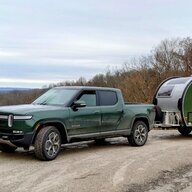
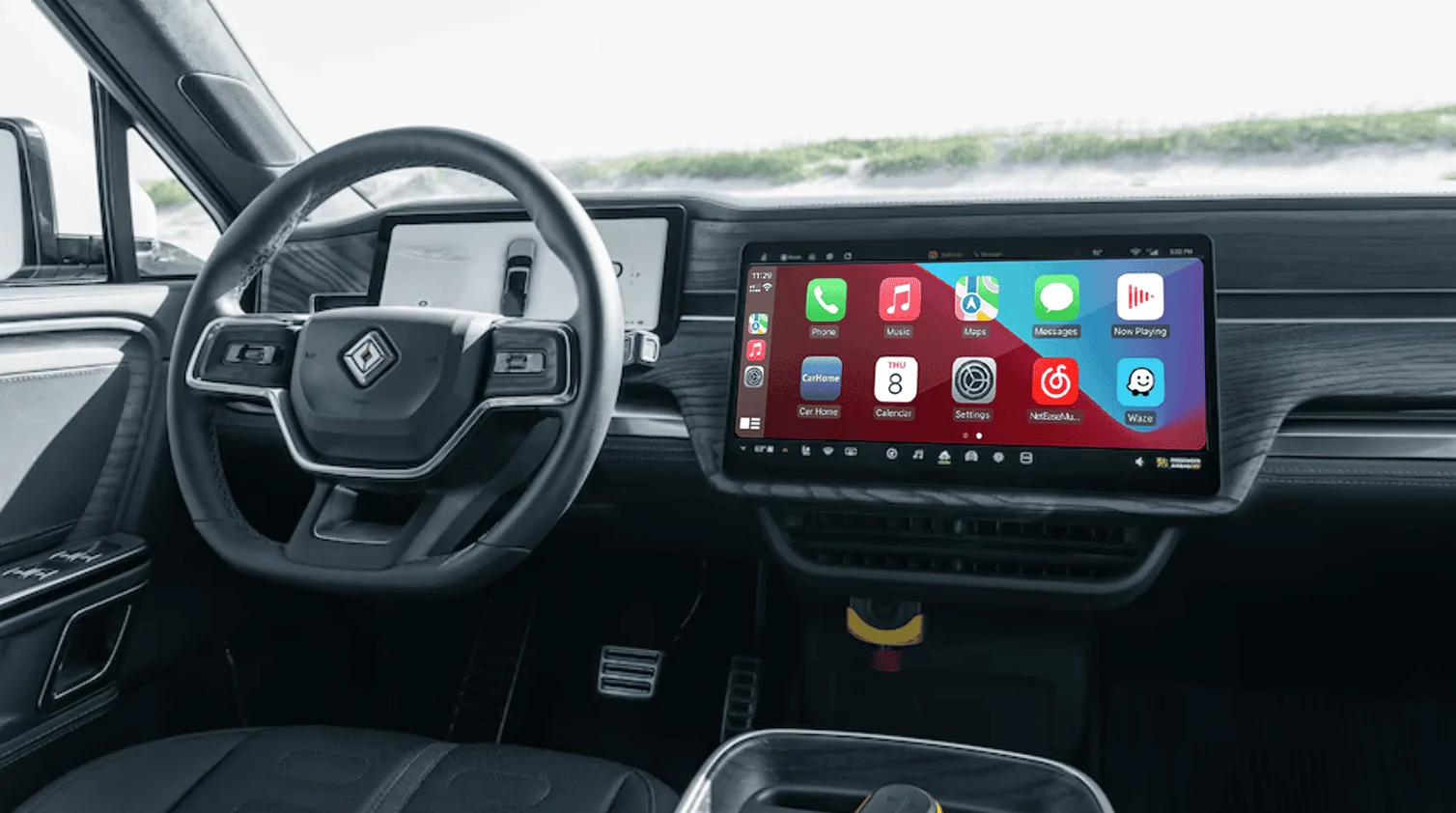
Agree that being able to put some "data" or other key items in a "static" location on the center screen would be really nice.I think the center console display is just way too much wasted space. Each of those screen modes you select could fit onto a screen half the size. The radio screen is just silly. And why is the strip of buttons along the bottom so small? The only mode that might need all of that real estate is Nav, and even that's a "stretch".
I also don't find this useful when not using the radar cruise. Also, when the radar starts going off, the 360 view should replace the 3D render of the truck.I don't need a huge picture of the vehicle I'm driving looking back at me from the dash.
Yes. I only did this when I had crappy GPS systems.It just seems like it would be so much easier to have an odometer with tenths of a mile right in the front center where you could just glance at it for a split second and drive on. Am I the only one who thinks this way?


Press and hold the left steering wheel buttons. You can still change the displayBump to continue this discussion as the struggle is real. I'm about to go crosseyed just seeking the time of day and outside temps, and have completely given up trying to find a trip odometer which somehow has gotten further buried in the center screen depths of hell. ABRP integration is now rerouting me to recharge on trips that have no need.
To continue the surrounding pedestrian/vehicle screen rant, it only shows cars in my line of sight. My eyesight is fine, how about using the center driver screen for critical driver info? For the love of gawd, please.
Further, I was away from much of the past 3 months and after a few updates, seems as though I can no longer toggle the left side of the driver's display between kWh, music, and maps?
It's like Rivian Comms is running dashboard display or something. I kid, I kid. Sorta.
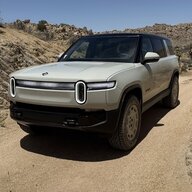
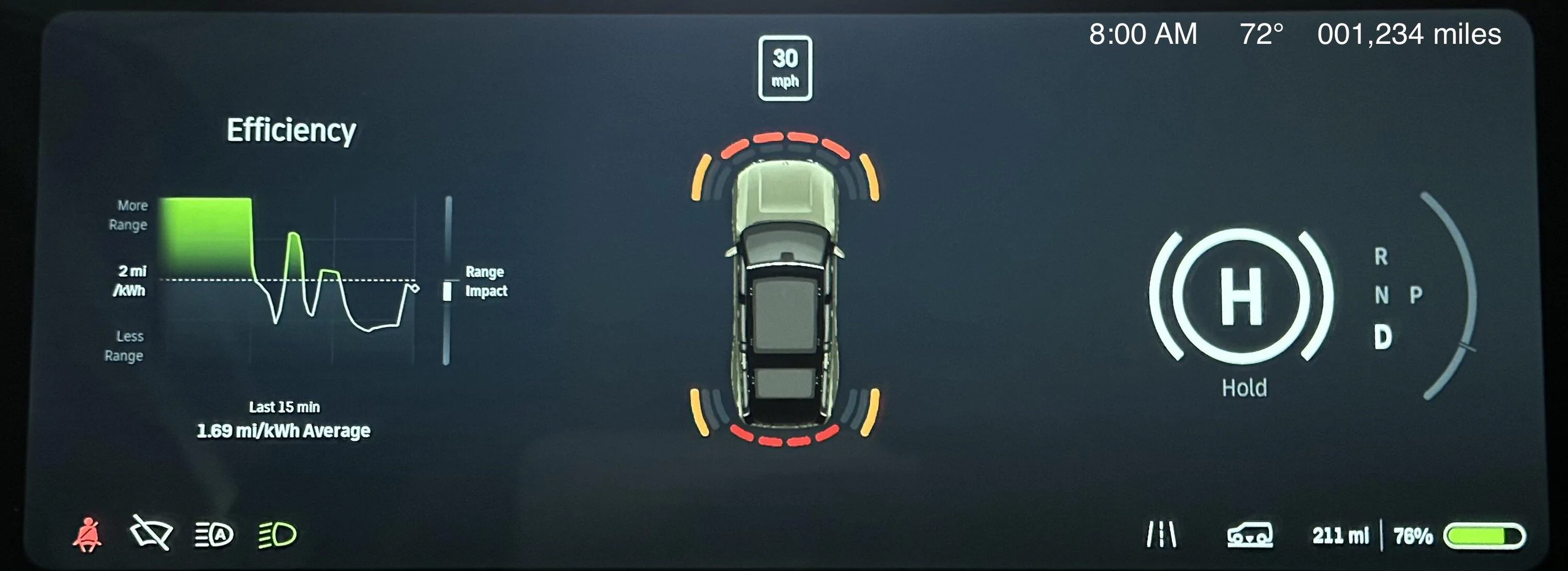
Nope. And it should be default. And you should be able to change/reset trip info from this display as well. I can't comprehend how trip info isn't surfaced directly on the navigation app (vs buried where it currently is) at the very least, but it should also be accessible from the drivers display with steering wheel controls at all times as well.Am I wrong in assuming it cannot be THAT difficult to add an option to put this info in the upper right?
Is that real estate used for something else critical that I’m not recalling?

The only practical reason I see for it not being there is visibility. I know my steering wheel blocks this area.Am I wrong in assuming it cannot be THAT difficult to add an option to put this info in the upper right?
Is that real estate used for something else critical that I’m not recalling?
Mine does too, but I can certainly skooch a little up/down/left/right to see it if I need to. I'd happily deal with that for a quick glance - it's not something I need to see every second, but it might be something I want to glance at every 15-30 minutes on a trip without needing to use the center console for itThe only practical reason I see for it not being there is visibility. I know my steering wheel blocks this area.
In that case, would either of these work?The only practical reason I see for it not being there is visibility. I know my steering wheel blocks this area.
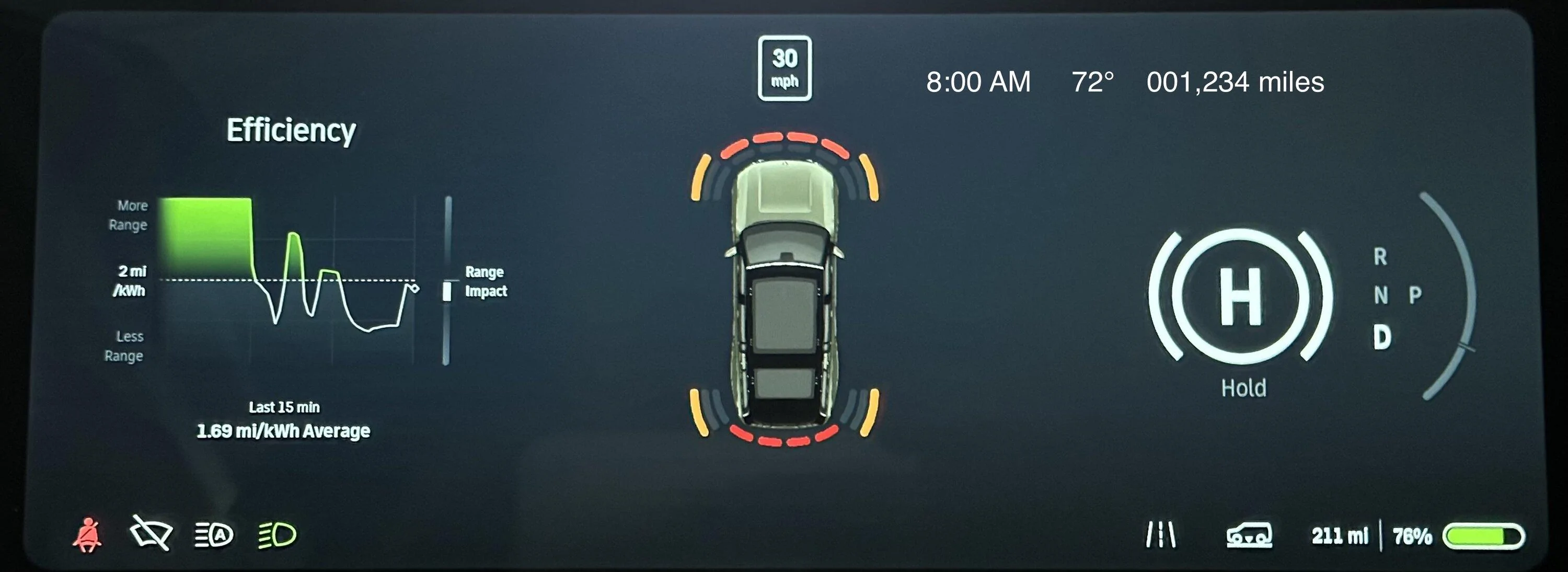
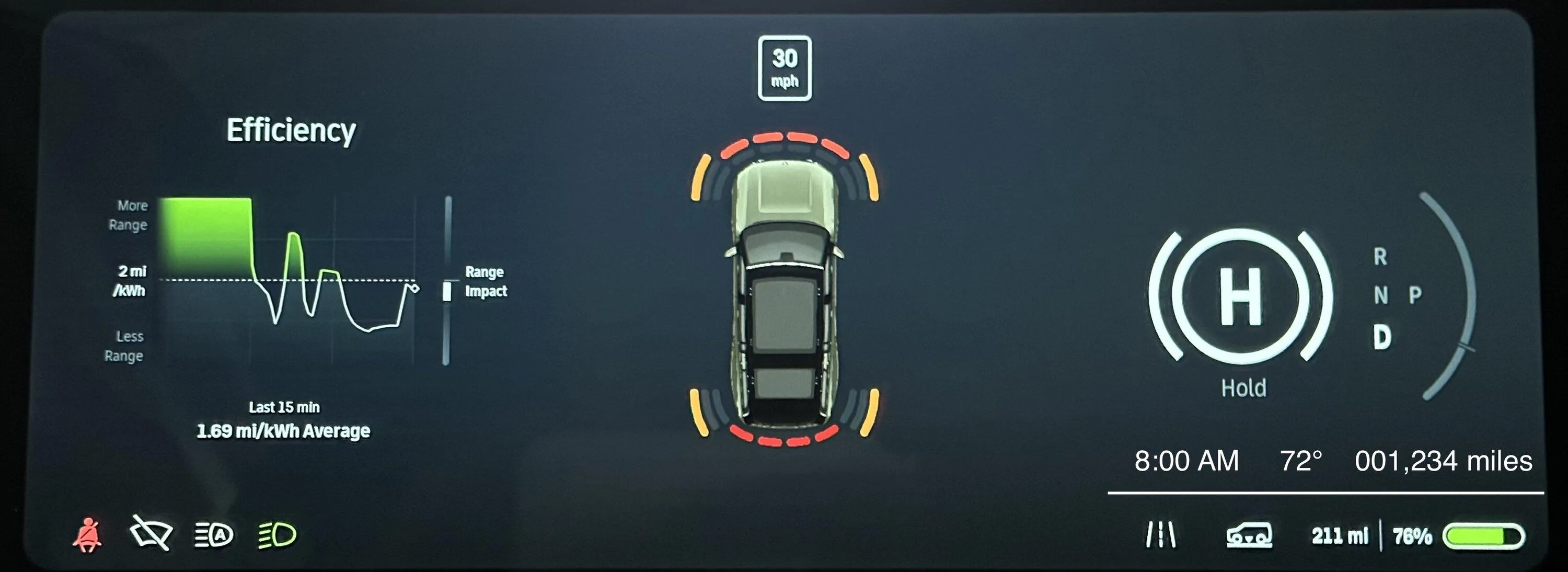
Sure, but I think I would prefer bottom center.
I think that's reserved for status messages/icons unfortunately - not that it couldn't be "dynamic" to some degree, but I think that's what they're "saving" that space forSure, but I think I would prefer bottom center.