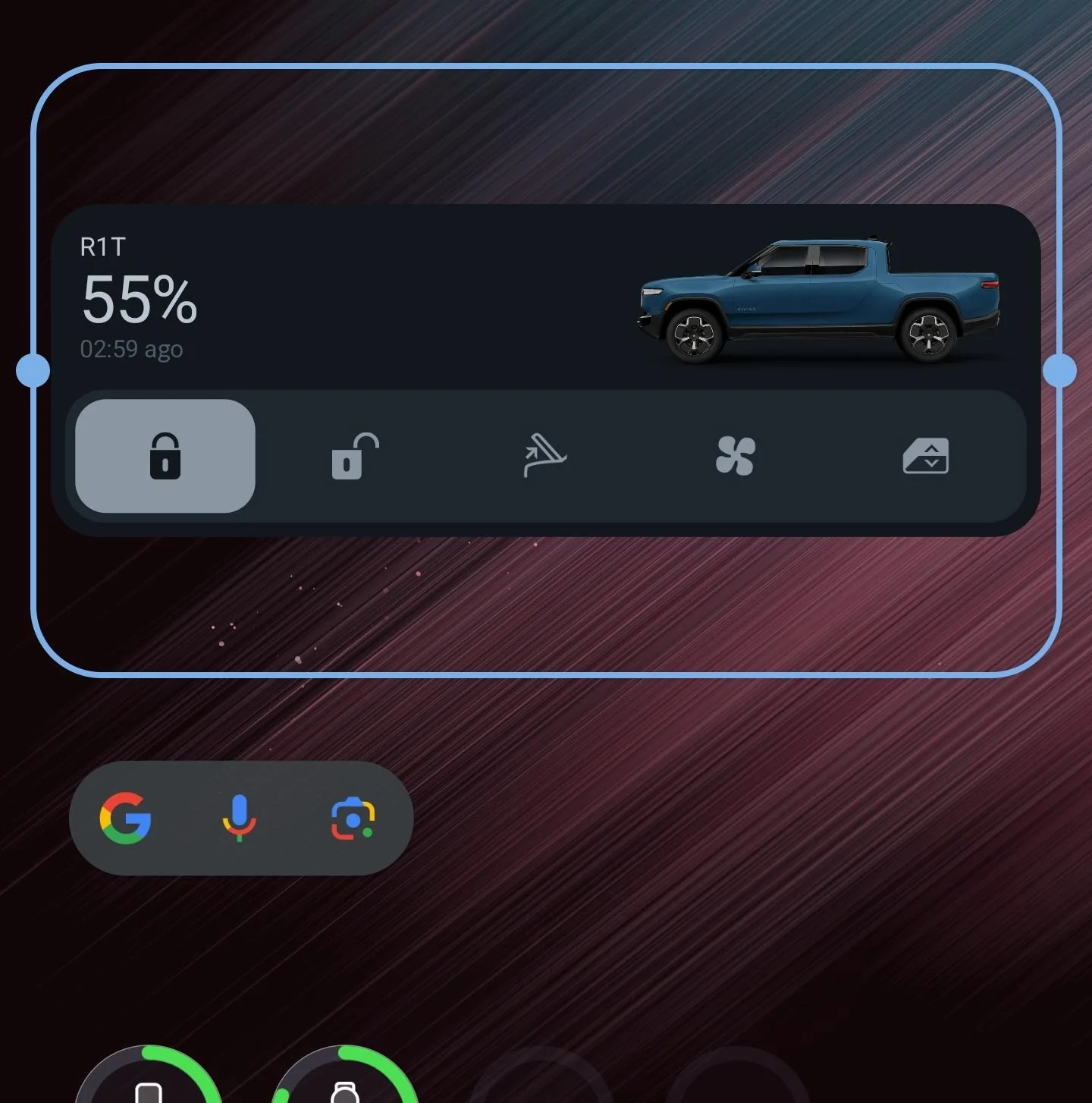
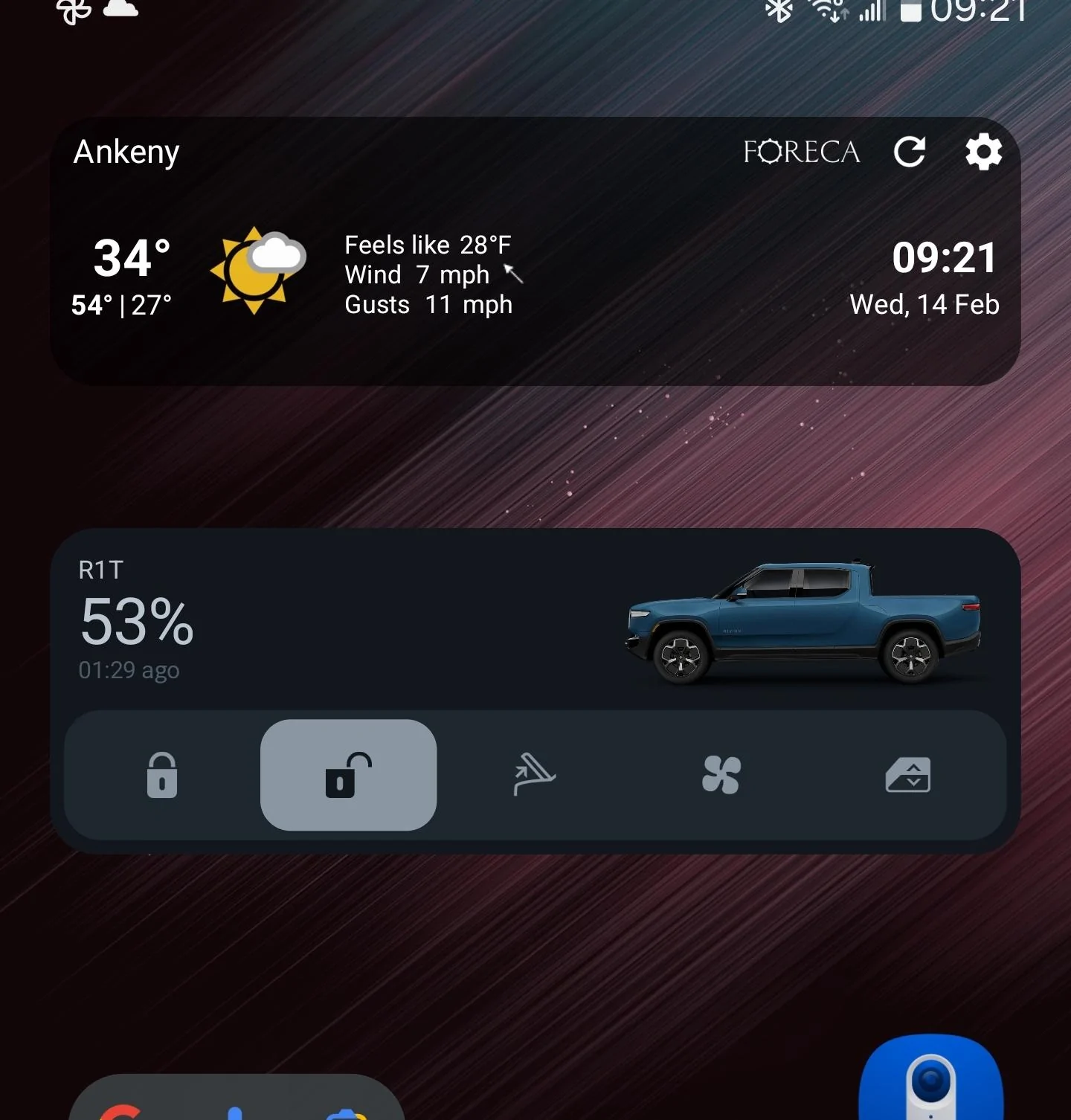
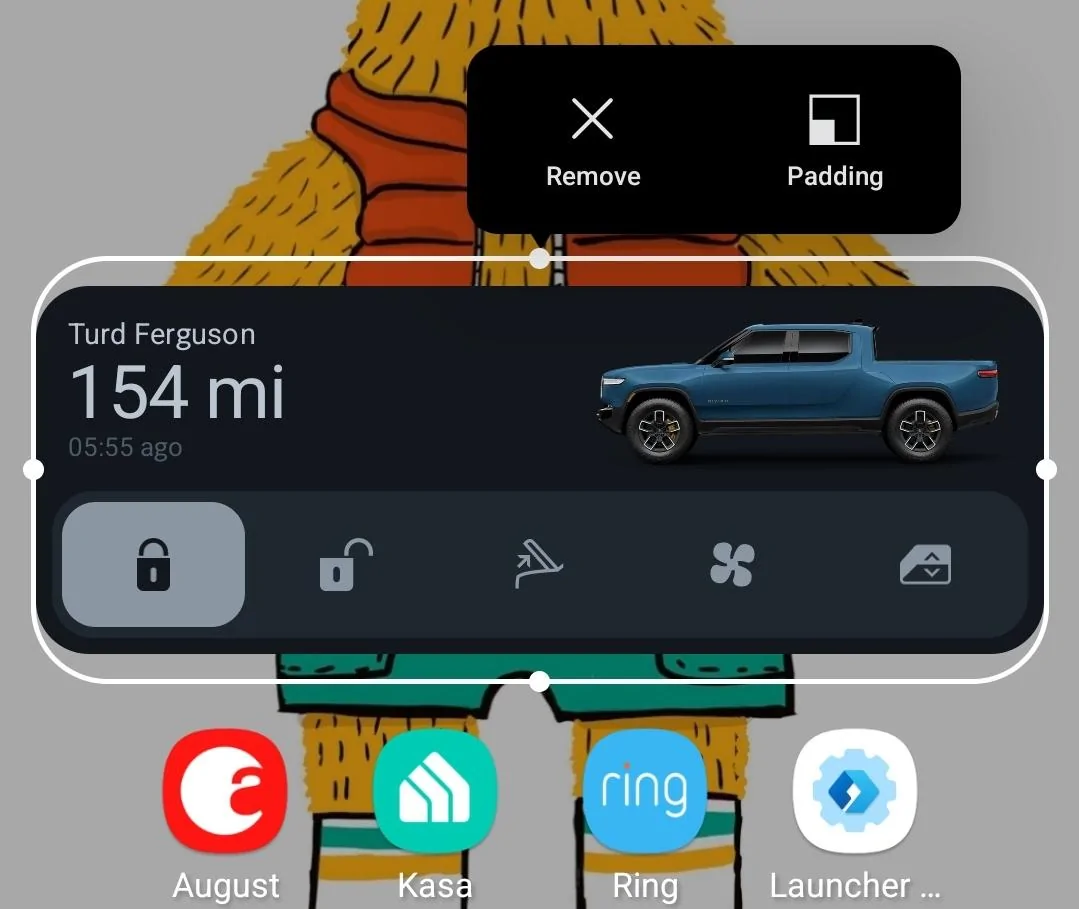
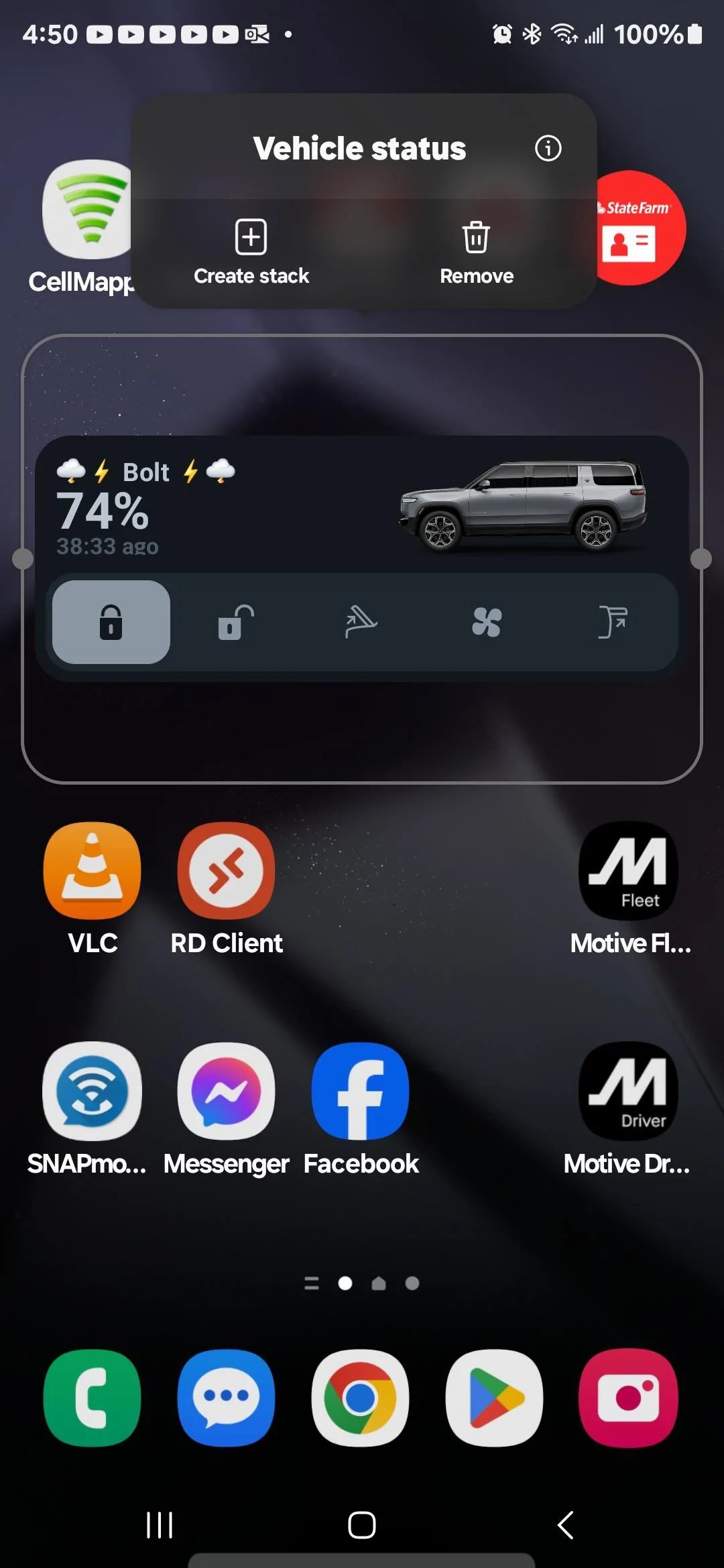
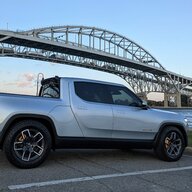
I'm on Android (Galaxy S22 Ultra) and while I like the widget, the vertical size doesn't make a lot of sense to me. It takes two rows of screen layout, which is fine, but why is there so much wasted space here?
And for a comparison, here it is with a 1-row widget from Foreca. They're nearly the same height:
Since the Rivian widget has buttons to interact with, I think 2 rows is good, but I'd like to see it use up a little more of that space.
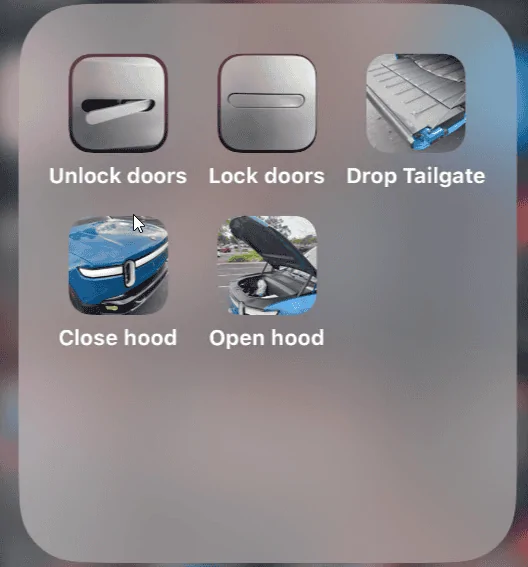
Very cool, but could Rivian allow us to edit/disable some buttons on the widget? I'm paranoid about accidentally opening the tailgate and have it crash against a closed garage door.
I know this probably isn't a good work around/solution but you can disable the power tailgate in the in truck settings menu. I was happy when I found that for towing but don't think it would be as useful for your case.
Agree it would be nice to customize the widget and I'm sure that'll come eventually
I know what it is. Having a second ticker that updates every second is poor UX. It should be something like "1m ago", "30m ago", "1h 30m ago". Updating every minute would a lot better than updating every second.
While the widget is cool there is room for improvement:
1. I tried to turn on climate from the widget and no matter how many times I tap it the "Turning climate on" text did not show nor did the bottom change color indicating it is on. However when I open the app it does show that it's running the climate. Seems like the widget didn't update until after I opened the app and once I did then I see the widget change.
2. I would like to change the range display to be battery SOC % instead.
3. When I turn on climate it only sets the temperature and no seat/wheel heating. Since Rivian is adding additional ways to turn on the climate controls I would like to see a climate preset option where I can set what I normally want the car to precondition to like what my parent's Hyundai has.
In the winter I almost always want to heat the cabin to 70 and set the seat heat to max and turn on the wheel heat. In the summer I would set the preset to cool to 68 and also set the seat to max cool.