- Banned
- #496
Figured out only way I can get the screen to not turn on when I walk by vehicle is to ensure I force close the Rivian app. If it is running in background the screen will turn on if I’m near the vehicle
Sponsored

OK, so as long as the app is closed (not running in background) AND you have phone location settings set to 'When Using' and not set to 'Always Allow', correct? Others have indicated if app is closed but 'Always Allow' is on, it will still wake the vehicle.Figured out only way I can get the screen to not turn on when I walk by vehicle is to ensure I force close the Rivian app. If it is running in background the screen will turn on if I’m near the vehicle

Turns the unit off and won’t turn on unless you hit the power button again.But what about the physical button on the top of the display? Does it or does it not turn the unit off - completely - until it is physically turned on again (regardless of time duration, vehicle wake/sleep mode, etc.)?

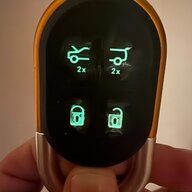
Unfortunately the key fob seems to trigger it too (I don't use phone key but am not willing to give up the fob).Figured out only way I can get the screen to not turn on when I walk by vehicle is to ensure I force close the Rivian app. If it is running in background the screen will turn on if I’m near the vehicle
This wasn't my experience. Whether I press once to sleep the display or hold if off and fully shut the display down, it will turn back on as soon as the car does a sleep/wake cycle.Turns the unit off and won’t turn on unless you hit the power button again.
Well that would be GREAT... HOWEVER kylealden says...Turns the unit off and won’t turn on unless you hit the power button again.

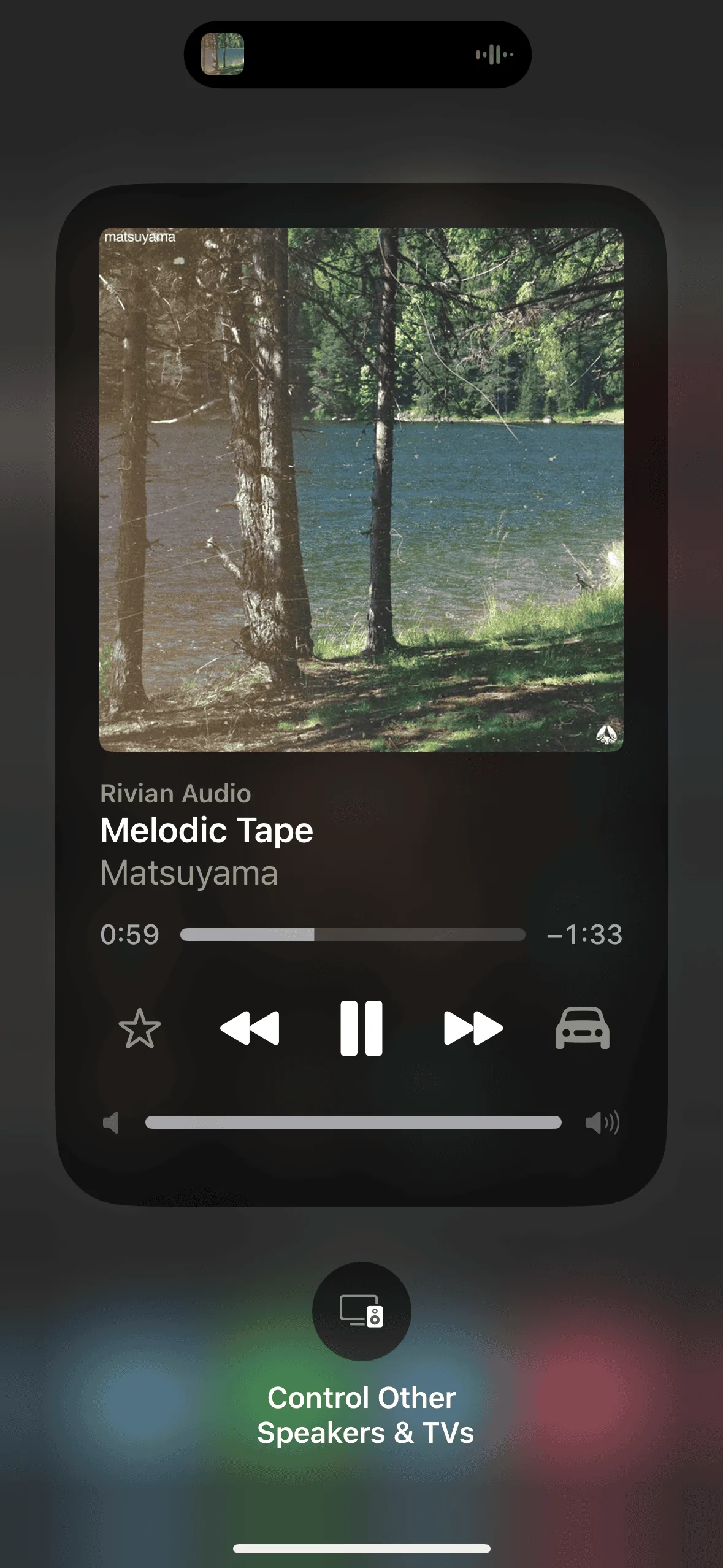
Here you goIf you're able to, can you play some music from the iphone and click on the music control panel and show what speaker/output it's got active?
I can confirm that shutting it down by holding the button does not stop it from waking up. I was mistaken. My previous Ottocast device would stay shut down and I must have confused the two.PhatDaddy said:
But what about the physical button on the top of the display? Does it or does it not turn the unit off - completely - until it is physically turned on again (regardless of time duration, vehicle wake/sleep mode, etc.)?
Well that would be GREAT... HOWEVER kylealden says...
"This wasn't my experience. Whether I press once to sleep the display or hold if off and fully shut the display down, it will turn back on as soon as the car does a sleep/wake”
Can others verify this accurately describes EV Sportline CarPlay unit behavior? Need to lock down a way to stop (if possible) the 'wake the screen' downside many are reporting.
Thanks all.

You will need to either physically unplug the display or buy an inline usb-c on/off switch to prevent it from waking up.Unfortunately the key fob seems to trigger it too (I don't use phone key but am not willing to give up the fob).
This wasn't my experience. Whether I press once to sleep the display or hold if off and fully shut the display down, it will turn back on as soon as the car does a sleep/wake cycle.
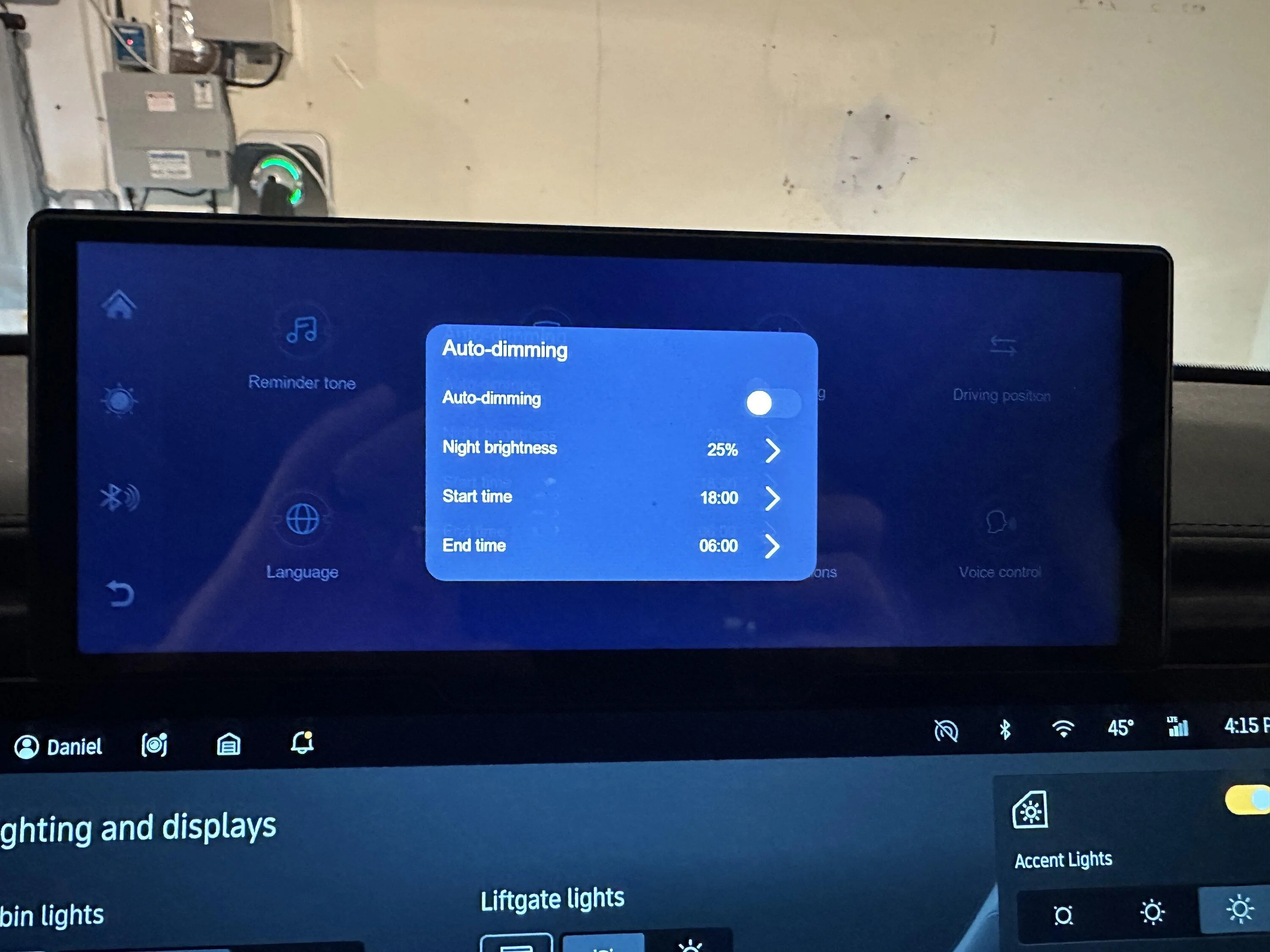
That's neat--the $70 display I bought looks similar but doesn't have settings for auto dimming or screen savers. Can you upload a custom photo as a screensaver?I posted these on another thread but here are the screens showing how the brightness can be adjusted.


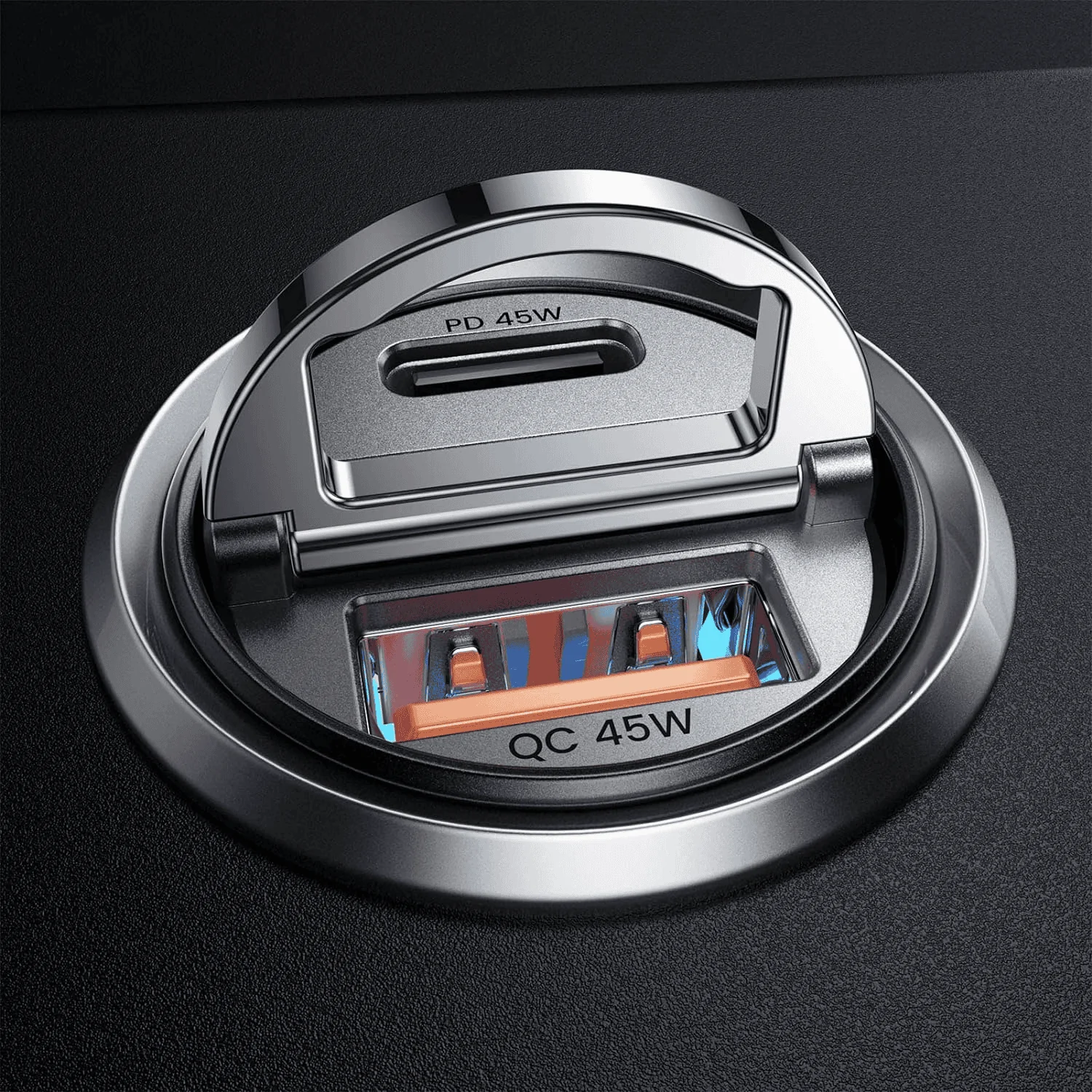
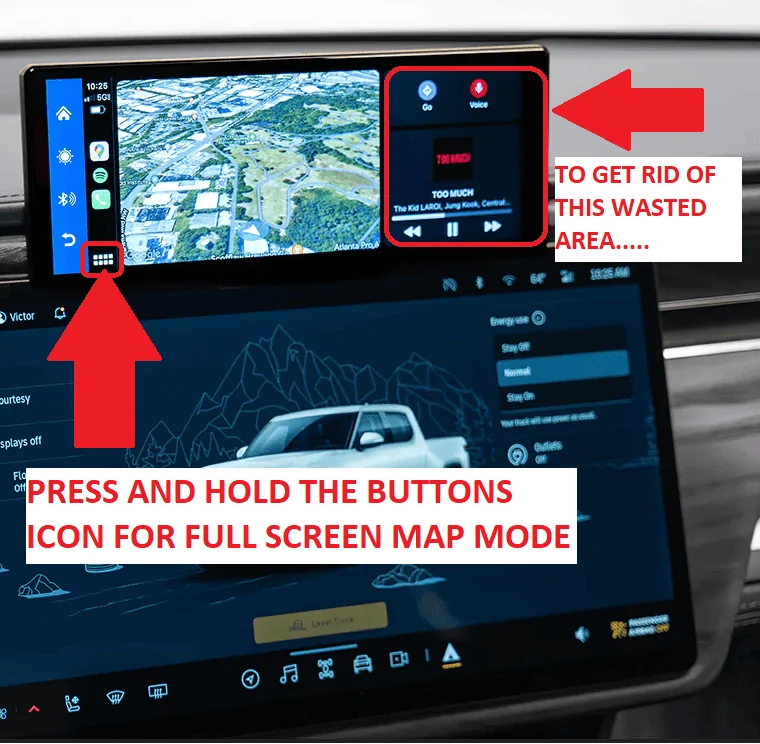

I left mine plugged in and did the update. No issues that I'm aware of.Anyone do the latest Rivian OTA Update with this unit plugged in? Any issues? I'm a bit paranoid and therefore unplugged the EV1 Unit before doing the latest OTA. Just checking if there as been any issues doing the Rivian OTA updates with this unit plugged in.
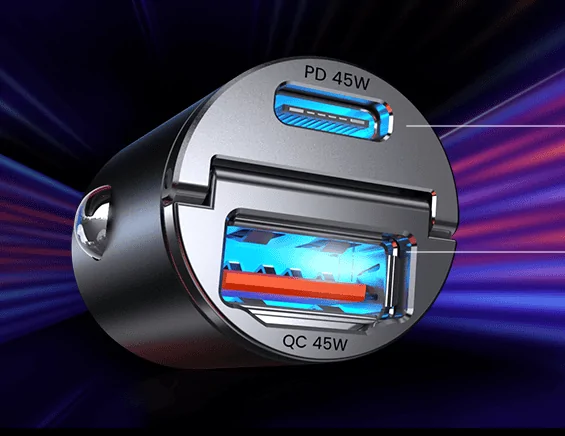
Same. No issues, nor would I expect any. It's simply a display that connects to your phone via the 12v plug. No co-mingling with Rivian's firmware. @EV SportlineI left mine plugged in and did the update. No issues that I'm aware of.