
Sponsored




HapticWagon
Well-Known Member
I'm downloading now!
c+ trial, gen2 tri max
but no live activity or indication from car/app that update is downloading.
only found out via home network router stats for Rivian client.
c+ trial, gen2 tri max
but no live activity or indication from car/app that update is downloading.
only found out via home network router stats for Rivian client.

godfodder0901
Well-Known Member
- First Name
- Jared
- Joined
- Mar 12, 2019
- Threads
- 27
- Messages
- 5,796
- Reaction score
- 10,194
- Location
- Washington
- Vehicles
- 2022 Rivian R1T LE
It doesn't tell you when downloading, only when the update is ready to install. You can use Home Assistant and see all of the update steps from the API if you really want to see them.I'm downloading now!
c+ trial, gen2 tri max
but no live activity or indication from car/app that update is downloading.
only found out via home network router stats for Rivian client.

Sponsored
HapticWagon
Well-Known Member
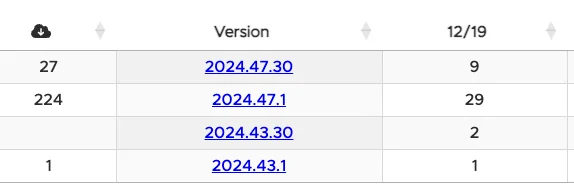
I swear I thought I saw someone post a live activity showing them update was downloading?It doesn't tell you when downloading, only when the update is ready to install. You can use Home Assistant and see all of the update steps from the API if you really want to see them.
Serky
Member
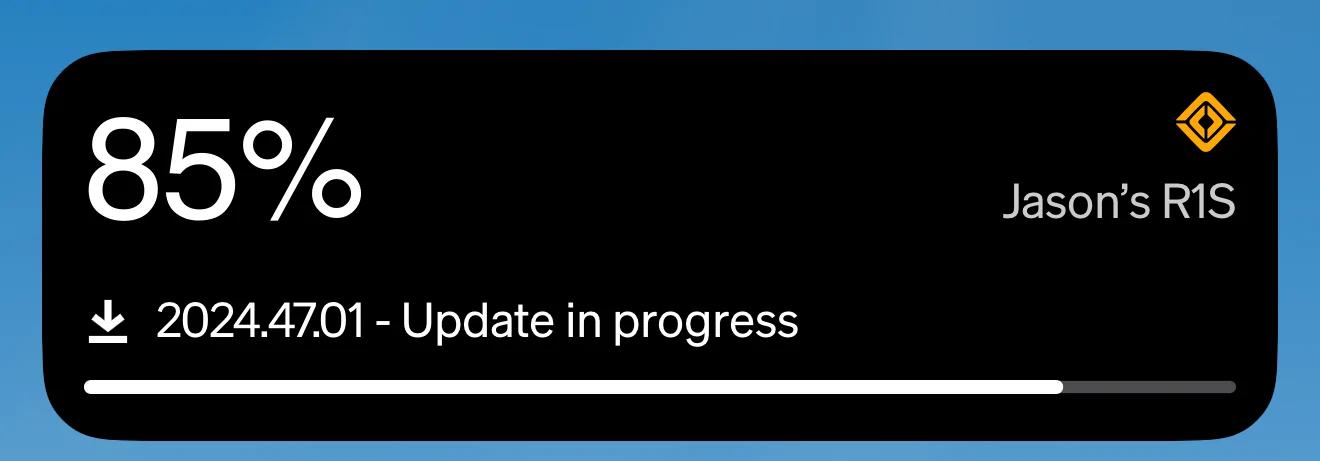
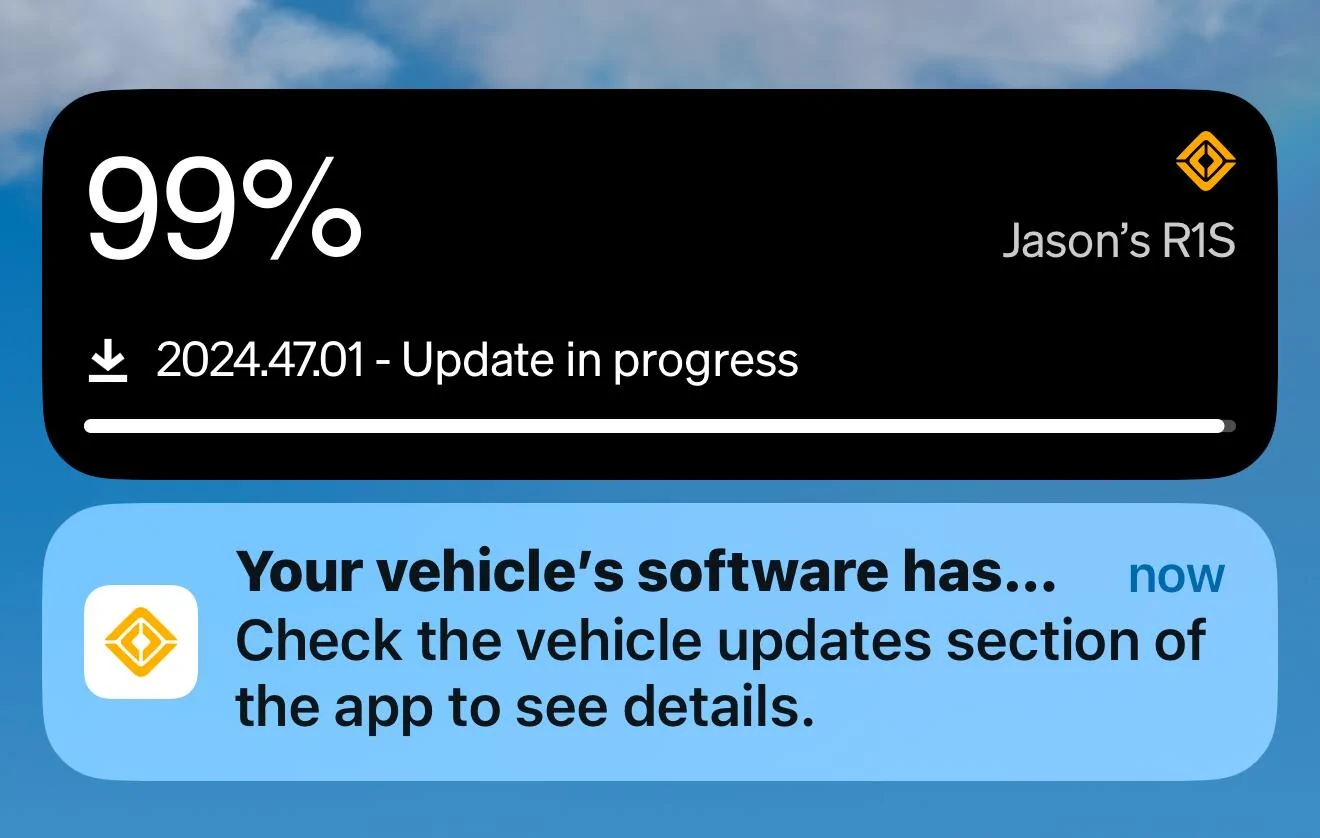
It is true. I just got the download and I have a Live Update on my Lock Screen. It did not show right away but eventually did. It does act odd though. Goes from 9% to 64%, back to 8%, then to 85%. Guess it loses its position sometimes.I swear I thought I saw someone post a live activity showing them update was downloading?
Last edited:
godfodder0901
Well-Known Member
- First Name
- Jared
- Joined
- Mar 12, 2019
- Threads
- 27
- Messages
- 5,796
- Reaction score
- 10,194
- Location
- Washington
- Vehicles
- 2022 Rivian R1T LE
Years ago, yes, it used to.I swear I thought I saw someone post a live activity showing them update was downloading?
Sponsored
godfodder0901
Well-Known Member
- First Name
- Jared
- Joined
- Mar 12, 2019
- Threads
- 27
- Messages
- 5,796
- Reaction score
- 10,194
- Location
- Washington
- Vehicles
- 2022 Rivian R1T LE
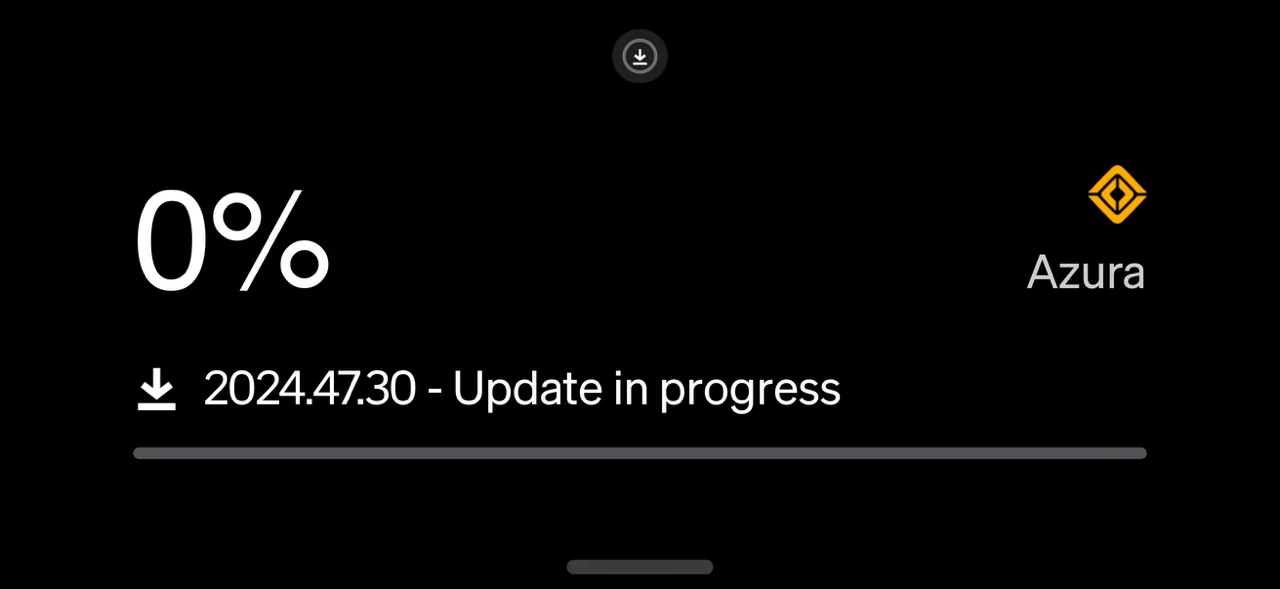
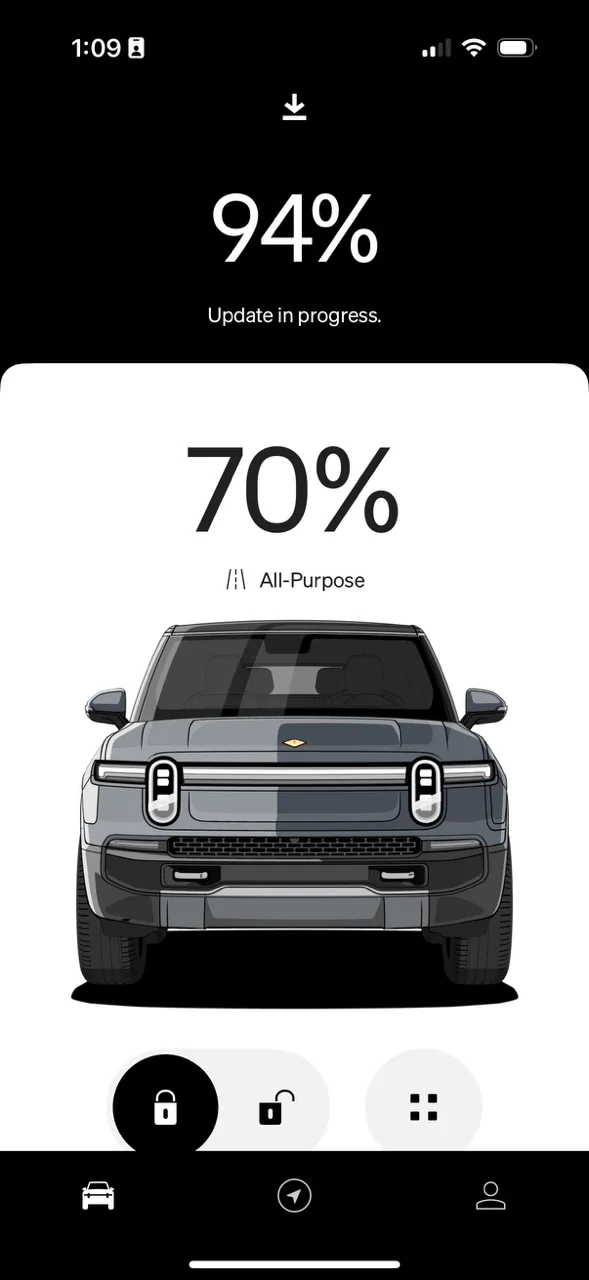
This is not downloading progress, but install progress. There is also a verification step in there before the install.It is true. I just got the download and I have a Live Update on my Lock Screen. It did not show right away but eventually did. It does act odd though. Goes from 9% to 64%, back to 8%, then to 85%. Guess it loses its position sometimes.


HapticWagon
Well-Known Member

Chewy734
Well-Known Member
- First Name
- Ashu
- Joined
- Nov 8, 2020
- Threads
- 27
- Messages
- 1,319
- Reaction score
- 2,733
- Location
- Los Angeles
- Vehicles
- BMW, Ford, Rivian
Installing now! 
HapticWagon
Well-Known Member
Hmm the video app is not working and asking to subscribe to connect+ even tho I have trial until end of year…
update took 5 mins for waiting, it is unlocked now. Didn’t do anything!
update took 5 mins for waiting, it is unlocked now. Didn’t do anything!

Rivian Roamer
Well-Known Member
- Joined
- Jul 18, 2024
- Threads
- 2
- Messages
- 478
- Reaction score
- 665
- Location
- Seattle, WA
- Website
- rivianroamer.com
- Vehicles
- 2024 R1S Quad Large, 2025 R1T Tri Max
- Occupation
- Adventurer
Only way to find out before you've downloaded the update is to use something like Rivian Roamer (linking your Rivian account) or Home Assistant. Otherwise you just have to stay connected and hope your vehicle downloads it, then it'll notify you.I'm downloading now!
c+ trial, gen2 tri max
but no live activity or indication from car/app that update is downloading.
only found out via home network router stats for Rivian client.
Sponsored
Similar threads
- Replies
- 27
- Views
- 2,064


