Oldsmobile_Mike
Well-Known Member
- First Name
- Mike
- Joined
- Mar 24, 2022
- Threads
- 62
- Messages
- 2,423
- Reaction score
- 3,908
- Location
- Manassas Park, VA
- Vehicles
- FG/FE R1T recv'd 3/31/2023
- Occupation
- I build stuff
- Thread starter
- #1
Picked up my R1T this past Friday. So far figuring out the UI pretty easily. One dumb question - how do you set up Gear Guard? I'd like it to do the basics like record people drooling on my new truck. ?
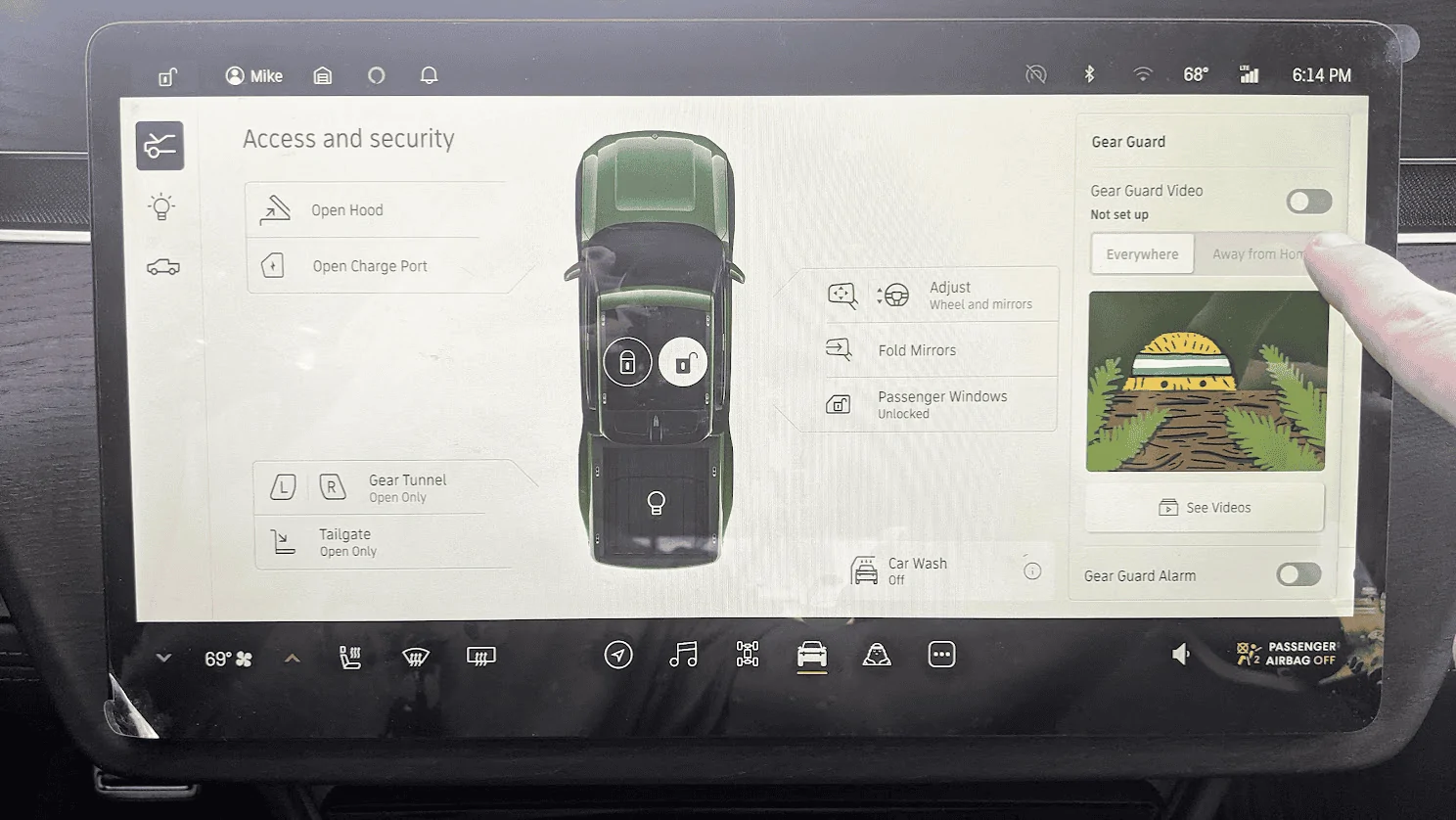
Manual says "to enable recording, choose Vehicle from the menu and turn on Gear Guard video."

When I click on the Gear Guard icon in the UI, it says "Set up Gear Guard video in your Vehicle App":

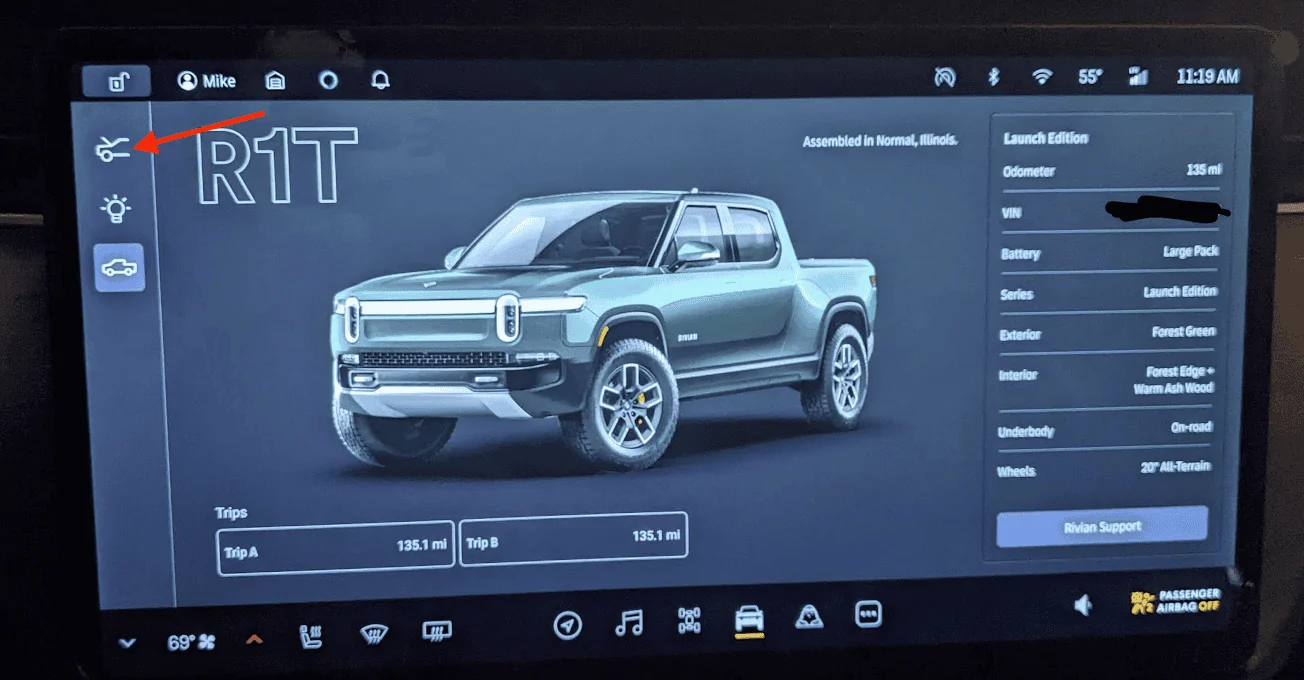
But when I click on "Take me there" it just takes me to this screen. No obvious place to click to enable functionality:

What am I missing? ?
Manual says "to enable recording, choose Vehicle from the menu and turn on Gear Guard video."
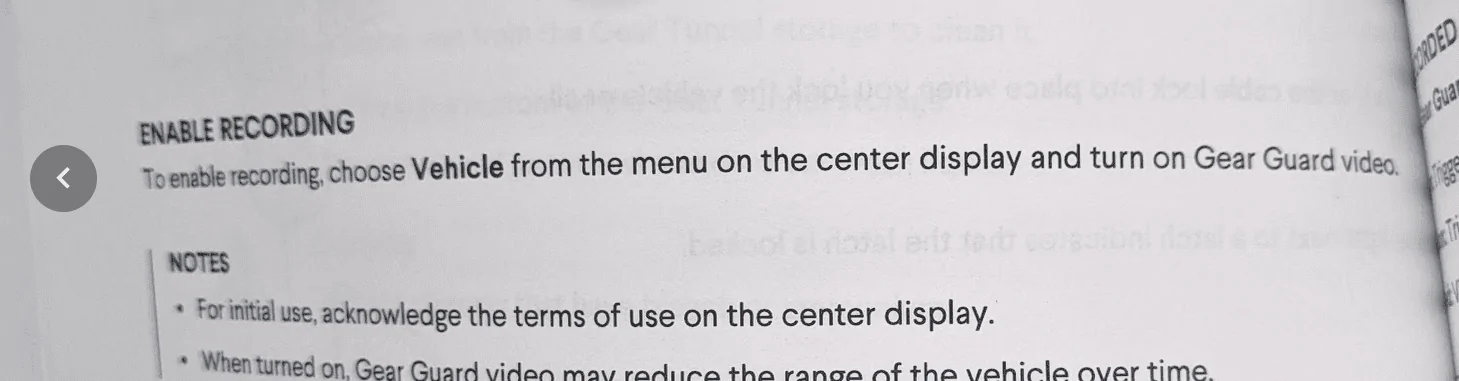
When I click on the Gear Guard icon in the UI, it says "Set up Gear Guard video in your Vehicle App":
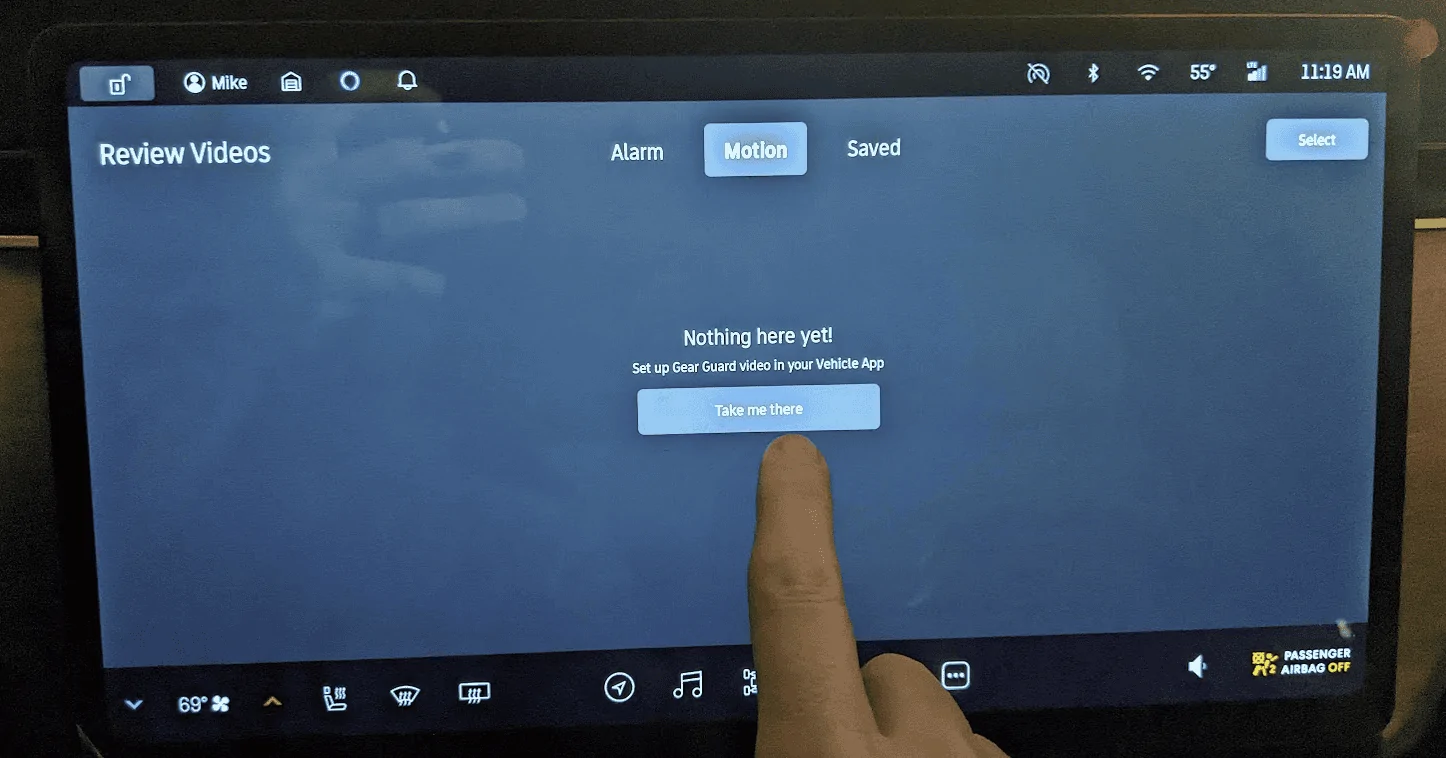
But when I click on "Take me there" it just takes me to this screen. No obvious place to click to enable functionality:
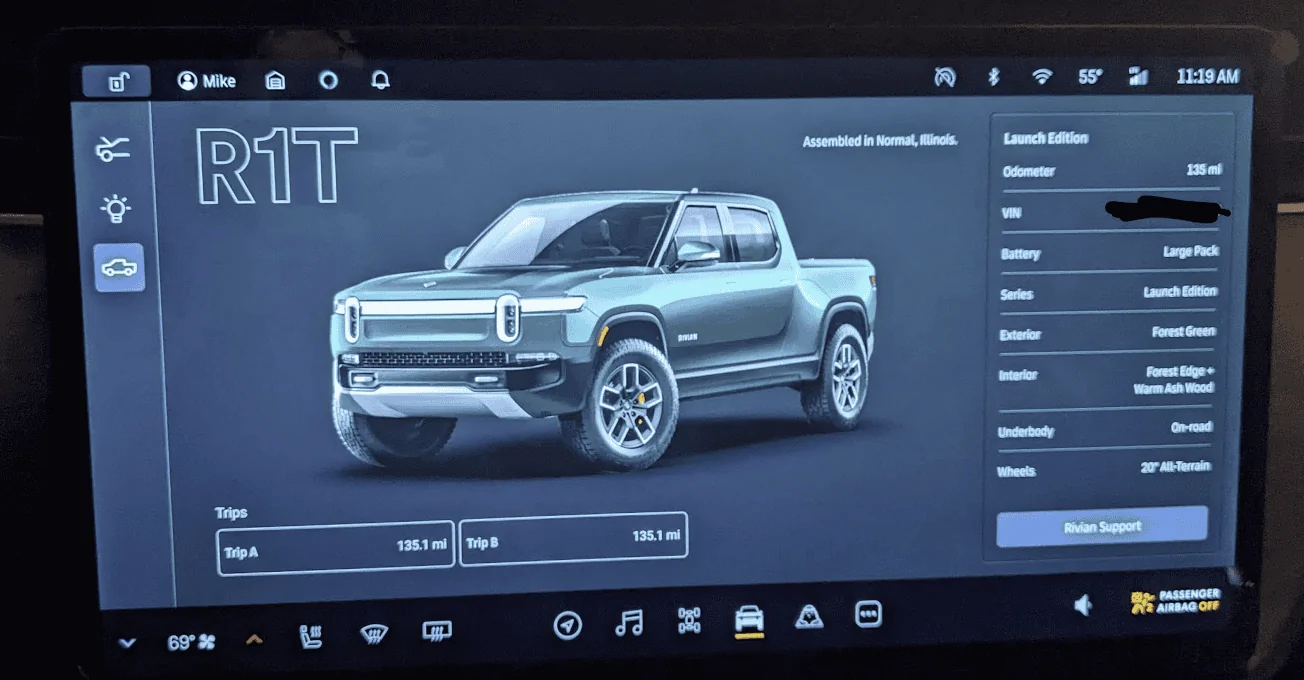
What am I missing? ?
Sponsored