Sponsored
OP
OP
jeeden

jeeden

Well-Known Member
First Name
Jeremy
Joined
Oct 27, 2020
Threads
57
Messages
1,082
Reaction score
1,632
Location
Northern VA
Vehicles
Rivian R1S, 2016 Ford Escape, 2015 Ford Mustang GT
Occupation
Project Manager
Clubs
 
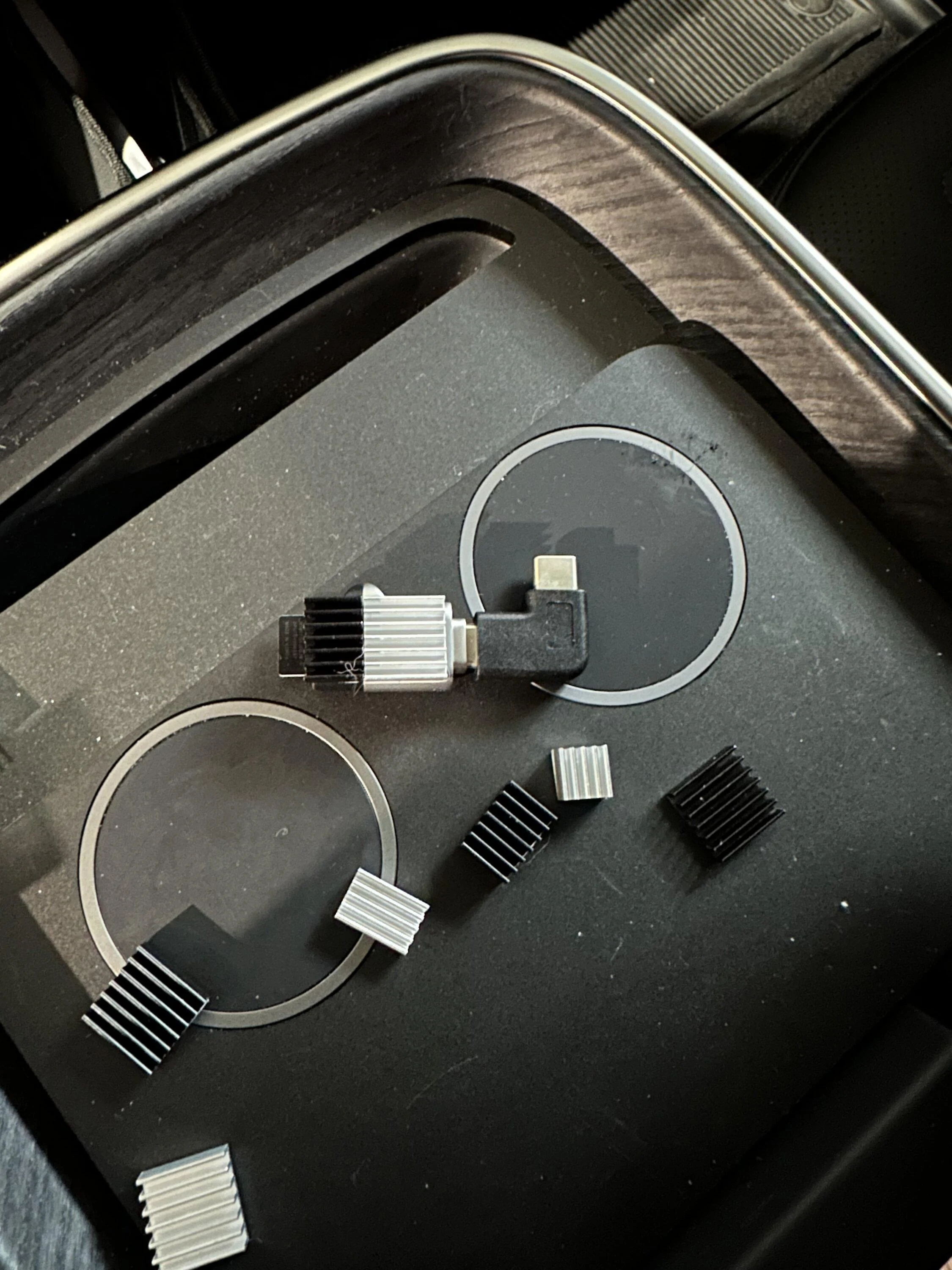
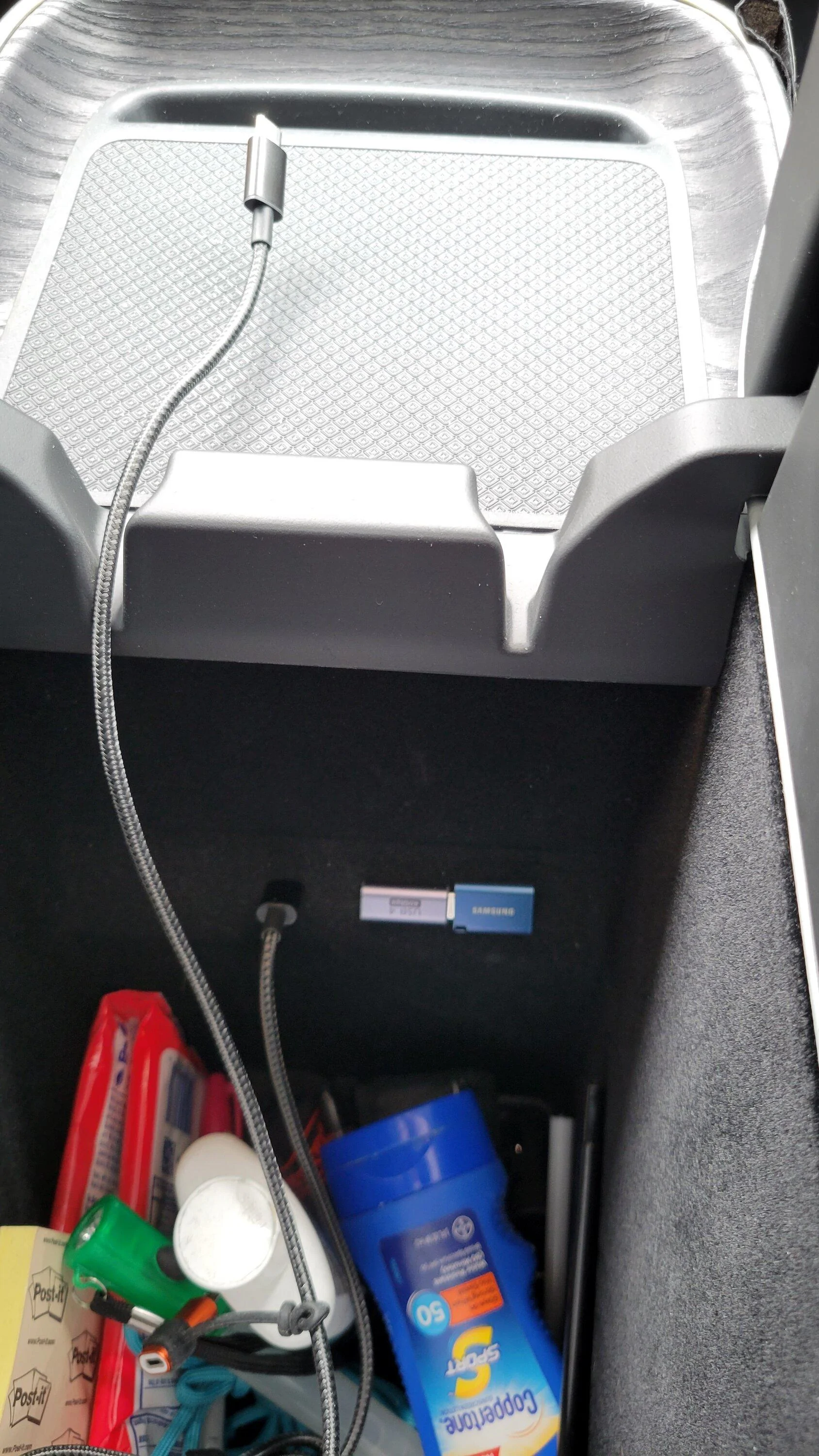
So I was going to go with the micro SD card in the adapter, but I couldn't ignore the great sale they have right now on those Samsung drives. Seems like the same warranty as the endurance card. I also like how it looks cleaner without the card sticking out the side of the adapter (I know, I'm damaged)

Pick with some of our crap in the console That's previously requested...
20230422_171104.webp

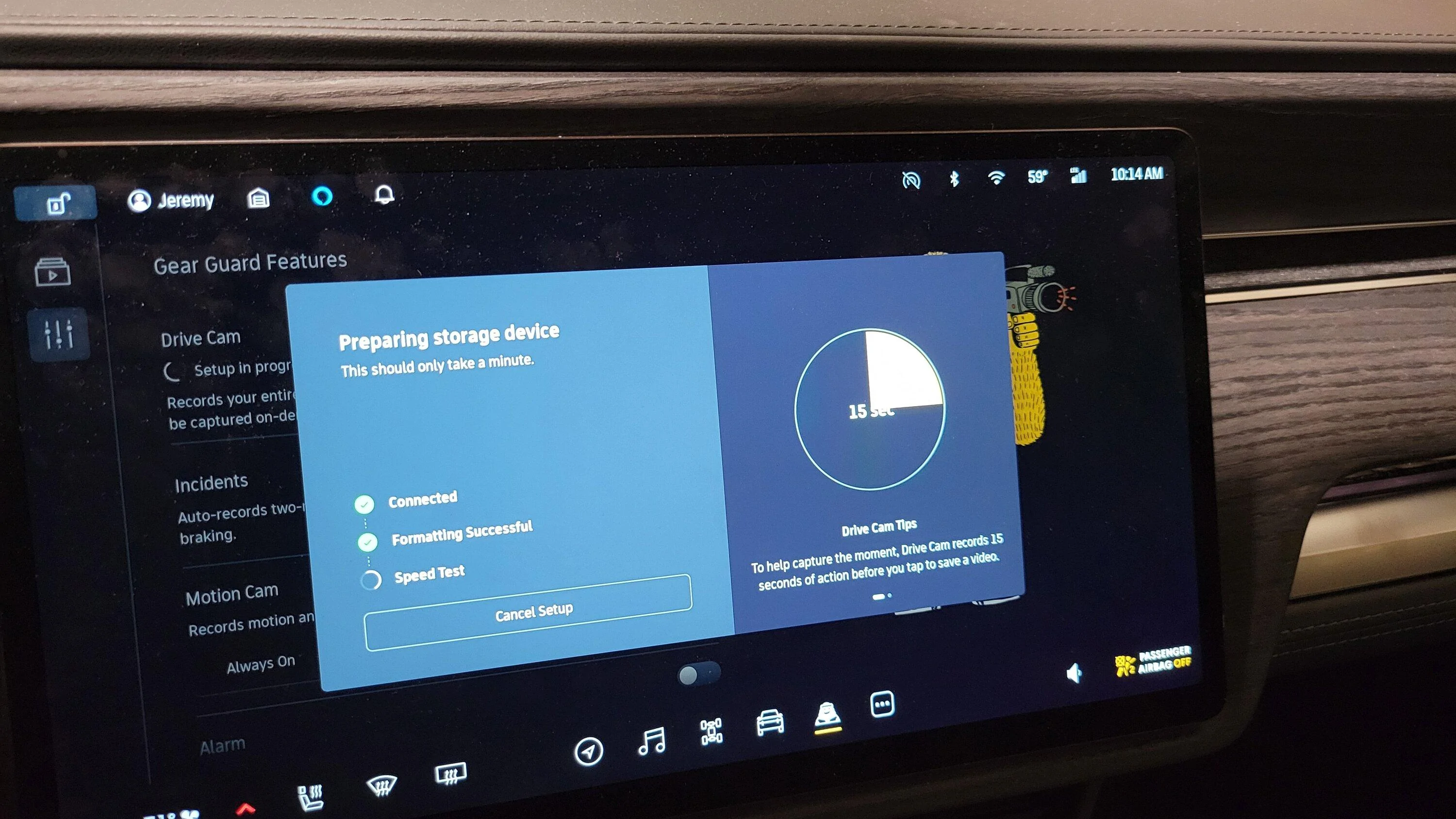
Confirming that this install worked great with the new software update. Found the drive right away and formatted (completed the first two steps of three) super quick. Ran a speed test for about 15 seconds and it is up and running.


Rivian R1T R1S Show off your dashcam memory card install 20230502_101428
 

cjones1130

Well-Known Member
Joined
Feb 22, 2022
Threads
10
Messages
298
Reaction score
298
Location
Georgia
Vehicles
2017 Audi Q7 , 2023 Red Canyon Rivian R1T

JerseyGreens

Well-Known Member
Joined
Nov 7, 2019
Threads
3
Messages
681
Reaction score
838
Location
NJ
Vehicles
2023 R1S ADV
Occupation
CAT Property Underwriter
Anyone test the video capabilities yet? What cameras is it using to record, does it loop, etc.
 

Sponsored

the_mace

Well-Known Member
First Name
Rob
Joined
Apr 8, 2022
Threads
11
Messages
414
Reaction score
343
Location
Boston, MA
Vehicles
Tesla Model S75D, Ford F350 Diesel, Mercedes GLC30
Occupation
CTO
I'm doing the same unless I decide to spend the extra $$ on a wifi drive.
In my years of dashcams (blackvue on the first tesla then the built in one on the second) i've found wanting to copy the videos off somewhere else is rare. I'm not a youtuber so I just review events when needed. Its infrequent enough that adding cost/complexity with a wifi device wasnt worth it to me
 
OP
OP
jeeden

jeeden

Well-Known Member
First Name
Jeremy
Joined
Oct 27, 2020
Threads
57
Messages
1,082
Reaction score
1,632
Location
Northern VA
Vehicles
Rivian R1S, 2016 Ford Escape, 2015 Ford Mustang GT
Occupation
Project Manager
Clubs
 
Just went for a drive and did a quick recording by hitting the button on the top tool bar. When I first got in the car and it was asleep it did pop up that storage device was missing into connect one but the warning flashed away quickly since I had it plugged in. Maybe the USB ports are a little slow to wake up.

When I hit the record button it showed a little status indicator underneath the button that showed progress to 2 minutes. When I hit the button again it stopped and dinged.


I blew the horn a little bit too but nothing recorded. I don't think I blew the horn long enough but I didn't want to attract attention.

Looks like the files are stored in two folders. One is called drive stream and while it shows thumbnails my phone is unable to play the files. I think this might be with the Rivian uses. The other folder is called saveclips and it has four files one for each camera around the car with the date and time. 1 minute and 7 seconds was about 80 MB per file/camera

Here is the front view


Edit: too large for the forum... Need to find a hosting spot

Edit edit: put it on my Google drive
 
Last edited:

the_mace

Well-Known Member
First Name
Rob
Joined
Apr 8, 2022
Threads
11
Messages
414
Reaction score
343
Location
Boston, MA
Vehicles
Tesla Model S75D, Ford F350 Diesel, Mercedes GLC30
Occupation
CTO
So, back in the day if you downloaded all those videos to your computer from Tesla it was a pain in the butt to play synchronized videos from multiple cameras. This was a solution that was used for that:
https://sentrycam.appspot.com/
A similar thing may be needed if someone wants to watch synchronized videos outside of the truck.

This is one reason a lot of people dont download/export the videos because its more difficult to view the recordings outside the purpose built interface the vendors create.
 

Sponsored

Wililye

Member
First Name
Changwoo
Joined
Jul 1, 2022
Threads
1
Messages
8
Reaction score
2
Location
Georgia
Vehicles
R1T, R1S, NV3500
Occupation
Restaurant owner
I’m curious about the resolution and frame rate of the video in Rivian’s Gear Guard system. Does anyone know?
 

Phatman113

Well-Known Member
First Name
Ryan
Joined
Feb 21, 2023
Threads
1
Messages
371
Reaction score
377
Location
Seattle
Vehicles
R1T
Occupation
IT
Clubs
 
So, back in the day if you downloaded all those videos to your computer from Tesla it was a pain in the butt to play synchronized videos from multiple cameras. This was a solution that was used for that:
https://sentrycam.appspot.com/
A similar thing may be needed if someone wants to watch synchronized videos outside of the truck.

This is one reason a lot of people dont download/export the videos because its more difficult to view the recordings outside the purpose built interface the vendors create.
has anyone checked if this works for Rivian videos too?
 

the_mace

Well-Known Member
First Name
Rob
Joined
Apr 8, 2022
Threads
11
Messages
414
Reaction score
343
Location
Boston, MA
Vehicles
Tesla Model S75D, Ford F350 Diesel, Mercedes GLC30
Occupation
CTO
has anyone checked if this works for Rivian videos too?
My update is still in progress. Probably have to adjust file names to look like the Tesla file names but not sure
 

Rivan

Well-Known Member
First Name
Rivan
Joined
Aug 10, 2022
Threads
11
Messages
145
Reaction score
99
Location
Irvine
Vehicles
R1T, Lexus RX350, Toyota Tundra
Occupation
Eng
Clubs
 

jakef801

Well-Known Member
First Name
Jake
Joined
Dec 18, 2020
Threads
44
Messages
539
Reaction score
536
Location
SLC, Utah
Vehicles
'16 Tundra/'18 Audi S6/'19 Rubicon/'22 R1T
Sorry if this has been covered. Is it possible to set dashcam to continuous record? I have a 2TB shield and would like it to record constantly when driving (and loop if/when drive is full). I don't have the update yet. Thanks
Sponsored


Top