savethemanual
Well-Known Member
What Carplay screen is that? I have one but it's not wide format like that.
Sponsored

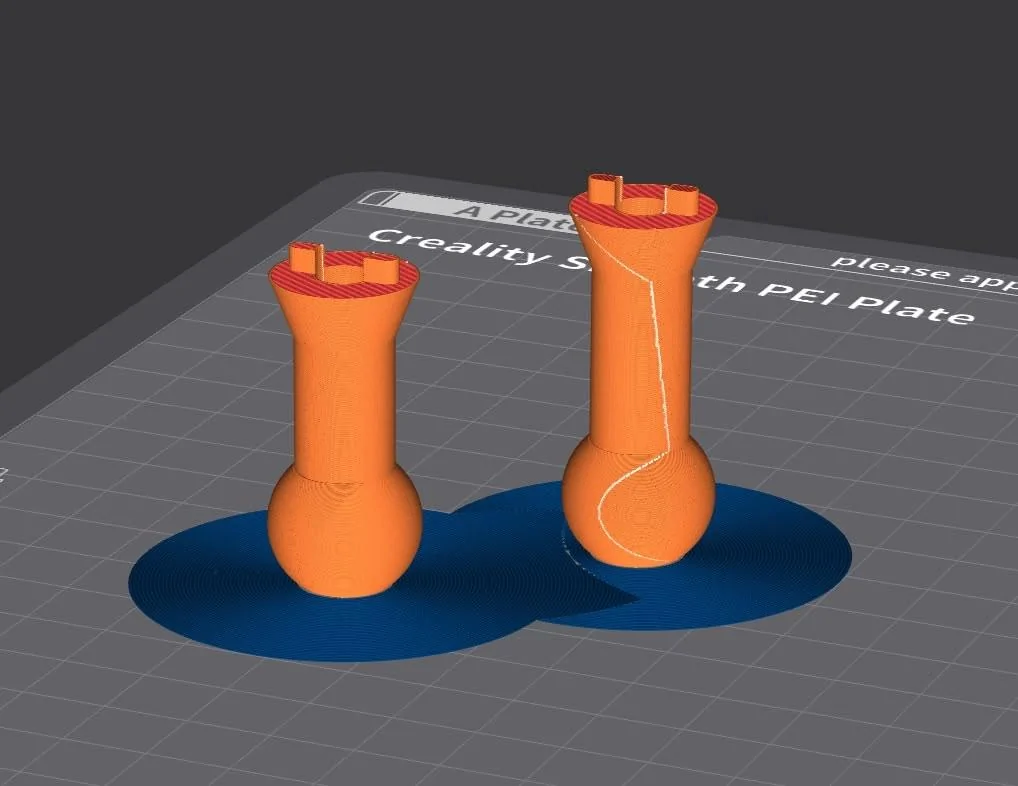
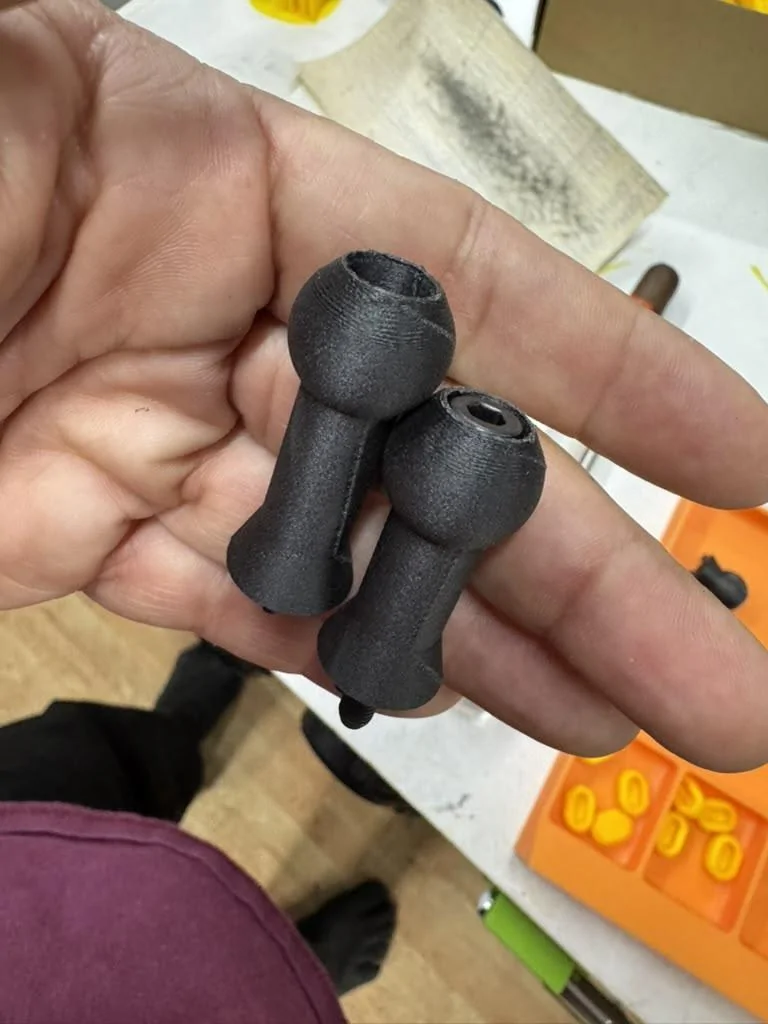

But you used the wiring kit you linked too? The device does not take 12v. The wiring kit brings the voltage down, correct?I just moved the mount to the left side, it had been on the right. The right position gets more sun, and the left position also gets some cooling air from the vent, so I expect it to be cooler. I specifically chose a mount with a heatsink and a fan, because I've had issues with overheating before, being in AZ. I do have a windshield coating ("tint" but not dark just rejects heat and UV). With this mount I've occasionally had the screen dim slightly to the first "I'm warm" setting, but not overheat or turn off. It's warm at most, not hot.
This is also an annoyance for me, with the truck in the driveway and the fact that I am out there doing work all the time and activating it. I think I'm going to have to turn off the auto-unlock at home. I'm not aware of any fuse that is "ignition only" like a car. That would be great. That fuse is indeed just one of the 12v outlets and behaves the same way they do.

To trigger Siri on you iPhone, you have 2 options. You can use the Hey Siri voice prompt or you can trigger it via the CarPlay interface. The touch screen button to activate Siri is the button in the lower-left corner of the screen. Press AND hold that for a second or two to wake up Siri.One issue, or I can’t find a button. My CarPlay in all my vehicles is triggered by holding the speaker button to activate voice commends.
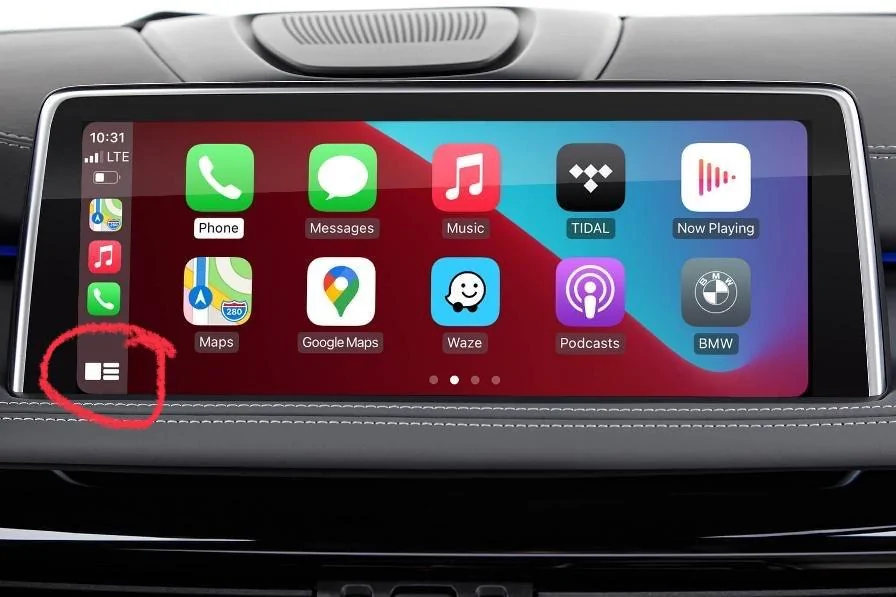
I love learning something new. Thank you.To trigger Siri on you iPhone, you have 2 options. You can use the Hey Siri voice prompt or you can trigger it via the CarPlay interface. The touch screen button to activate Siri is the button in the lower-left corner of the screen. Press AND hold that for a second or two to wake up Siri.

Edit: this assumes you have added a secondary screen for CarPlay. If you haven’t added the screen, your options to activate Siri are to use Hey Siri or to activate it with the buttons on your iPhone itself (TouchID: hold the home button down; FaceID: hold the power button and volume up buttons down).

One of the reasons I like CarPlay is being able to keep my phone in my pocket when driving shorter distances. Also don’t want to have to make it a two step process of turning down or pausing radio, then saying Hey Siri.I just use voice, why would you need a button? You can just talk to Siri for everything.
I will try Siri. But I don’t like to say hey siri. It is easy to hold button, then say command. I want to try holding bottom on button left.You don't have to do any of those things to use "hey Siri" with CarPlay.
How does my phone hear me say “hey siri” if my radio is too loud and/or the phone is in my pocket?You don't have to do any of those things to use "hey Siri" with CarPlay.