Sponsored

EastPondR1T

Active Member
First Name
David
Joined
Jan 23, 2022
Threads
1
Messages
25
Reaction score
42
Location
Maine
Vehicles
Escalade and Bmw 550
Occupation
Healthcare executive
Clubs
 
what ended up happening?
they towed it to the shop. Was a software issue. They gave me a rental and replace 12v batteries and did a software fix/update. It was a terrific experience. After my repair they sent an over the air update that fixed the issue on the sensor that failed for all other R1Ts.
overall it was a great experience considering it us to be towed. Since then no other issues.
Sponsored
 

R1SionLife

New Member
First Name
Sean
Joined
Dec 31, 2023
Threads
0
Messages
3
Reaction score
0
Location
Houston, texas
Vehicles
R1S
Occupation
Energy
I have 5000 miles and first major issue. Completely dead. Non of the resets worked. 200 miles was on the range. Sitting in my garage. Went to get in for an important meeting and nothing. Dead. No reverse or forward or resets nothing. Very disappointing. No loaners and no rentals until the next day.
Never felt so disappointed. Plus the Rivian rep suggested I am liable for the tow unless the technician says it’s a warranty issue. I mean a 2 month old vehicle dead in my garage with 200 mile range last checked when I parked it 3 hrs earlier seems like a warranty issue to me.
We shall see how this plays out now.
what came of this?
 

jeepfreakedc

Well-Known Member
First Name
Joshua
Joined
May 9, 2024
Threads
9
Messages
73
Reaction score
50
Location
Atlanta
Vehicles
2022 R1T Adventure Package
Just did the soft reset. Alexa works again. I had a random door open alert that would happen randomly as well. I'm curious to see if this will fix that also.
 

Bobthebuilder352

Well-Known Member
Joined
Nov 12, 2020
Threads
14
Messages
352
Reaction score
241
Location
Florida
Vehicles
Kubota
Occupation
Farmer
Just an FYI after having to do a few resets myself. There are 3 types of reset (that I know of). This is from Rivian support and might be helpful to others in the future.

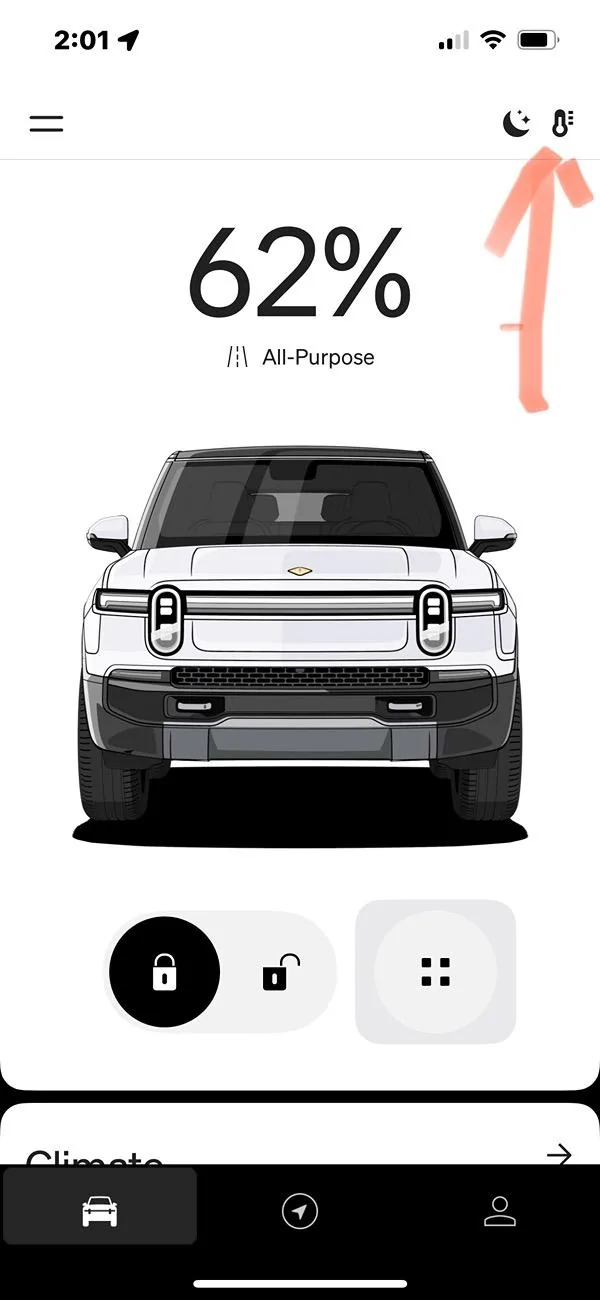
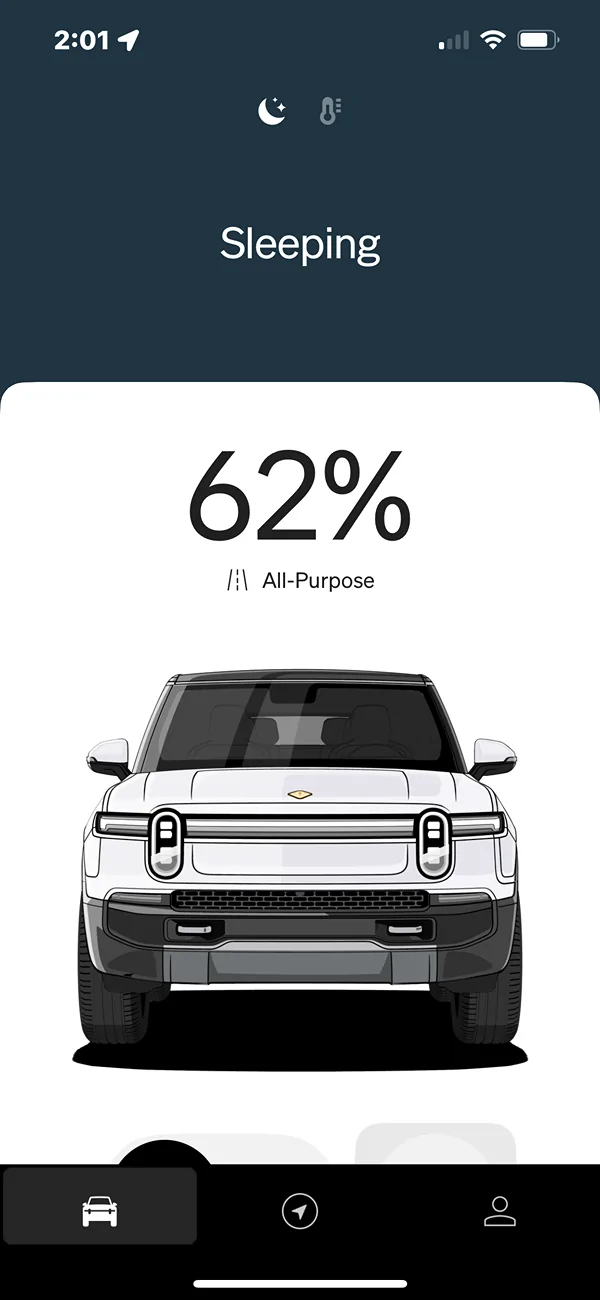
Sleep Reset
Rivian must be unplugged from charger, nothing plugged into any USB ports, Inverter off, all seatbelts unbuckled, no one in the vehicle. Then lock and walk away for at least 30 minutes.

Infotainment Reset
Hold the far left and far right buttons on the steering wheel for about 15 seconds. This fixes issues having to do with the screens, hotspots, Alexa not working, glitchy navigation, etc.

Full reset
Hold the far left button on the steering wheel and the emergency flasher button for about 15 seconds. The entire computer will restart.
According to Rivian support DO NOT RESET AGAIN FOR AT LEAST 1 HOUR after this procedure. There are multiple systems that may take a bit longer to fully come up after this reset.
I’ve got a ride height issue and the rivian tech advisor said to do two back to back full resets. This runs the opposite of what I’ve read here and other places. She was annoyed when I asked if she was sure about back to back resets. Can anyone confirm this is an accepted practice?
 

Sponsored

norivian

Well-Known Member
First Name
norivianyet
Joined
Dec 28, 2021
Threads
24
Messages
476
Reaction score
236
Location
Cali
Vehicles
Gen 2 R1S 2025
I’ve got a ride height issue and the rivian tech advisor said to do two back to back full resets. This runs the opposite of what I’ve read here and other places. She was annoyed when I asked if she was sure about back to back resets. Can anyone confirm this is an accepted practice?
It appears the original post was from 2 years ago. Software updates may have already resolved applicable issues.
 

paejm

Member
Joined
Jul 15, 2024
Threads
2
Messages
12
Reaction score
4
Location
PA
Vehicles
on the hunt!
I am going to second the back-to-back soft reset method as another option... my navigation suddenly stopped loading and my driver's dash would flash trying to pull up the local map. I also lost my side view on turn signals and apple music started to take awhile loading. Soft reset didn't help, hard reset didn't help, deep sleep didn't help.

soft reset, let it come back up fully and then soft reset again fixed all of those issues.
 

theonetruestripes

Well-Known Member
First Name
Josh
Joined
Mar 19, 2025
Threads
7
Messages
167
Reaction score
169
Location
VT - North Eastern Kingdom
Vehicles
Tesla Model Y, for a few days before I “swap” it for an R1S
Occupation
Programmer
Clubs
 
That being said, I know Apple cables have chips in them, so they could potentially cause issues
All USB-C cables that can do ”high power” charging need “a chip” in them to be part of the USB-C PD negotiations and promise “cable here! I can handle X amount of power at once without melting, hit me!” (Which is exactly why Apple’s USB-C cables have a chip, to make that promise), Without it I forget what the maximum safe assumption is, maybe 15W or so. Far short of the 200+W that USB-C PD can do with some cables now.
 

Ariscottle

Member
First Name
Scott
Joined
Nov 7, 2022
Threads
2
Messages
19
Reaction score
12
Location
California
Vehicles
R1T
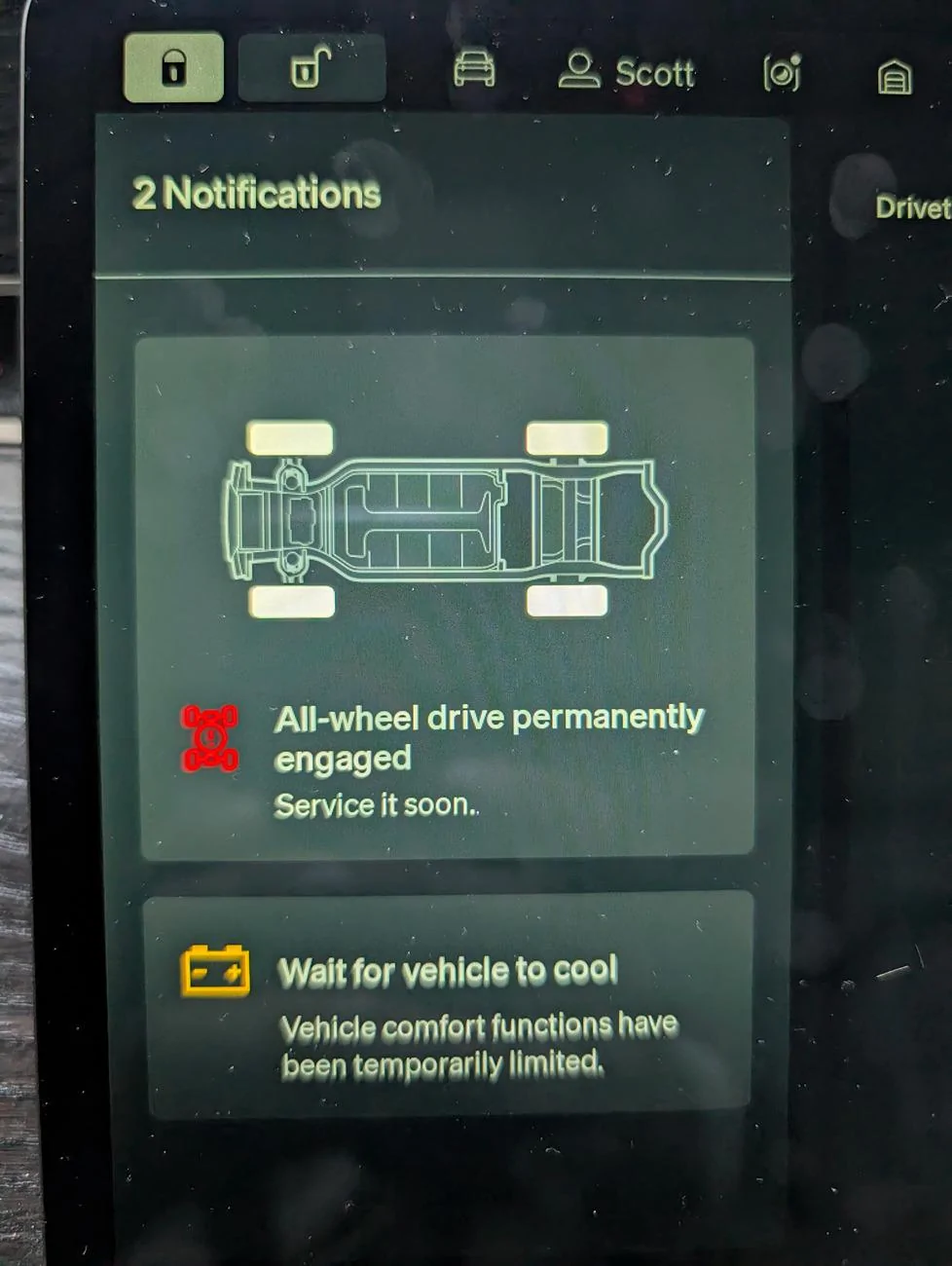
Rivian R1T R1S Reset Procedures -- 3 Types: Sleep, Infotainment, Full Reset 1000002207
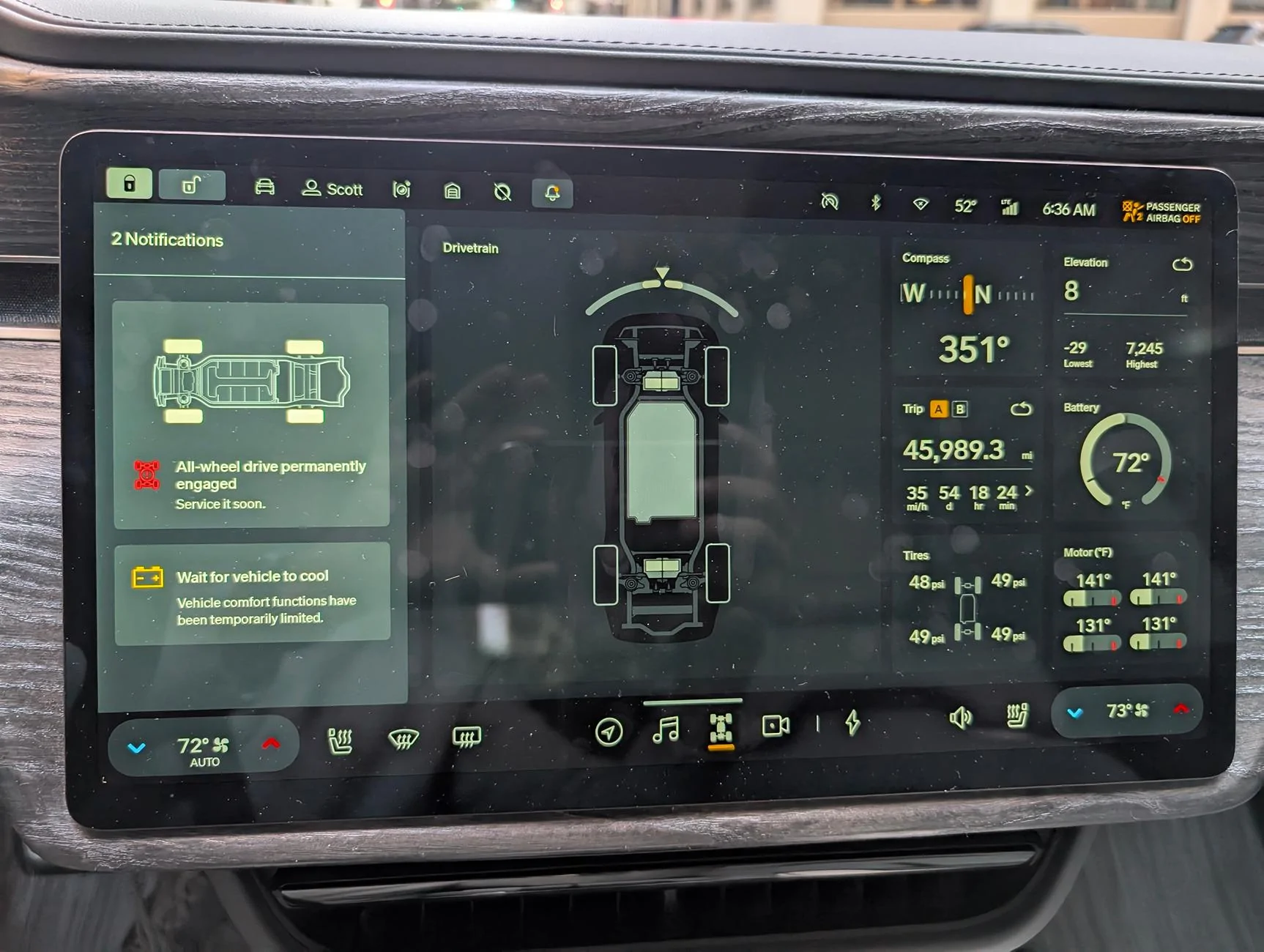
Rivian R1T R1S Reset Procedures -- 3 Types: Sleep, Infotainment, Full Reset 1000002208
Just did a full reset after this error came up yesterday. I was in sport at low height driving on city streets. Clearly the temps are within range. This was at 6am. I now have a service appointment at our brand new SC in Martinez, CA. Glad they're opening up there. Hopefully this was just a fluke. Hasn't occurred since.
Sponsored


Top