Sponsored

How to charge with NACS adapter?

MidnightRivian

Well-Known Member
Joined
Jun 21, 2021
Threads
98
Messages
2,296
Reaction score
3,671
Location
USA
Vehicles
Rivian R1S
Clubs
 

GRC

Well-Known Member
First Name
GC
Joined
Dec 18, 2022
Threads
14
Messages
239
Reaction score
175
Location
GTA Ontario
Vehicles
2024 R1S
Occupation
still figuring it out
Clubs
 
quick question regarding the tesla destination chargers; if you have the correct adapter for it; is it safe to assume all the destination chargers will work with the rivian with the adapter? I downloaded the tesla app and setup an account and added my vehicle as 'rivian' and noticed now when I look at the charging app, it only shows the superchargers (all the destination chargers don't show anymore...) It showed previously before I setup my account and used as Guest.
 

UnsungZero_OldTimeAdMan

Well-Known Member
First Name
Barnum
Joined
Mar 20, 2023
Threads
68
Messages
8,690
Reaction score
11,929
Location
SoCal
Vehicles
'23 GW Quad-Large R1T "Ghost"
Occupation
Advertising Circus
Last edited:

Captain JB

Well-Known Member
First Name
John
Joined
Oct 14, 2021
Threads
0
Messages
321
Reaction score
221
Location
Hermosa Beach, Ca.
Vehicles
Chevy Volt
Occupation
Retired Airline Pilot
Clubs
 
It's not so much the slider lock, it's the tight tolerance of the adapter until it's broken in with use. If the Supercharger plug isn't fully seated in the adapter, the slide lock will not be free to slide to the locked position—because the notch in the plug isn't lined up with the locking tab. Once the plug is fully seated, and notched lined up with locking tab, the switch is so easy to move that you'll be second guessing whether it move at all or moved enough. Furthermore, this slide lock is essentially a on/off switch. Without it being switched on (locked), it will not pass charge or comms between car and Supercharger (A2Z have said as much). This adapter is so precisely made (a hair too large than necessary) that even the CCS1 side puts up a small fight. You have to align and apply force in just the right direction... or wiggle it. The NACS side, by second and third use, it only took me one determined try to get the plug to seat fully. I've used it 4 times now.

Here's what I recommend to A2Z newbies:
  • Before you head out, look at the slider switch itself. Because the lock/open letterings are not color-filled, it can be difficult to see where the switch sits in either extremes. When fully engaged in either direction, the switch itself should cover up the words.
  • Take a small rubber mallet with you. Because, believe me, using a [malleable] tapping tool is a lot less painful than hitting the edges of the CCS1 end with your flesh and bone.
  • Upon arrival at the Supercharger, take a look at the plug. Observe the wear mark on it. You should see a clear line between warn and untarnished surface. This line will provide visual reference on whether the plug is seated.
  • If inserting NACS to adapter by hand and without aid of a mallet, slow and smooth is not the technique. A burst of force is the way.
  • At times, if enough force is used to tap/pop the adapter into place, that momentum will cause the slide lock to engage on its own. So if you go to slide the lock and it doesn't budge, and you can see the plug is fully seated, don't panic. This could be the reason and you're actually good-to-go.
  • Alternatively, instead of a mallet, you can try installing the adapter on the Rivian first. Then, the NACS plug into the A2Z. This will make your adapter a stationary target, and the Rivian a 7k+ lb bench vice, giving you better phyiscial/mechanical leverage on manipulating the NACS plug. If this is what you decide to do, reverse the steps once charging is complete. Coincidentally, this is the method Lectron recommends for their adapter. Their adapter will still pass charge even if the mechanical lock isn't engaged, but plug fully seated. That's what their recall was about. The A2Z lock is more than a mechanical lock, it's also a electronic fail-safe. If you slide to unlock during charging, charging will stop (but don't do it).
Thanks soooo much for this excellent explanation! JB
 

Sponsored

UnsungZero_OldTimeAdMan

Well-Known Member
First Name
Barnum
Joined
Mar 20, 2023
Threads
68
Messages
8,690
Reaction score
11,929
Location
SoCal
Vehicles
'23 GW Quad-Large R1T "Ghost"
Occupation
Advertising Circus
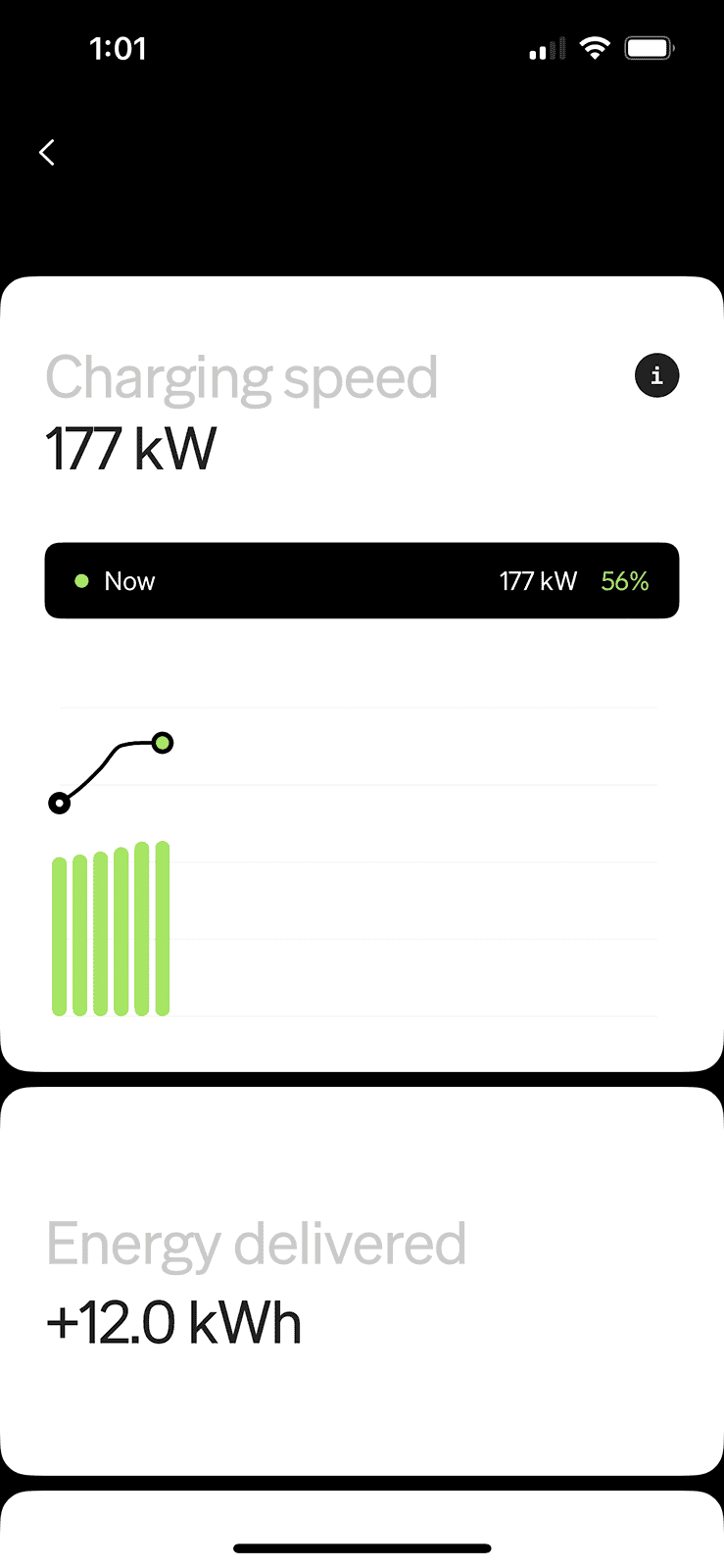
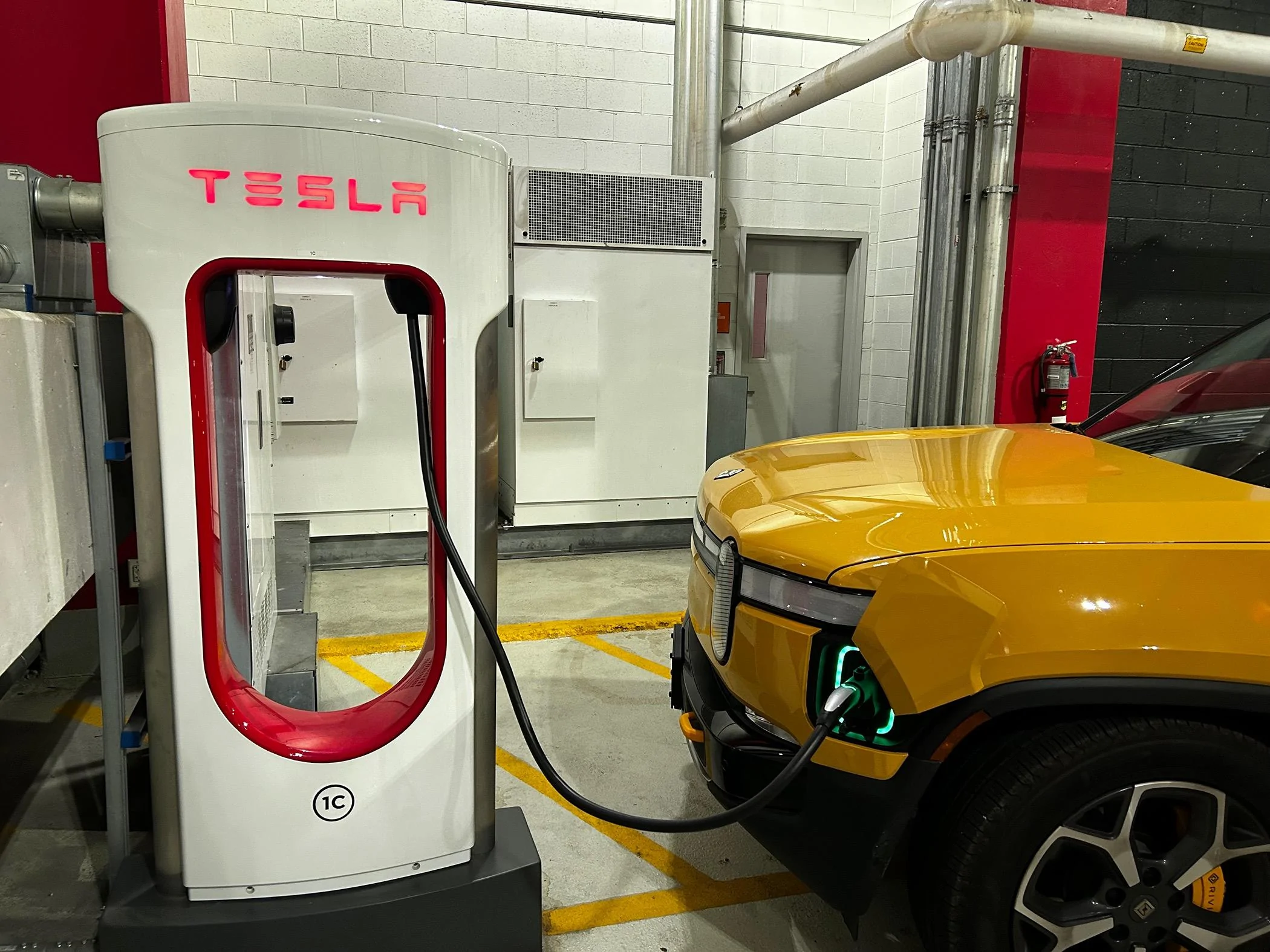
Well it worked but it took some muscle to get the adapter connected

IMG_0401.png


IMG_0402.webp
Congrats. Subsequent attempts will get easier. Prior to my first attempt, I bought s00nish's 3D printed cap (CCS1 end) for sake of drop protection. While having difficulties getting the plug to seat, I realized the cap's larger flat surface area would hurt less and transfer force better. It did. So subsequent sessions, I kept the cap on when I give it a slap. I over-compensated on second session, slapped it hard enough where the slide lock engaged from momentum. Third session I dialed back the force, but forgot to check the slide lock. It wasn't locked, but started charging as soon as I moved it to the locked position (while still attached).
 

UnsungZero_OldTimeAdMan

Well-Known Member
First Name
Barnum
Joined
Mar 20, 2023
Threads
68
Messages
8,690
Reaction score
11,929
Location
SoCal
Vehicles
'23 GW Quad-Large R1T "Ghost"
Occupation
Advertising Circus
Can the A2Z be used with the Tesla NEMA mobile charger?
quick question regarding the tesla destination chargers; if you have the correct adapter for it; is it safe to assume all the destination chargers will work with the rivian with the adapter? I downloaded the tesla app and setup an account and added my vehicle as 'rivian' and noticed now when I look at the charging app, it only shows the superchargers (all the destination chargers don't show anymore...) It showed previously before I setup my account and used as Guest.
I must've deleted my previous responses by accident. For sake of others joining the convo... This Supercharger adapter by A2Z is for DC Fast Charging (aka DCFC or Level 3).

For mobile and Destination chargers, you need a Level 2 adapter (NACS to J1772). The lower two pins of your Rivian's charge port is not utilized for Level 2 charging, so that end of the adapter would match the circular portion of your charge port. And it would look just like the J1772 plug that comes attached to your Rivian-provided mobile charger. A2Z does make one of these.

Some Destination chargers are configured to be Tesla-only. Check ahead with owner/operator of each Destination charger (hotel or AirBnB). As far as I know, hardware wise, Destination chargers are exactly the same as the Wall Connectors by Tesla. So whatever Tesla app that is used to control each charger, probably has a Tesla-only toggle that can be switched on/off. If Destination locations are now showing up in your Tesla app, check your filter settings.
 

NC-Rivian

Well-Known Member
First Name
Greg
Joined
Jul 31, 2022
Threads
33
Messages
374
Reaction score
654
Location
Hendersonville, NC
Vehicles
LA Silver R1T; Blue R1S
Occupation
Sales
Corrected typo. If Tesla member, Tesla app is the only way to initiate charge and be billed at the discounted rate. Initiate charge with app, before you plug cable and adapter into charging port.
FYI … the $12.99/mo “membership” pays off at about 110kW. You are able to start and stop the membership monthly and I only buy it when a road trip is coming up. Also, some Tesla SC are less expensive - I generally stop at Newnan GA and Commerce GA because, for some reason, the per kW cost is much lower.
 

UnsungZero_OldTimeAdMan

Well-Known Member
First Name
Barnum
Joined
Mar 20, 2023
Threads
68
Messages
8,690
Reaction score
11,929
Location
SoCal
Vehicles
'23 GW Quad-Large R1T "Ghost"
Occupation
Advertising Circus
FYI … the $12.99/mo “membership” pays off at about 110kW. You are able to start and stop the membership monthly and I only buy it when a road trip is coming up. Also, some Tesla SC are less expensive - I generally stop at Newnan GA and Commerce GA because, for some reason, the per kW cost is much lower.
Correct. I do not charge at home (can't). So I'm membered-up indefinitely. A little over two sessions a month, break even on the membership. Remainder of the month, all savings. Beats EA Pass+. And definitely beat having to wait at EA (6 chargers or fewer) and until late at night to charge.

There is another way to save even further, via the BlueDot app and using their debt card as your Tesla account's payment source. But you have to preload that debit card with funds and deal with some other minutiae.
 

NC-Rivian

Well-Known Member
First Name
Greg
Joined
Jul 31, 2022
Threads
33
Messages
374
Reaction score
654
Location
Hendersonville, NC
Vehicles
LA Silver R1T; Blue R1S
Occupation
Sales
Correct. I do not charge at home (can't). So I'm membered-up indefinitely. A little over two sessions a month, break even on the membership. Remainder of the month, all savings. Beats EA Pass+. And definitely beat having to wait at EA (6 chargers or fewer) and until late at night to charge.

There is another way to save even further, via the BlueDot app and using their debt card as your Tesla account's payment source. But you have to preload that debit card with funds and deal with some other minutiae.
Besides BlueDot, I use my Sam’s Club card for charging purchases and the card rebates 5% of the cost. Other cards will do something similar. Every little bit helps … and adds up over time.
 

Sponsored

Jaimito

Member
First Name
J
Joined
Apr 4, 2022
Threads
0
Messages
9
Reaction score
4
Location
New York, United States
Vehicles
Tesla Model Y, Model 3
I have a Lectron adaptor. Haven't able to get it working. When plugged in, Rivian display says to update my payment method on the app. But it's already has a credit card on file. On charging accounts, it is linked to Charge Point. No other charging services are available to link.

For those of you that have plug and charge working with Lectron adaptor, anything I can try before contacting Rivian support? My guess it's not the adaptor, but so far I haven't got it to work once yet.
 

emoore

Well-Known Member
Joined
Nov 29, 2020
Threads
4
Messages
3,815
Reaction score
4,240
Location
Colorado
Vehicles
2022 R1T
I have a Lectron adaptor. Haven't able to get it working. When plugged in, Rivian display says to update my payment method on the app. But it's already has a credit card on file. On charging accounts, it is linked to Charge Point. No other charging services are available to link.

For those of you that have plug and charge working with Lectron adaptor, anything I can try before contacting Rivian support? My guess it's not the adaptor, but so far I haven't got it to work once yet.
Use another credit card? The adapter is just a pass thru so if you can get a charge then the adapter is working fine. It’s your Rivian account.
Sponsored


Top