
Ptrp4tr
Member
I went into settings, data and privacy and unchecked everything. It appears blinking may have stopped. Or it might be coincidence.... Not sure
Sponsored
Interesting. Do you have Electrafi.com access? Monitor if it goes to sleep in that site if you can.I went into settings, data and privacy and unchecked everything. It appears blinking may have stopped. Or it might be coincidence.... Not sure
I've got tezlab (should've gotten electrify, lesson learned) but that should tell me if it sleepsInteresting. Do you have Electrafi.com access? Monitor if it goes to sleep in that site if you can.
BUT, worth saying that I did try Shipping Mode which suppose to turn everything off and that didn't help me


Mine too! Monitoring energy usage now. Fingers crossed.Update: I opened the app just now and the app said my R1S was asleep. Went down to the garage and the charge port light was off and no flashing tail lights. I'll continue to monitor to see if this is just a fluke or if this is indeed resolved.
I was just in Vegas and I got more sleep than my car over the last four daysditto, no more blinking, and car is finally showing sleeping since 11:36AM. first sleep in days!


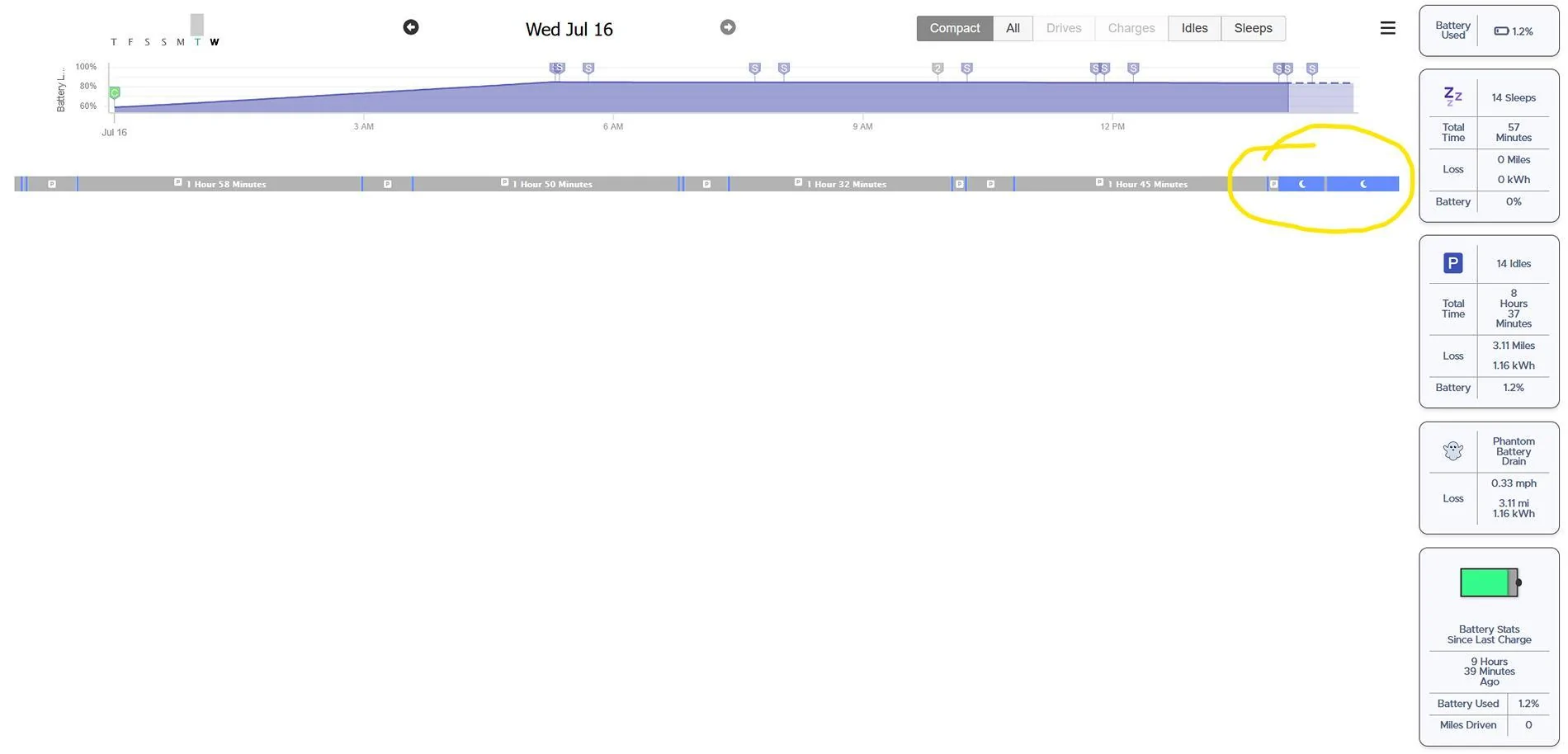

Nice!Just got off a work call. Looks like I also got some sleeps coming in now, as well:

Hopefully fixed. Will keep an eye on it. Would like to see Rivian address this, but I doubt we'll hear what the cause was. Who wants to bet they'll blame it on an intern?
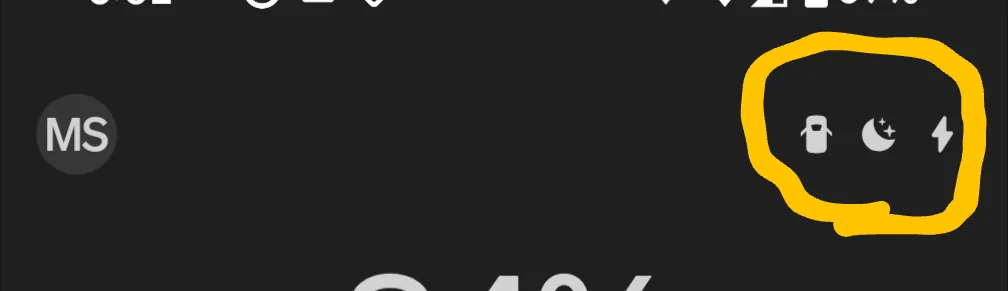
It's amazing!Shows sleeping in the app, as well:

I bet those brand-new 12V batteries were screaming the past 24 hours. Hopefully no permanent damage. But I guess at least this "resets" the warranty period on those?


