HaveBlue
Well-Known Member
If you have a Samsung phone, it's simplified without third party apps. You can use Modes and Routines to create a routine.What did you use to automate that and how did you do it? I wanted to look into that but it'll be tricky to turn on BT when I walk outside of my kitchen
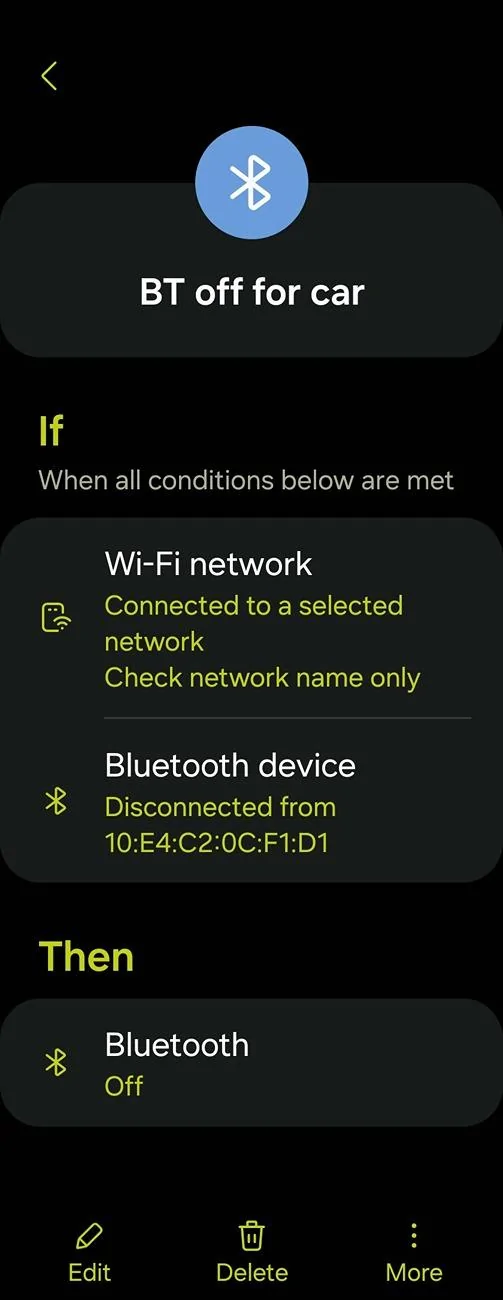
At my work is easy. If my phone connects to the work wifi, the BT turns off and then turns back on when it disconnects. When I get in the elevator, I lose wifi. Amazingly BT reaches my car two floors below and keeps it awake otherwise.
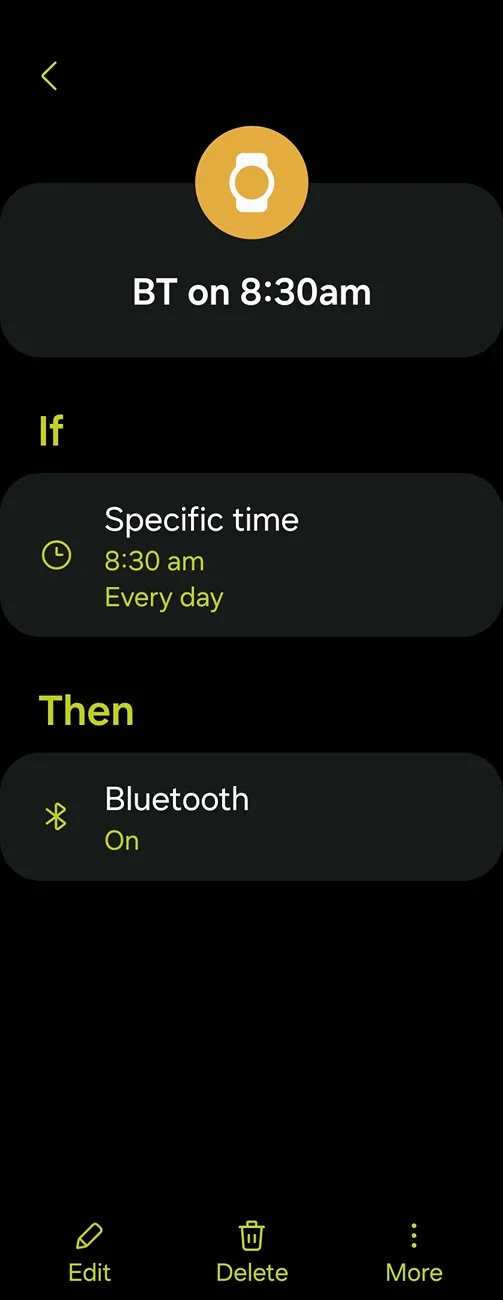
Same routine at home but like you, my car is too close to lose wifi so I just have a routine that turns BT back on in the morning before I go to work. All other places, my phone is usually out of range.
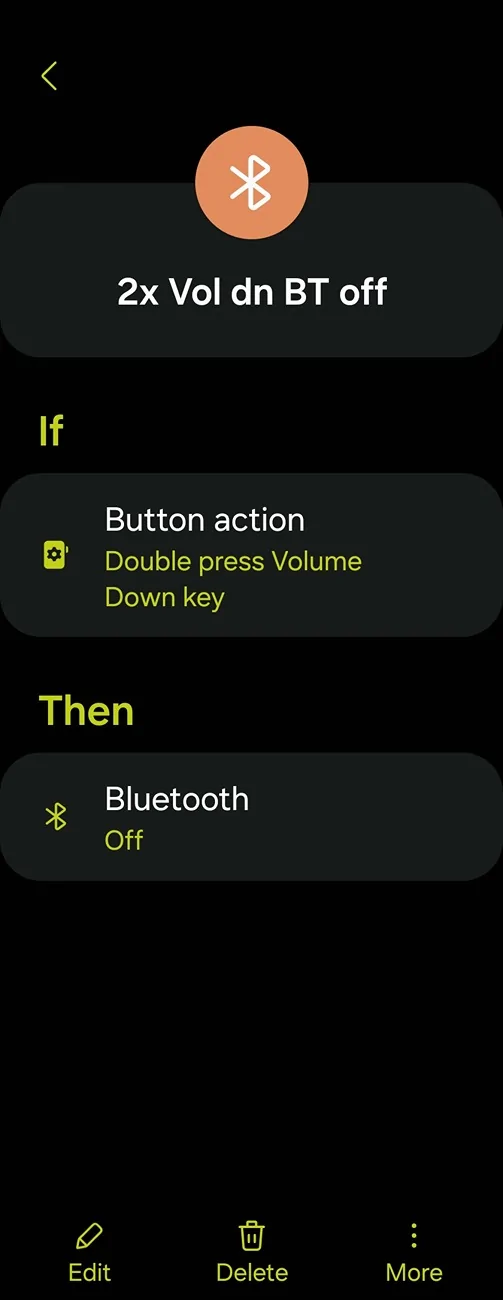
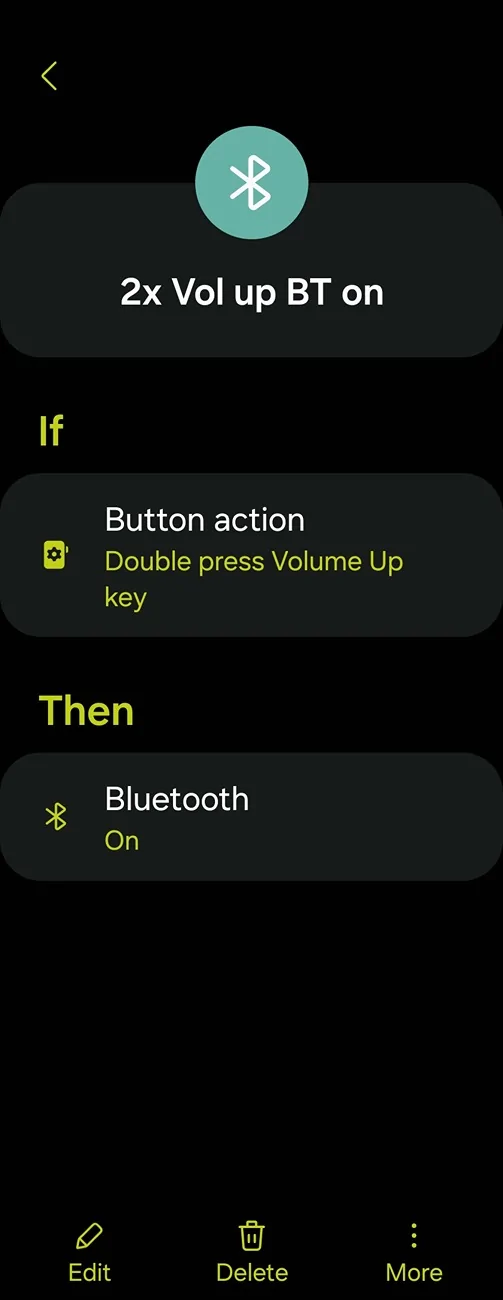
Samsung phones you can also program the volume rocker to turn BT on and off with a double tap even with the screen off. You probably need to leave BT scanning off in the settings.
If you don't have a Samsung, you'll need a third party app like Tasker; though the UI sucks. So maybe Automate: https://play.google.com/store/apps/details?id=com.llamalab.automate Google has made it tough to control BT on non rooted phones so I'm not sure on third party app access to those functions anymore.
Sponsored